
Collection:
Display Apps
Take full control of how your Mac looks and behaves. Adjust brightness, contrast, resolution, and color, manage multiple monitors, lock docks in place, blur distractions, fine-tune window focus, and switch display profiles instantly from your menu bar.
Collection:
Display Apps
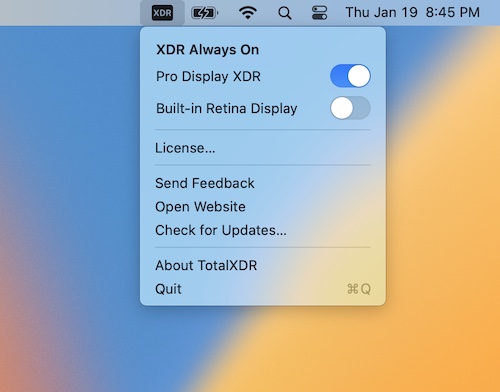
TotalXDR
Collection:
Display Apps | Window Managers
Glide
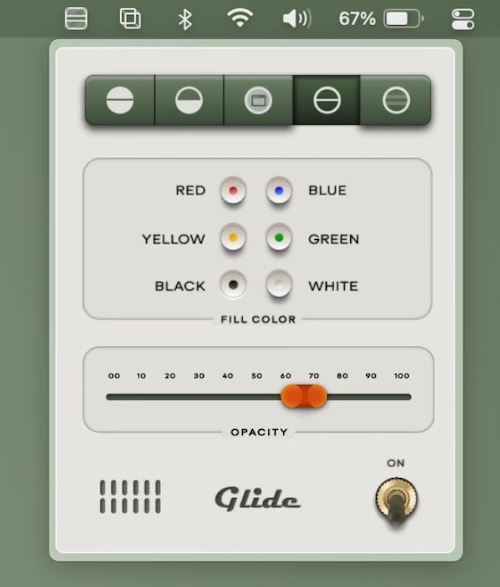
Glide is a focus pointer that lets you dim parts of your screen for better focus and reading experience. You can still interact with everything on your screen while the app is active.
Collection:
Display Apps
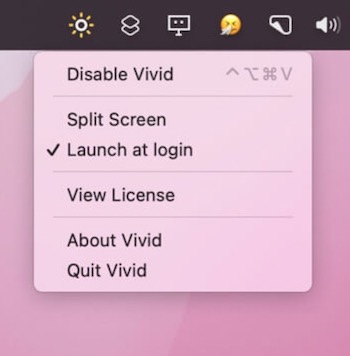
Vivid
Collection:
Display Apps
BetterDisplay
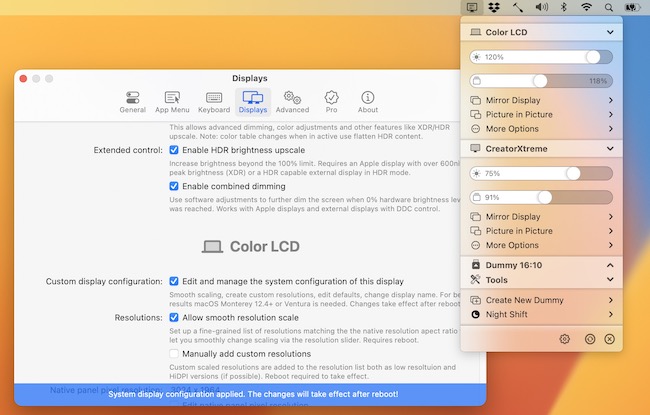
BetterDisplay lets you convert your displays to fully scalable screens, and gives you a host of other features to manage your display’s settings easily from your menu bar.
Collection:
Display Apps
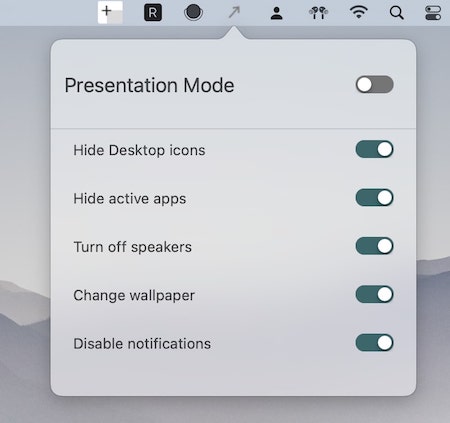
QuickPresent
Collection:
Display Apps | Meeting Apps
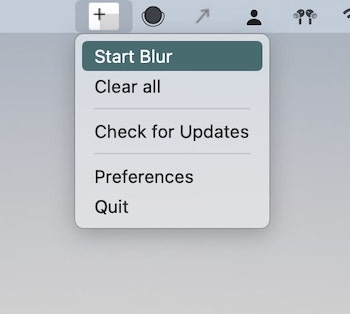
BlurScreen
Collection:
Display Apps | Meeting Apps
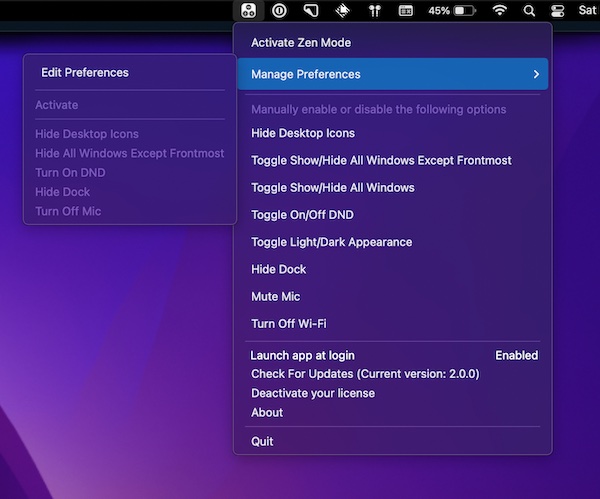
Zen Mode
Collection:
Cleaning Apps | Display Apps
Hides
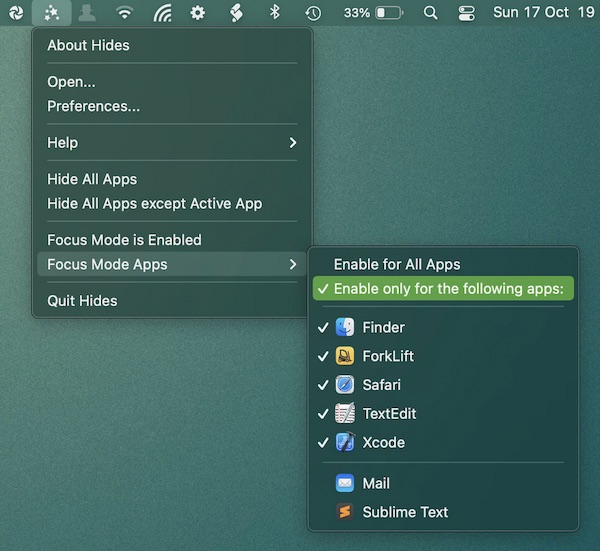
Enable focus mode, to quickly hide all apps except the app you’re currently working in. This menu bar app can be configured globally or for specific apps.
Collection:
Display Apps
JustStream
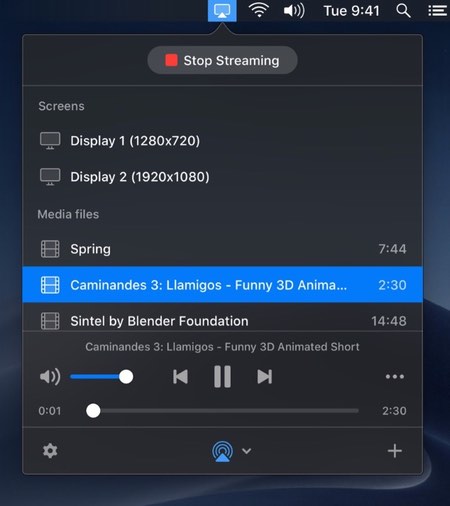
JustStream streams video and audio from your Mac to Apple TV, Chromecast, Roku and most smart TVs, in nearly any format and up to 4K, with subtitles and playlists. It can also mirror your entire Mac screen to the big screen.