Take full control of how your Mac looks and behaves. Adjust brightness, contrast, resolution, and color, manage multiple monitors, lock docks in place, blur distractions, fine-tune window focus, and switch display profiles instantly from your menu bar.
Show me the free apps only
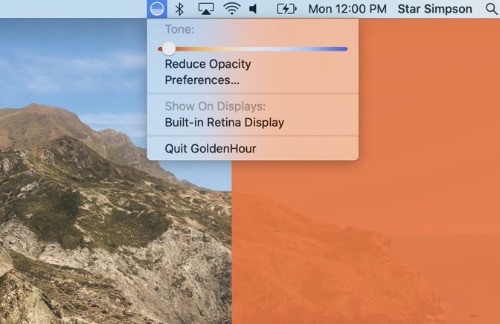
This menu bar app replicates the golden hour effect by reclaiming unused screen space when using your computer for video communication. It allows you to illuminate yourself with a consistent and pleasing rosy glow.
Visit
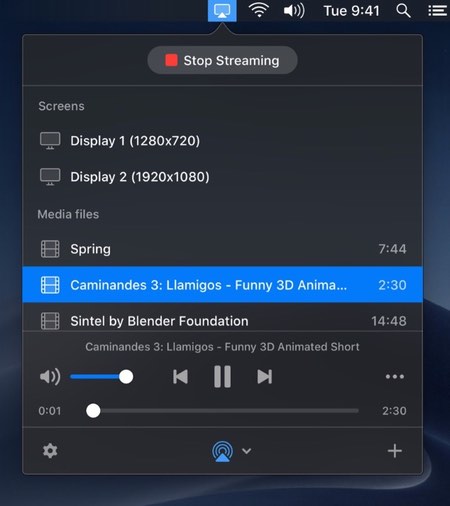
With this menu bar app you can cast local media from your MacBook or Mac to other devices that are connected to the same Wi-Fi network. Broadcast your media in any format, any resolution (including Ultra HD), without the need for any cables.
Visit
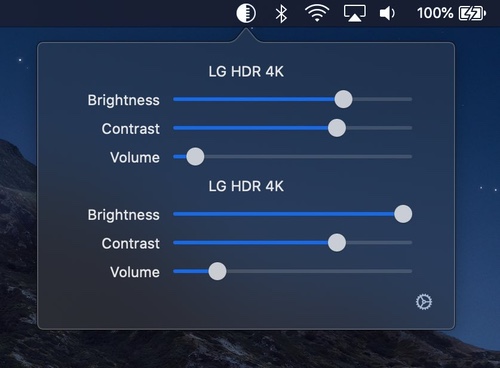
DisplayBuddy lets you control your external displays: Setting brightness, contrast, and volume from your Mac’s menu bar.
Visit
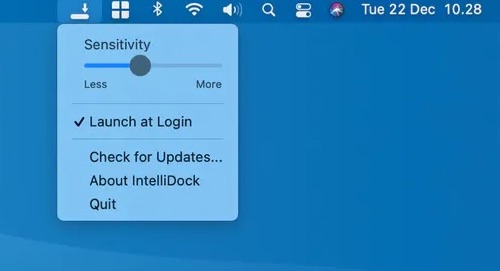
IntelliDock hides the Dock when it’s overlapped by a window. So the Dock is only visible when nothing overlaps it.
Visit Watch

A menu bar app for quickly toggling macOS’s dark mode. Left clicking the icon toggles dark mode; right clicking reveals more options.
Visit
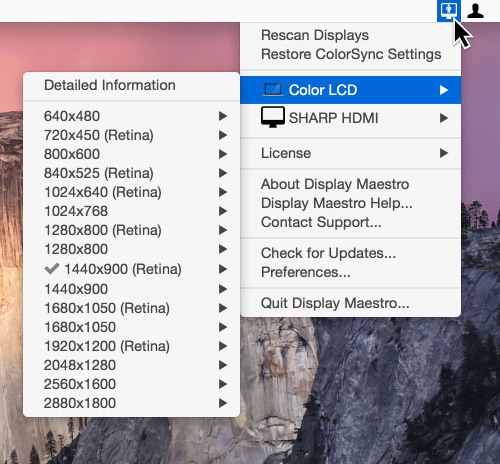
This menu bar app gives you full control over attached displays, allowing the use of all available resolutions and bit depths.
Visit
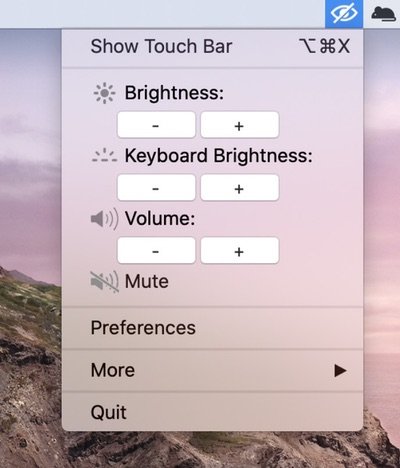
This menu bar app turns off the touch bar at will, so you can avoid accidental taps.
Visit Watch
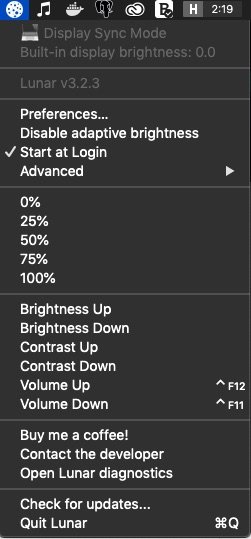
With Lunar you can control the brightness of you external monitors, directly from your menu bar.
Visit
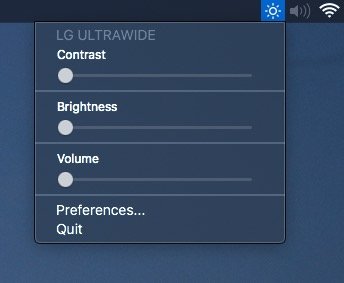
Adjust external monitor settings including brightness, contrast, and volume from your menu bar.
Visit

Clear desktop clutter instantly and reclaim valuable screen space with one click whenever you need to focus on your current work and all ongoing projects.
Visit