Take control of every click and keystroke. Customize gestures, remap keys, automate shortcuts, smooth scrolling, simulate activity, switch keyboards intelligently, add typing sounds, or even replay input actions, all directly from your menu bar.
Show me the free apps only
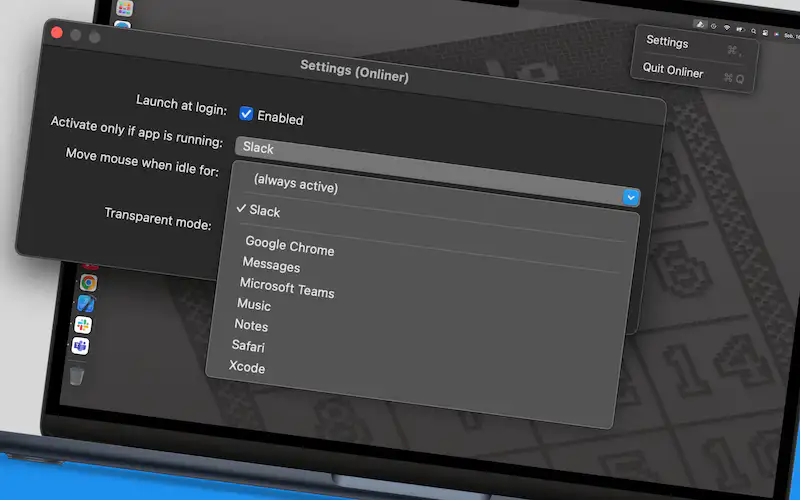
Onliner keeps you “online” effortlessly by simulating undetectable mouse activity in the background. Ideal for remote workers and professionals, Onliner ensures uninterrupted focus and avoids idle status notifications. Simple, efficient, and smarter than any mouse jiggler.
Visit
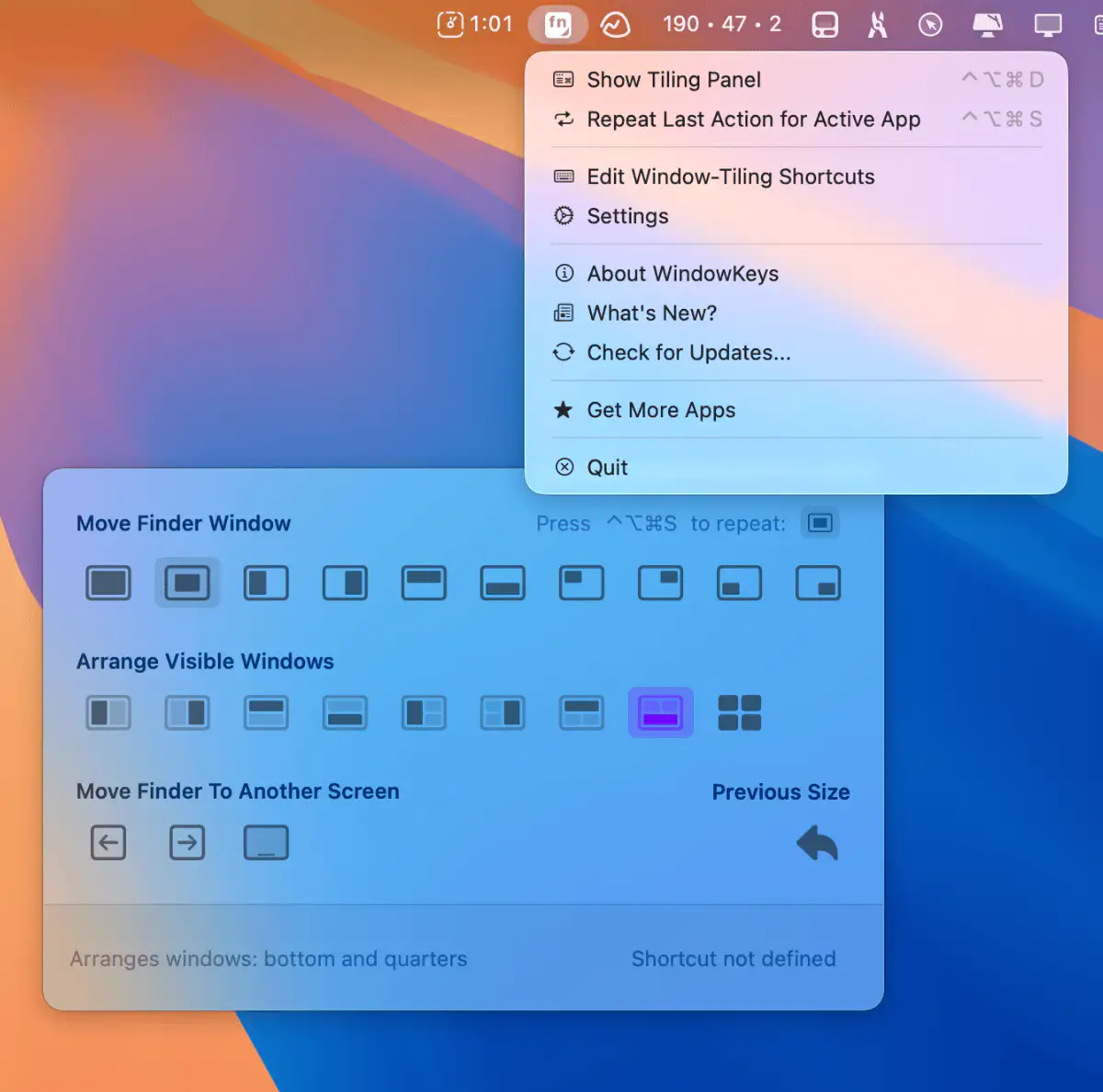
Customize macOS window tiling shortcuts and use them on any keyboard. This menu bar app gives you full control with a handy command panel—simple, flexible, and always within reach.
Visit

This menu bar app lets you seamlessly switch Apple peripherals (Magic Keyboard, Magic Mouse, and Magic Trackpad) between two Macs.
Visit

This menu bar app adds “modifier key + mouse drag” move and resize to your Mac.
Visit
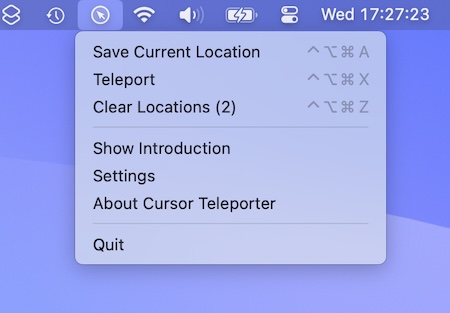
This menu bar app lets you teleport your cursor across multiple monitors. The cursor appears precisely where you expect it to: in a predefined place or at the last location on the screen.
Visit Watch
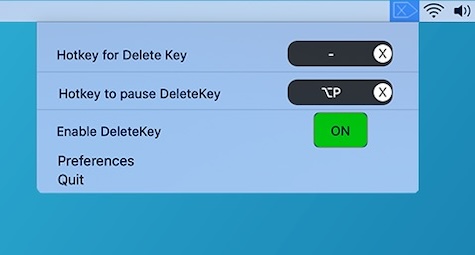
Many Mac keyboards lack a Forward Delete key. This menu bar app brings it back: bind Forward Delete to any key or key combination.
Visit
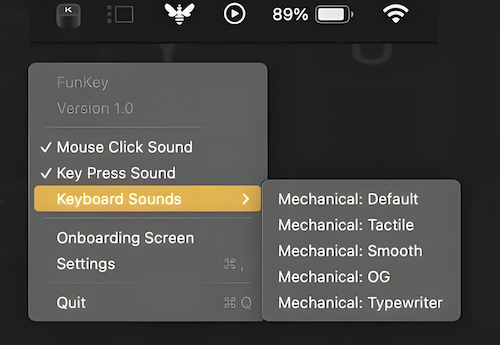
FunKey plays satisfying mechanical keyboard and mouse click sounds as you type and click.
Visit
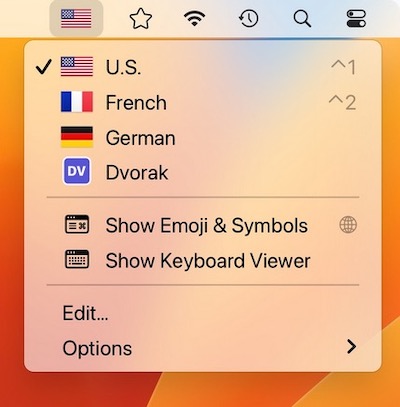
Switcheroo is a menu bar app that shows your input sources with colorful flags or custom icons of your choosing. Perfect for polyglots and vexillologists.
Visit
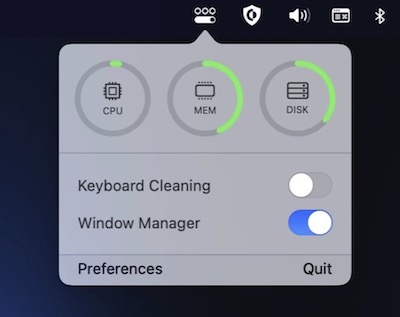
OneMenu is a menubar app featuring system monitoring, a window manager and a keyboard cleaning mode.
Visit
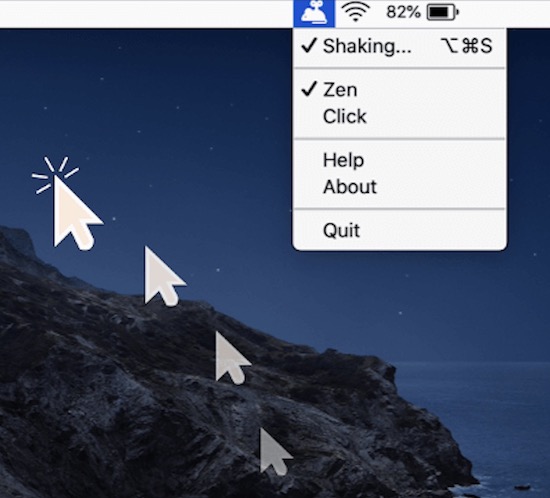
Mouse Shaker keeps you “Active” on any chat applications. The menu bar app automatically moves your cursor, clicks or simulates activity without you noticing.
Visit
