Collection:
Keyboard & Mouse Apps
Keyboard Switcheroo
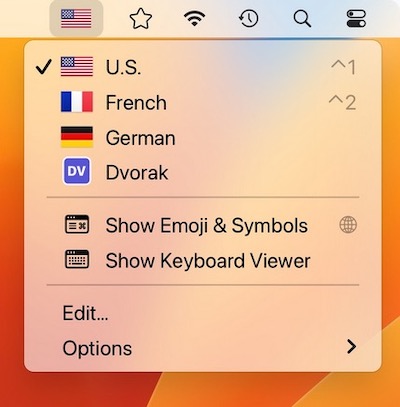
Switcheroo is a menu bar app that shows your input sources with colorful flags or custom icons of your choosing. Perfect for polyglots and vexillologists.

Take control of every click and keystroke. Customize gestures, remap keys, automate shortcuts, smooth scrolling, simulate activity, switch keyboards intelligently, add typing sounds, or even replay input actions, all directly from your menu bar.
Take control of every click and keystroke. Customize gestures, remap keys, automate shortcuts, smooth scrolling, simulate activity, switch keyboards intelligently, add typing sounds, or even replay input actions, all directly from your menu bar.
Switcheroo is a menu bar app that shows your input sources with colorful flags or custom icons of your choosing. Perfect for polyglots and vexillologists.
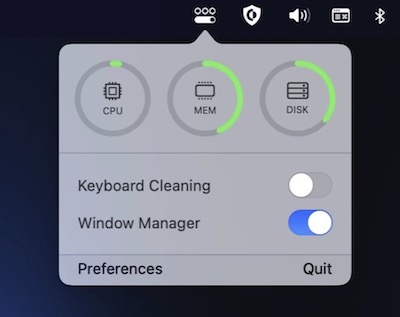
OneMenu is a menubar app featuring system monitoring, a window manager and a keyboard cleaning mode.
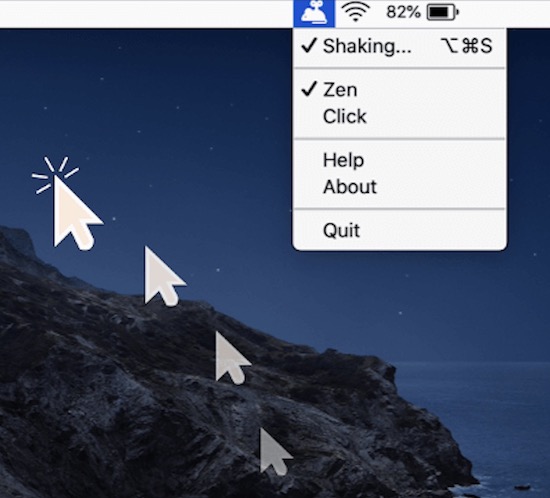
Mouse Shaker keeps you “Active” on any chat applications. The menu bar app automatically moves your cursor, clicks or simulates activity without you noticing.
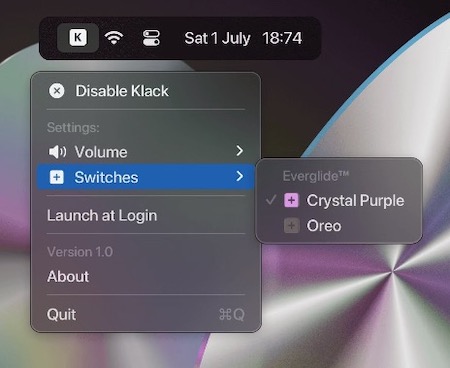
This menu bar app adds mechanical keyboard sounds to every keystroke. It supports up/down keys separately, the result is way more realistic compared to playing both the sounds simultaneously.
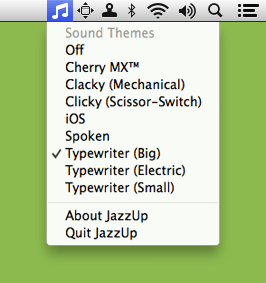
JazzUp adds satisfying mechanical keyboard sounds, or other sounds of your choice, to everything you type.
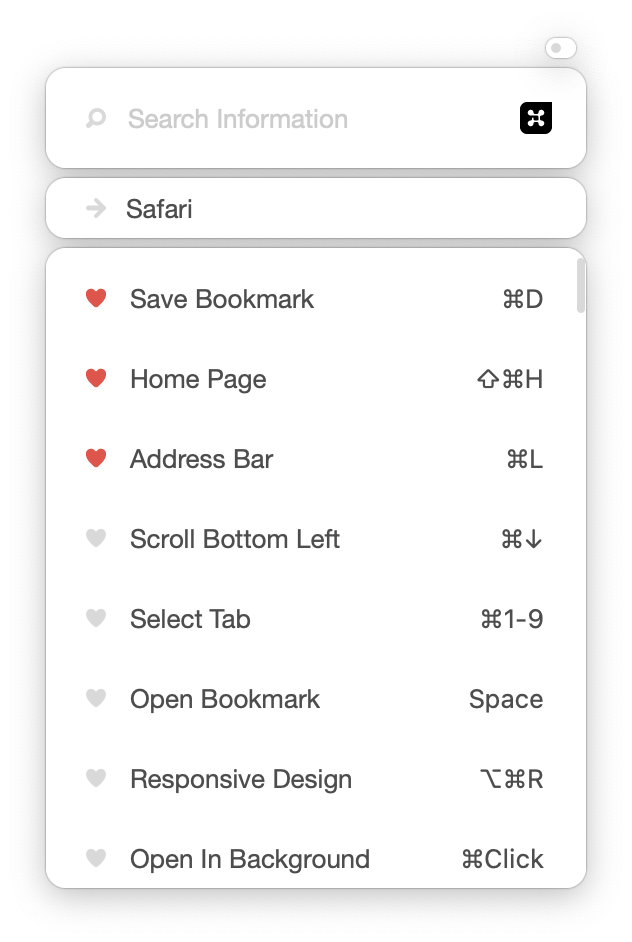
Button Shortcut puts 12,000+ keyboard shortcuts, tips and best practices for over 150 apps and websites in your menu bar. Tap ⌘ twice to see the shortcuts for the app you’re using right now.
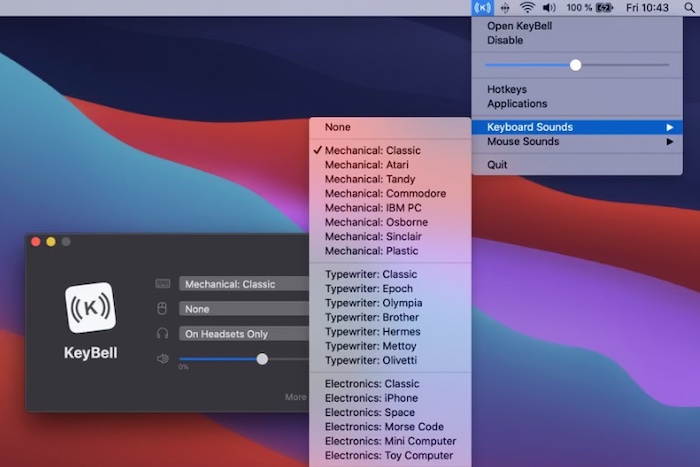
KeyBell plays a nostalgic mechanical sound every time you type something on your keyboard. It works on your entire Mac, on all apps. It is designed as a productivity boost if you dislike the boring and silent keyboards.
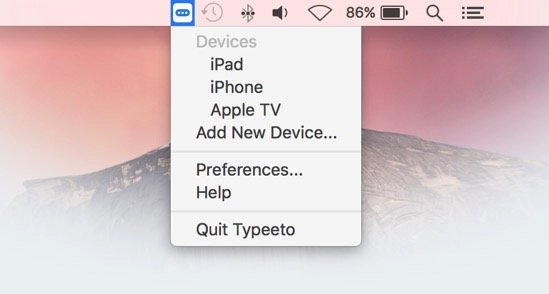
Typeeto enables you to use your Mac keyboard as a bluetooth keyboard for other devices such as iPad, iPhone, Apple TV, Android device, etc.
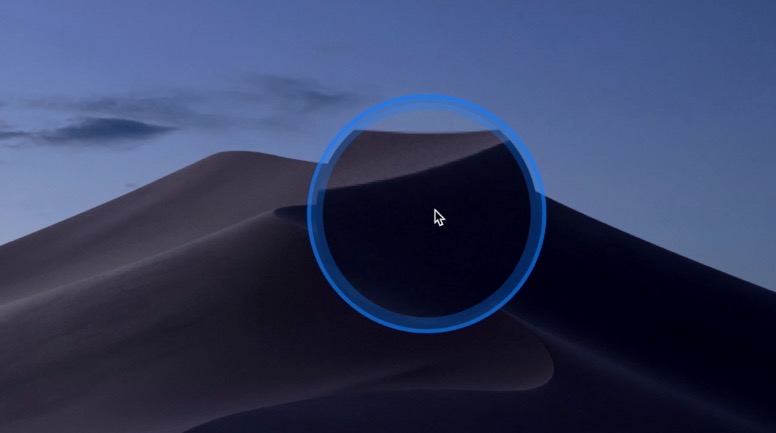
You know that tiny moment of panic when your cursor disappears on a giant display and you start wiggling the mouse like you’re summoning help from the tech gods. Cursor Pro fixes that with a customizable highlight and a precise, one-key magnifier that makes clicks, movements, and pixels unmistakably clear. It is built for polished presentations, remote demos, and anyone who prefers looking in control instead of slightly lost.