Collection:
Keyboard & Mouse Apps
Ghost Input
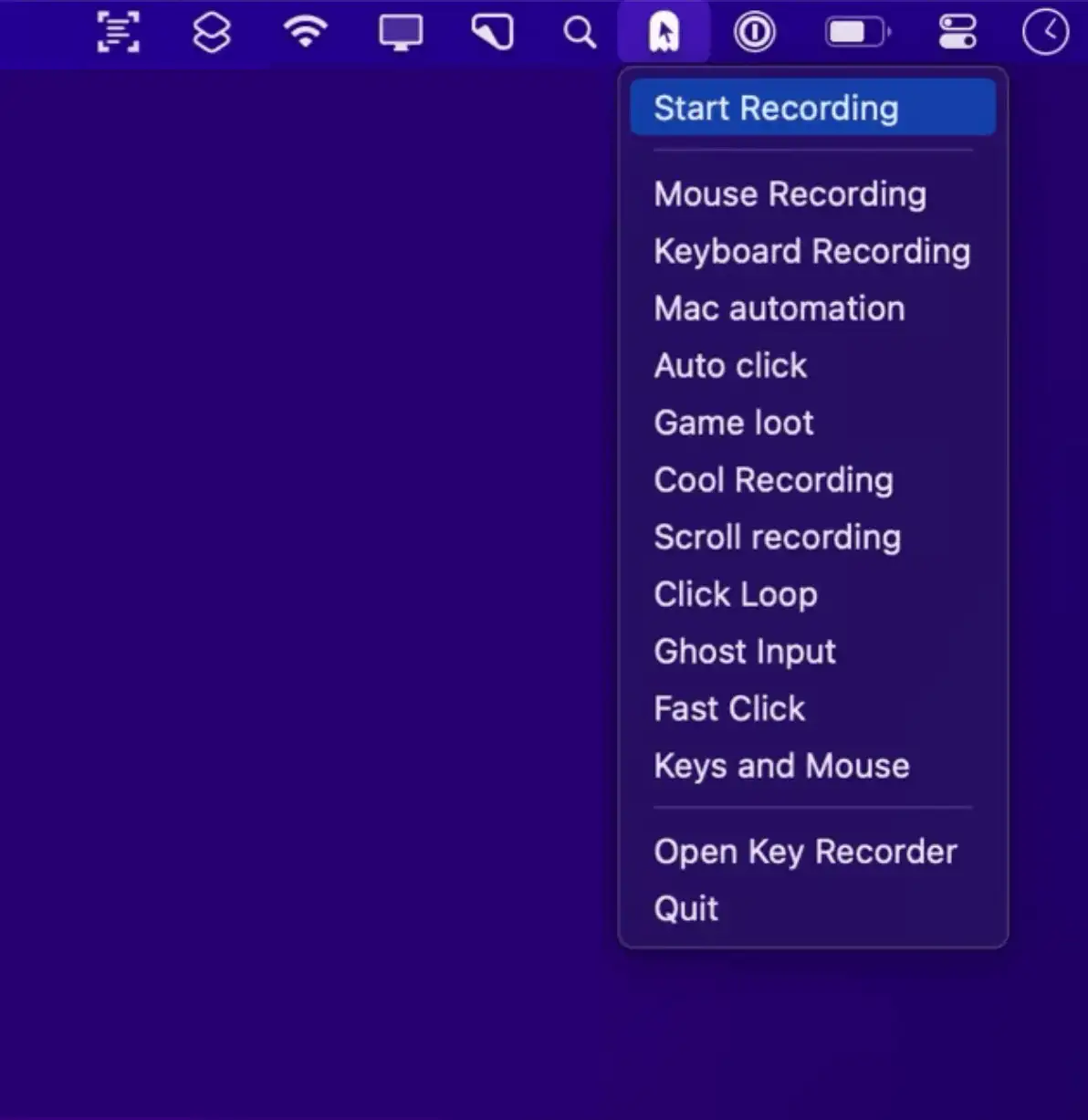
Ghost Input is a lightweight macOS menu bar app that records and replays your keyboard and mouse actions, making it easy to automate repetitive tasks and streamline your daily workflow.

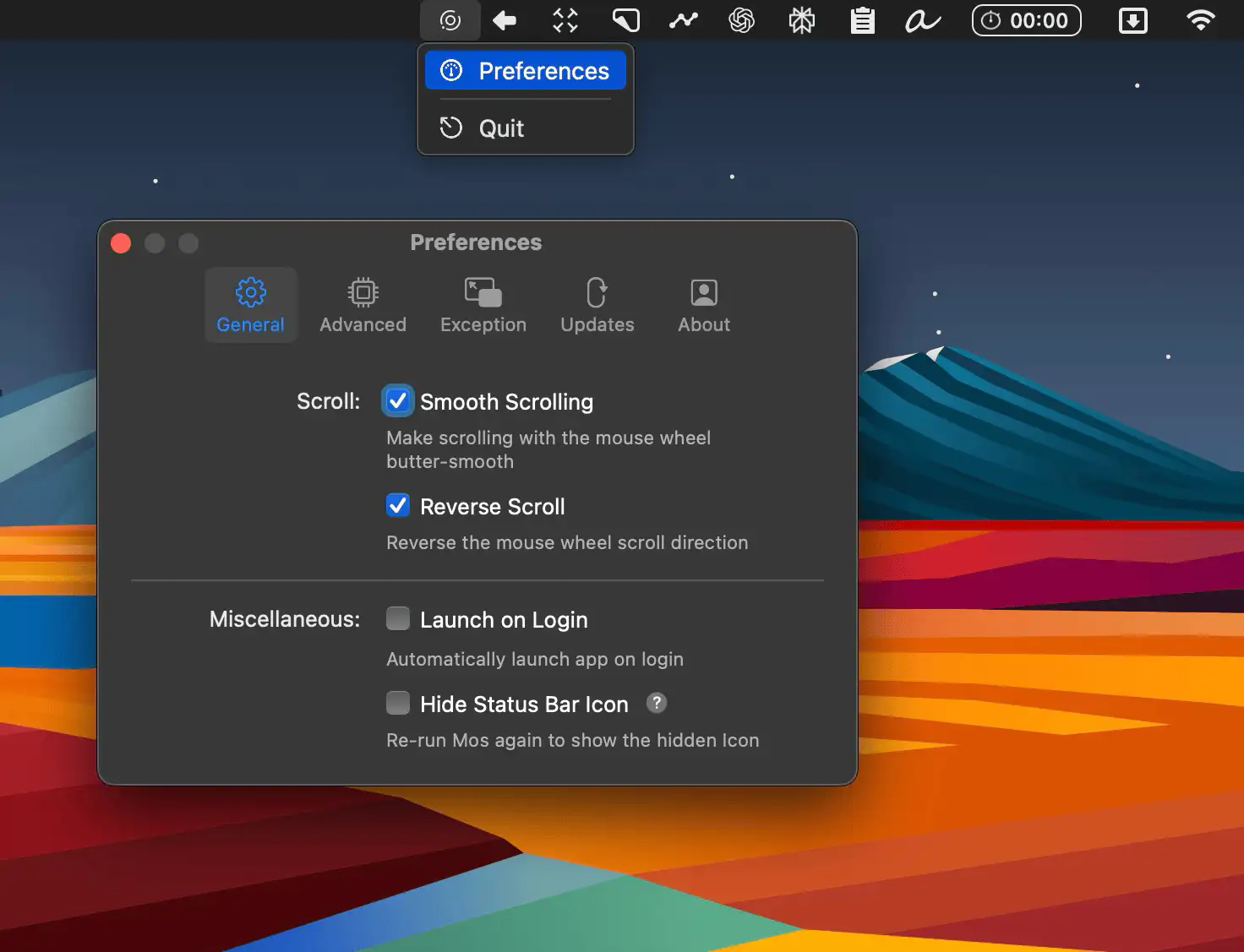
Take control of every click and keystroke. Customize gestures, remap keys, automate shortcuts, smooth scrolling, simulate activity, switch keyboards intelligently, add typing sounds, or even replay input actions, all directly from your menu bar.
Take control of every click and keystroke. Customize gestures, remap keys, automate shortcuts, smooth scrolling, simulate activity, switch keyboards intelligently, add typing sounds, or even replay input actions, all directly from your menu bar.
Ghost Input is a lightweight macOS menu bar app that records and replays your keyboard and mouse actions, making it easy to automate repetitive tasks and streamline your daily workflow.
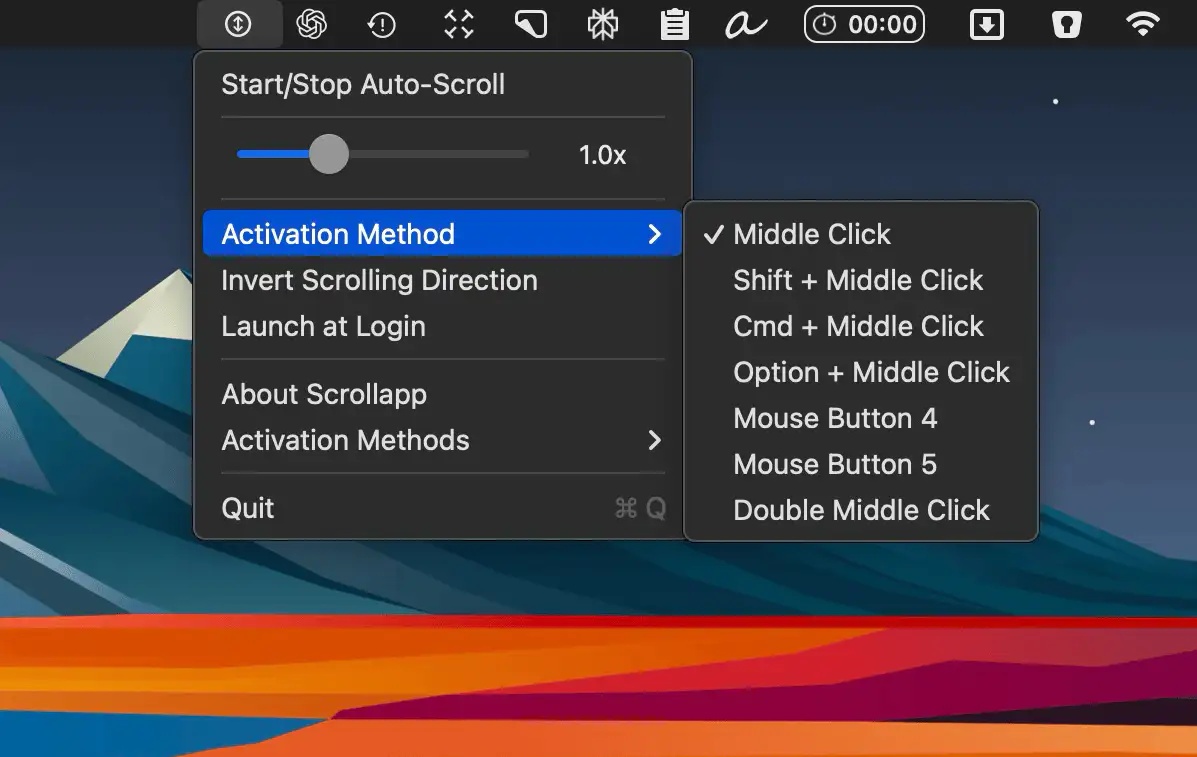
Smoothly auto-scroll through content on your Mac, with adjustable speed and full trackpad support—perfect for effortless reading and browsing.
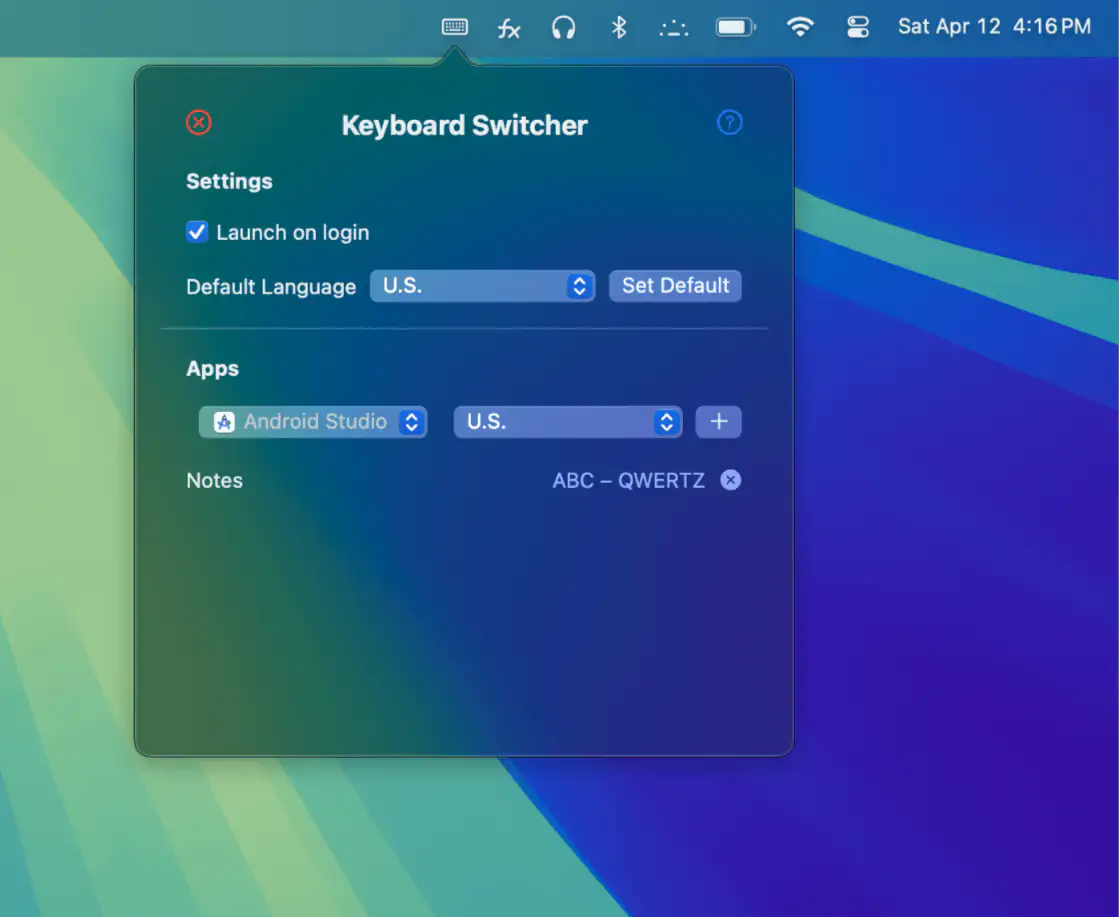
Keyboard Switcher remembers your preferred keyboard for each app, making language switching seamless and your workflow effortlessly smooth.
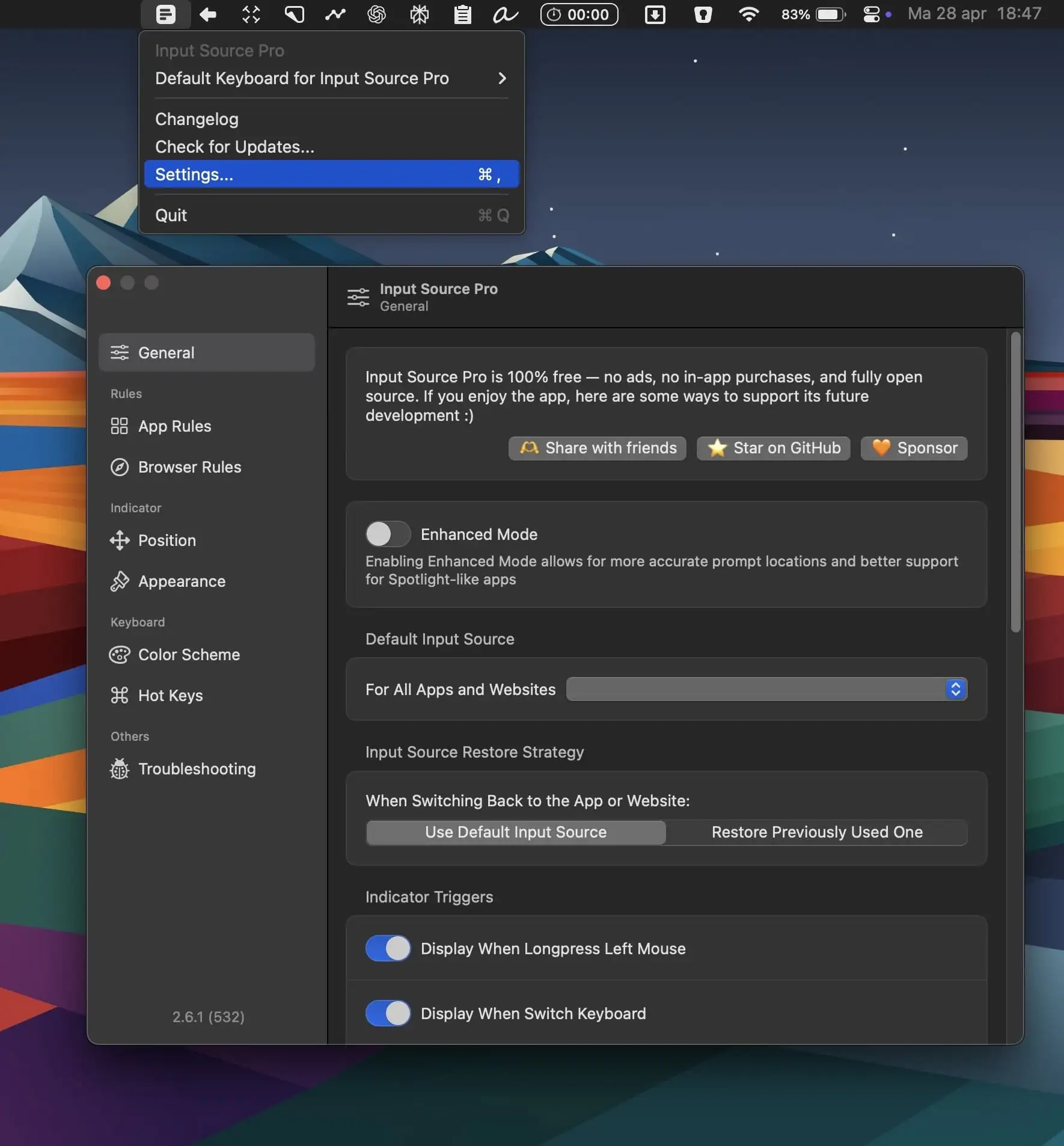
Input Source Pro automatically switches your keyboard depending on the app or website you’re using, keeping your workflow smooth and free from distractions.
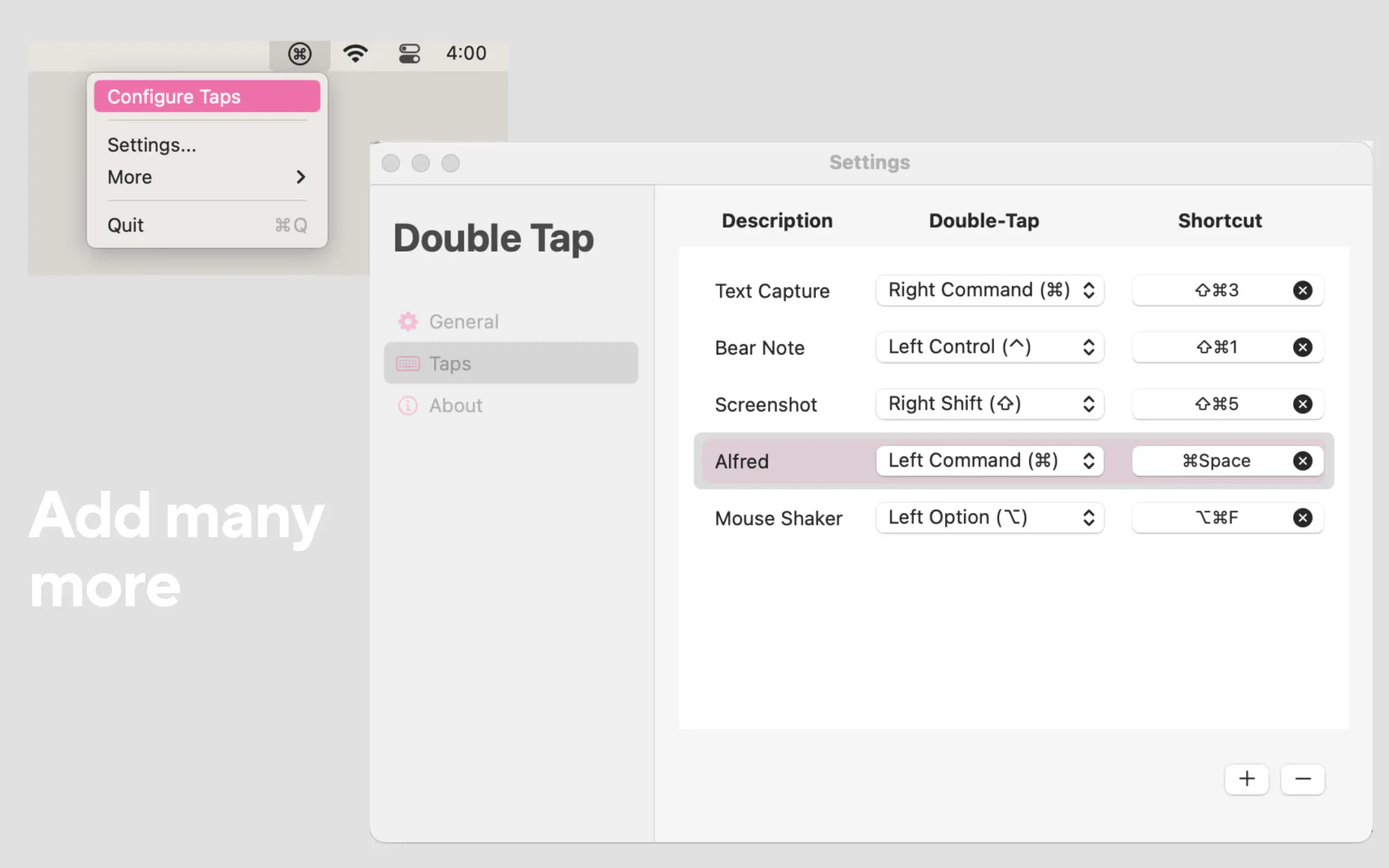
Double Tap lets you trigger powerful shortcuts with just a simple double-tap of any modifier key—making complex actions easier, faster, and more intuitive.
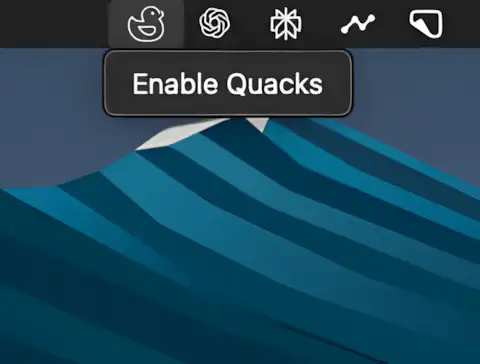
Always dreamed of sounding like a duck while typing? This menubar app delivers a crisp quack with every keystroke.
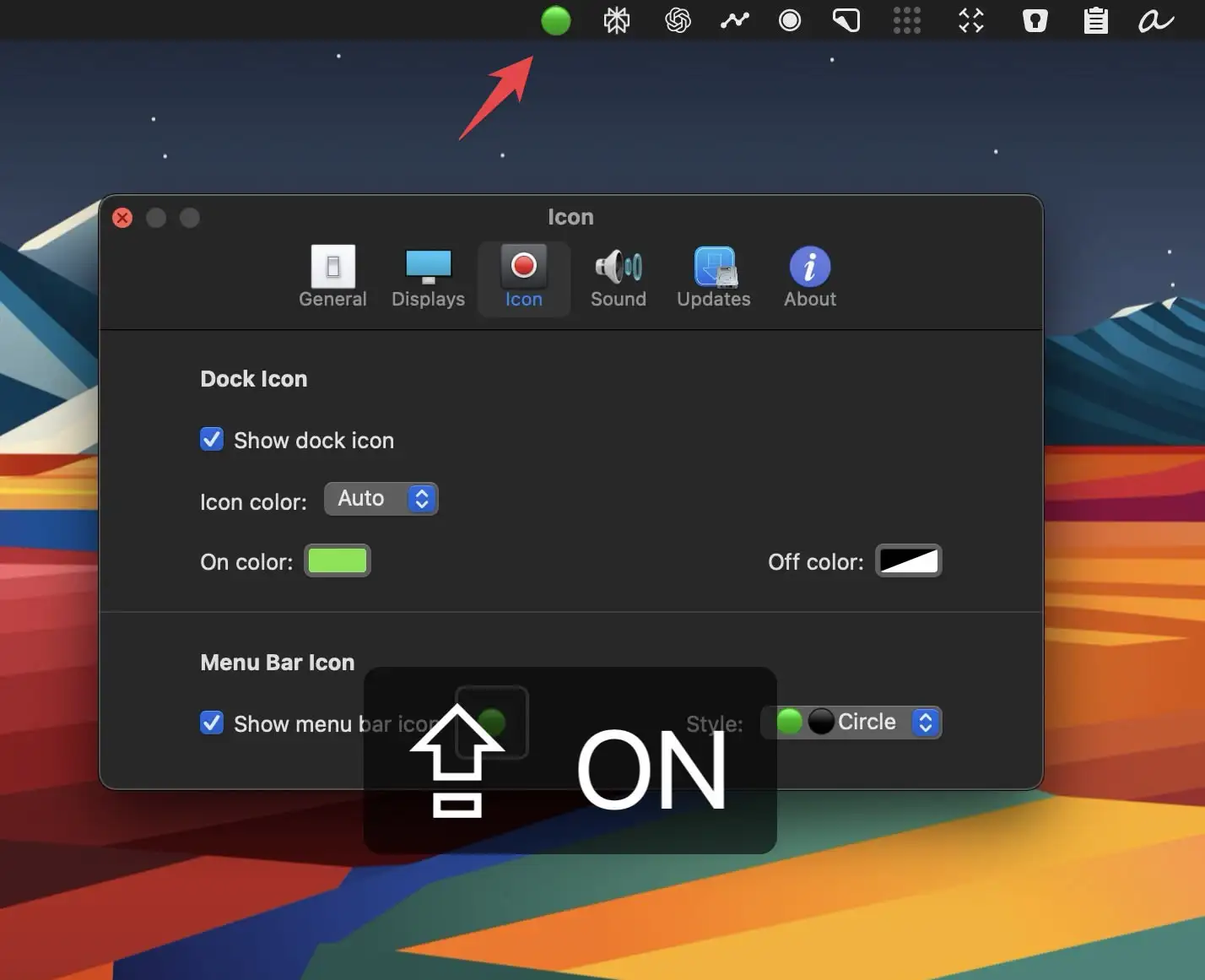
Captin displays your Mac’s Caps Lock status clearly on screen, preventing accidental all-caps messages and embarrassing typos from keyboard mistakes.
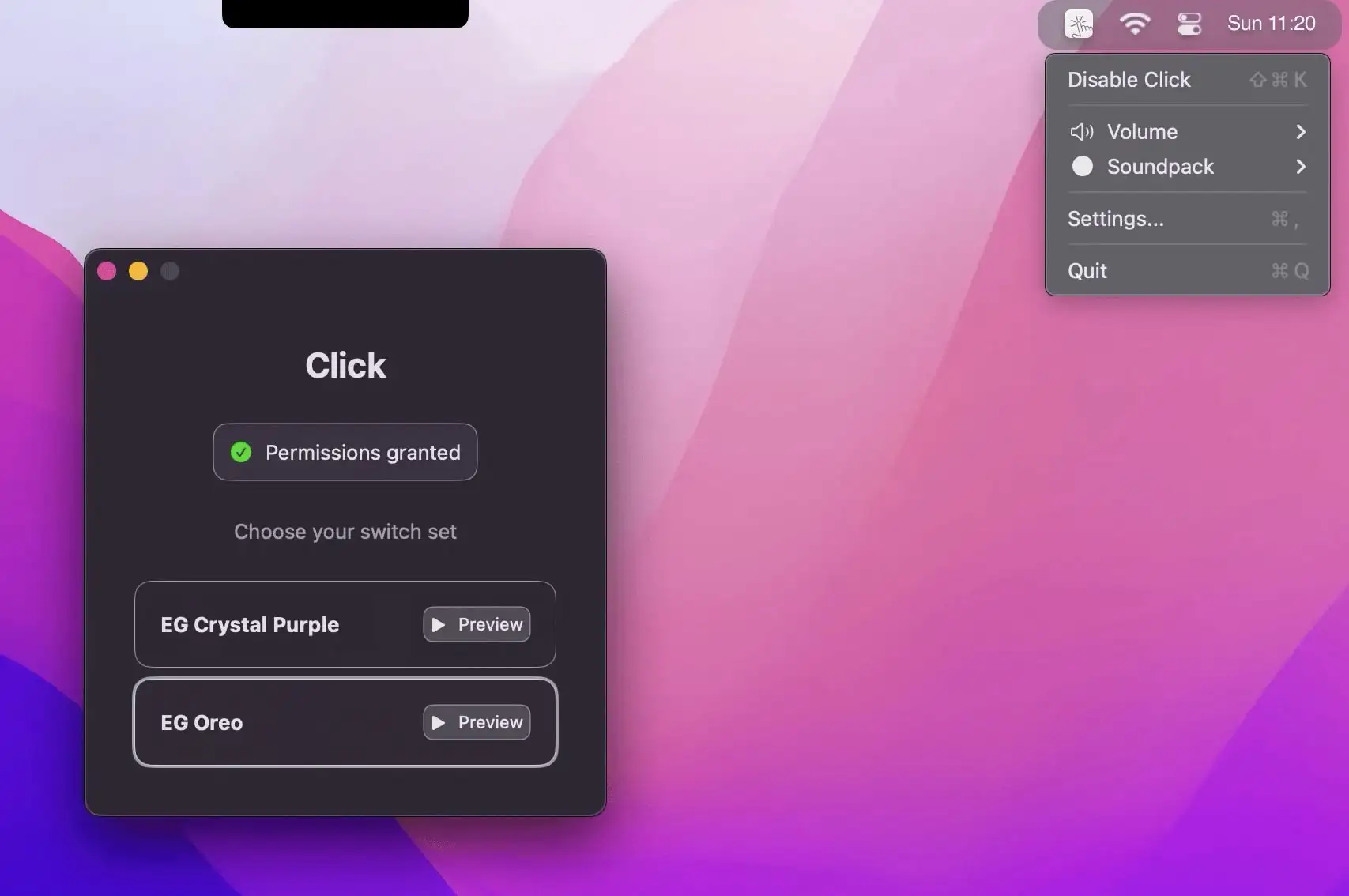
This menu bar app brings the sound of mechanical keyboards to your Mac, using high-quality recordings of popular switches with zero latency.
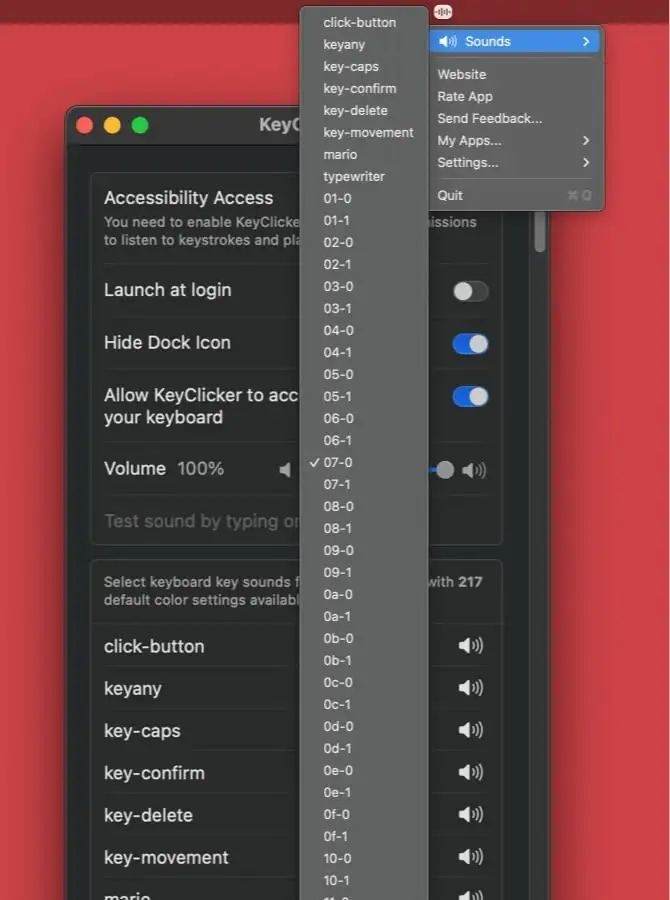
KeyClicker is a menu bar app that brings the authentic typing sounds of over 200 mechanical keyboards and typewriters to life.