Take control of every click and keystroke. Customize gestures, remap keys, automate shortcuts, smooth scrolling, simulate activity, switch keyboards intelligently, add typing sounds, or even replay input actions, all directly from your menu bar.
Show me the free apps only
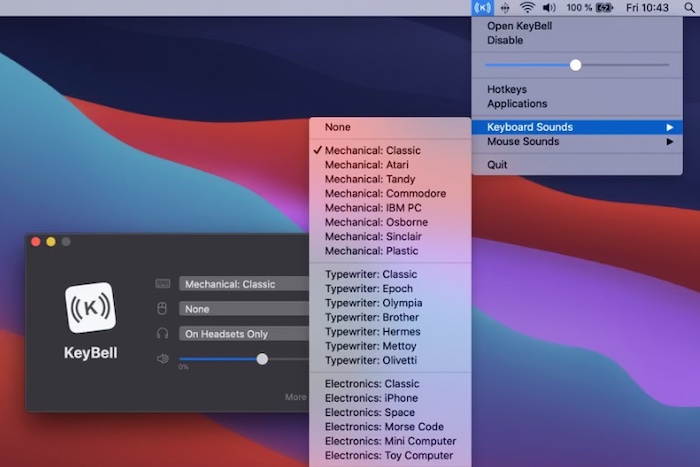
KeyBell plays a nostalgic mechanical sound every time you type something on your keyboard. It works on your entire Mac, on all apps. It is designed as a productivity boost if you dislike the boring and silent keyboards.
Visit
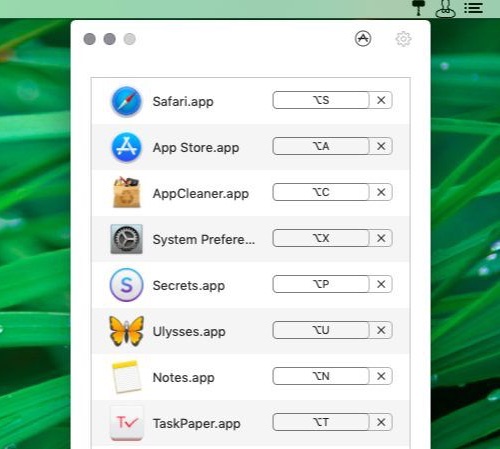
Thor sits in the menu bar and allows you to create custom keyboard shortcuts for your apps.
Visit
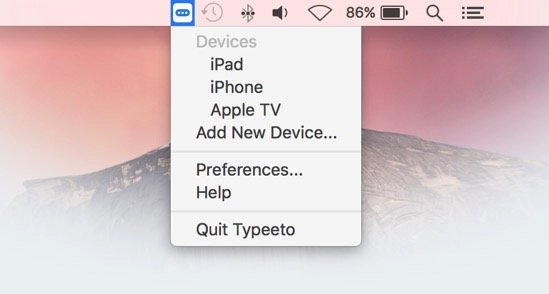
Typeeto enables you to use your Mac keyboard as a bluetooth keyboard for other devices such as iPad, iPhone, Apple TV, Android device, etc.
Visit
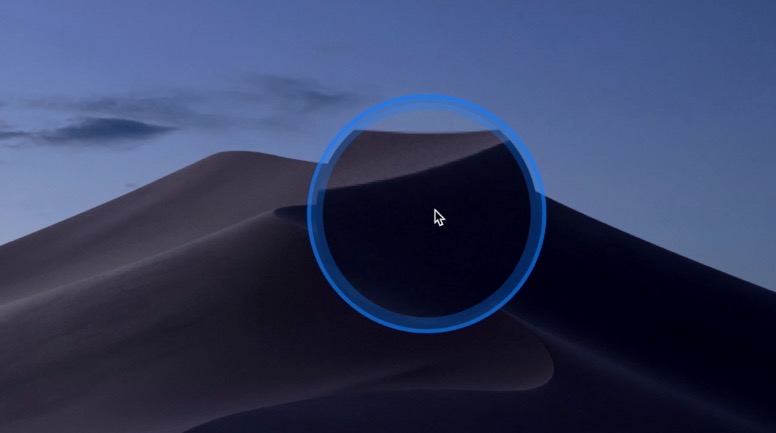
You know that tiny moment of panic when your cursor disappears on a giant display and you start wiggling the mouse like you’re summoning help from the tech gods. Cursor Pro fixes that with a customizable highlight and a precise, one-key magnifier that makes clicks, movements, and pixels unmistakably clear. It is built for polished presentations, remote demos, and anyone who prefers looking in control instead of slightly lost.
Visit
End of content
End of content

