Run your meetings without chaos. Join calls in one click, see what’s next, auto-mute your mic, blur sensitive areas, silence notifications, manage time zones, transcribe conversations, and protect your screen during recordings, all from your menu bar.
Show me the free apps only
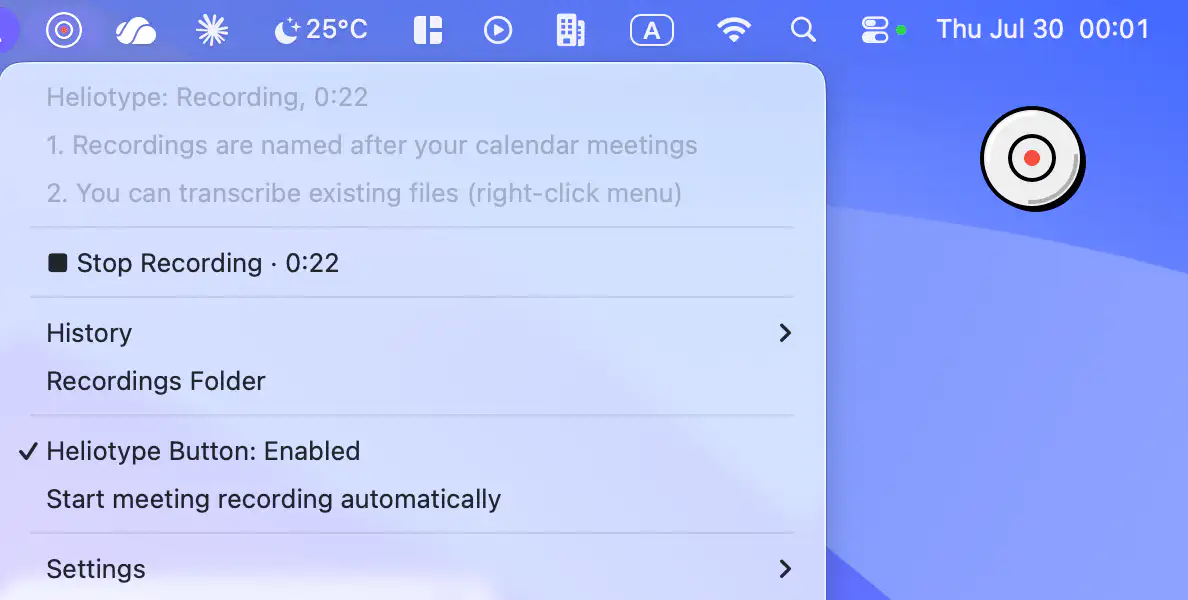
Heliotype records meetings without a bot joining calls, then automatically names recordings from your calendar and creates speaker-labeled transcripts. With local storage and your own transcription key, it keeps meeting notes private and under your control.
Visit
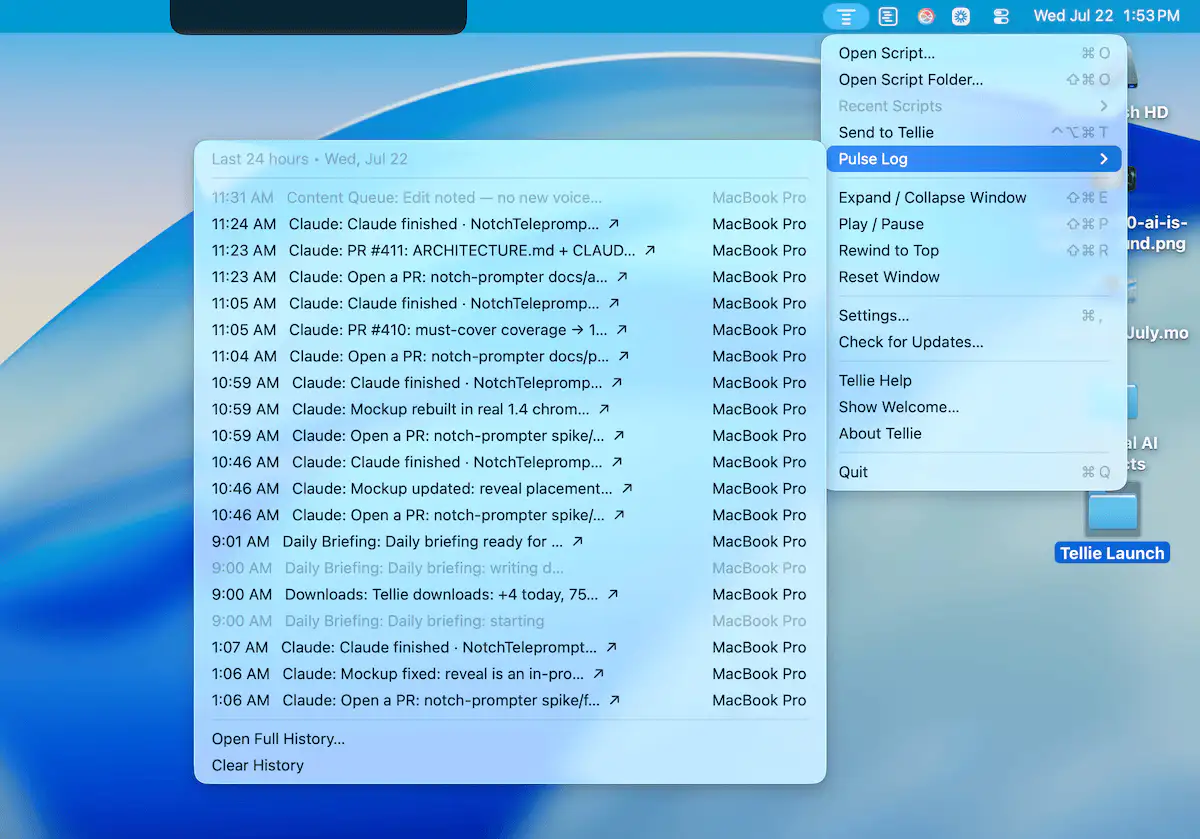
Tellie helps you stay focused while speaking by following your voice with on-device speech recognition. Use it for presentations, recordings, meetings, and scripts that stay private and follow your flow.
Visit
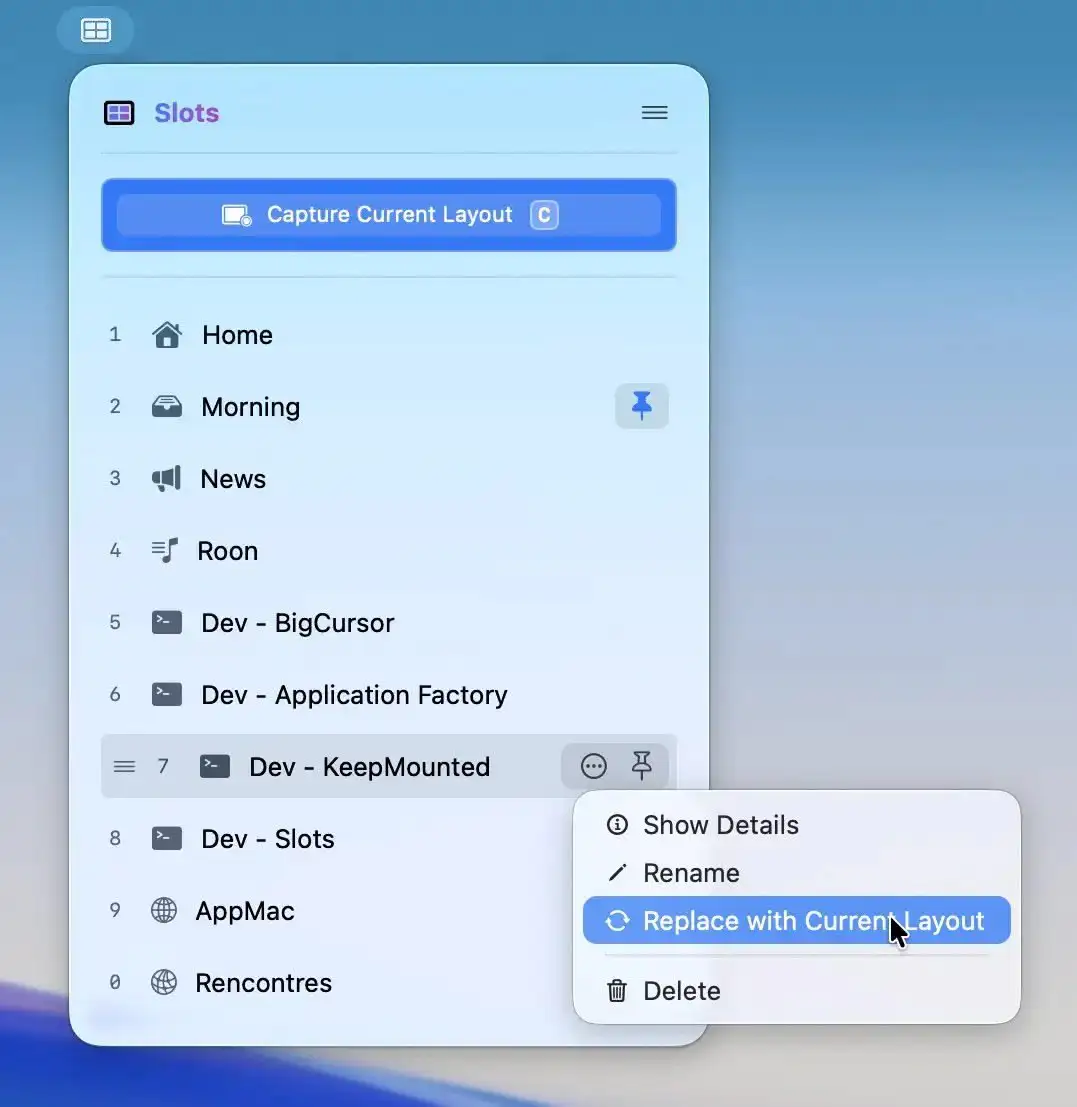
Slots lets you capture a perfectly arranged workspace and restore it instantly, relaunching apps and placing windows exactly where they belong. For supported apps, even tabs and documents return, all in a fast, native experience.
Visit
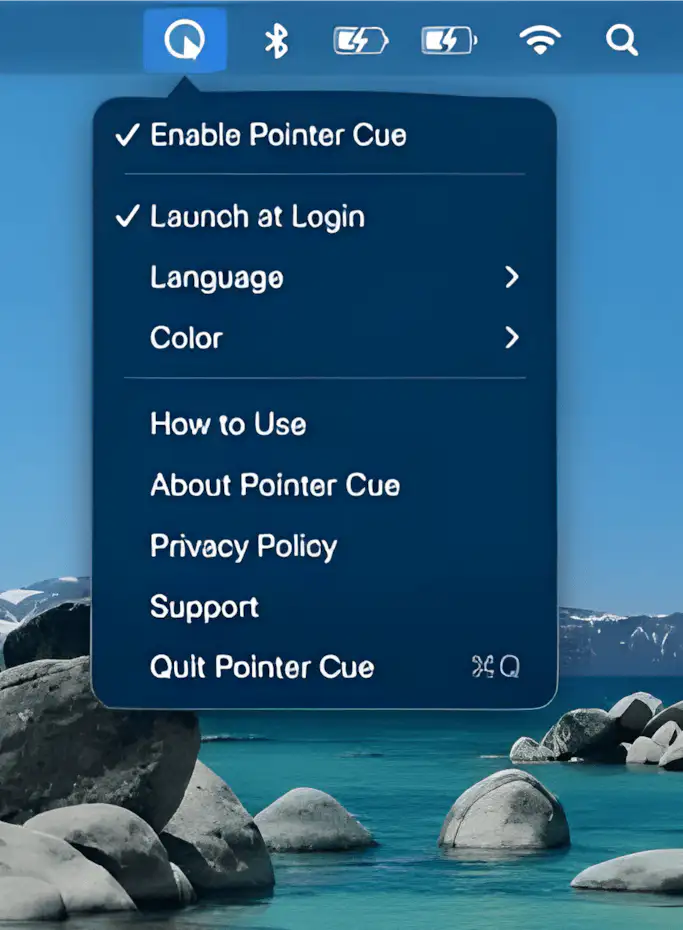
Pointer Cue helps audiences follow your on-screen actions during presentations, demos, and screen sharing. Highlight your cursor and important areas with customizable visual cues and temporary frames, all processed locally on your Mac.
Visit
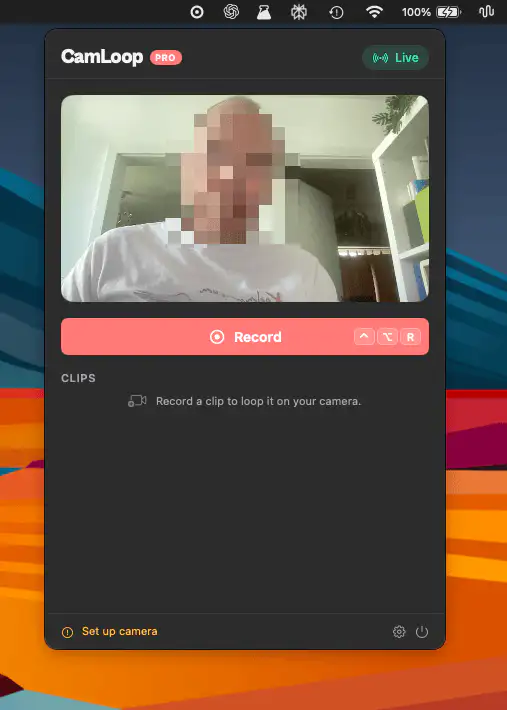
CamLoop lets you record a short video loop and switch to it during video calls, giving you a moment away from the camera while keeping your presence natural. Works across major meeting platforms and keeps everything on-device.
Visit
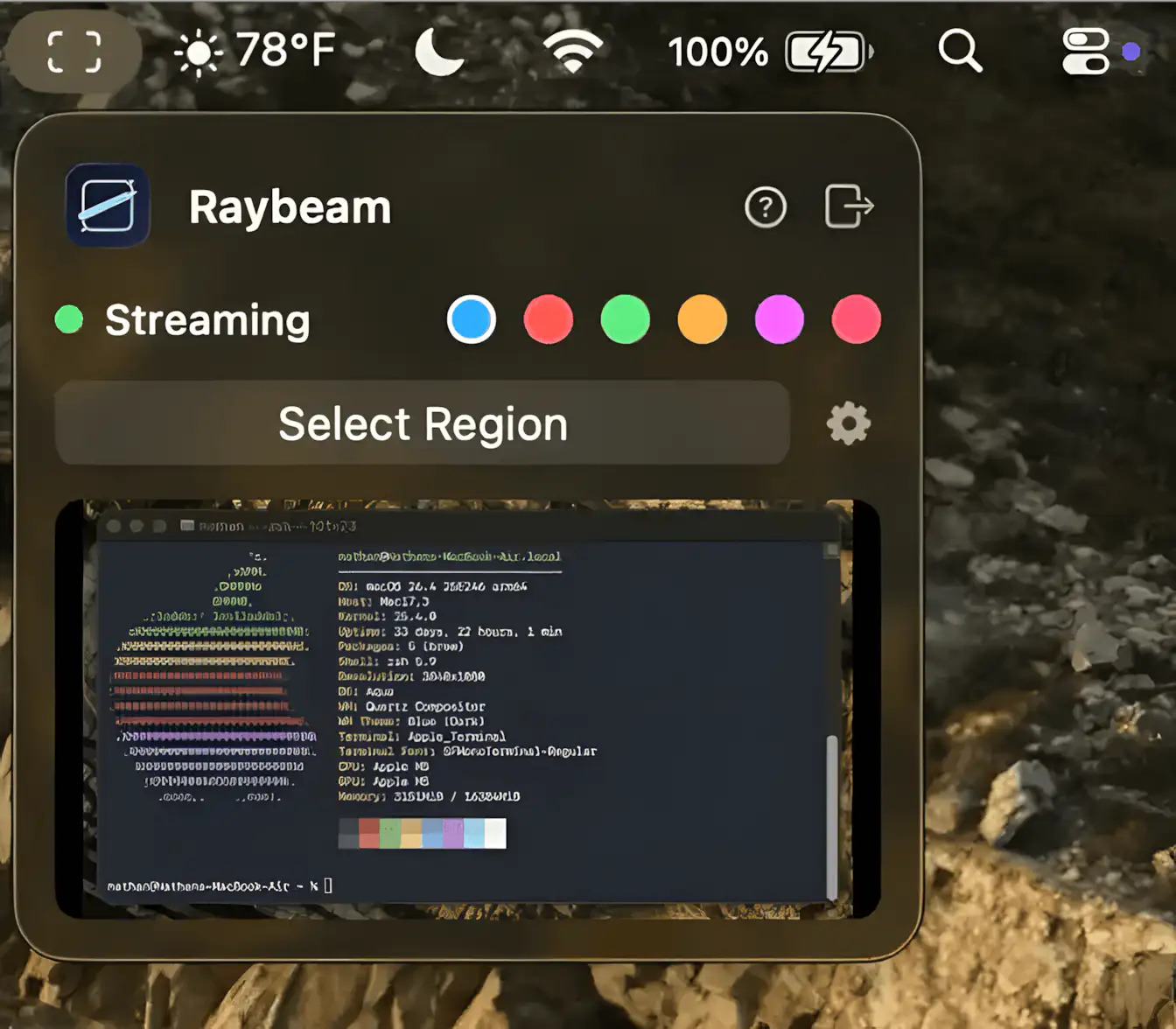
Raybeam lets you share a draggable, resizable portion of your screen in video calls, making it easy to present only what matters without exposing your entire desktop to colleagues and accidental chaos.
Visit Watch
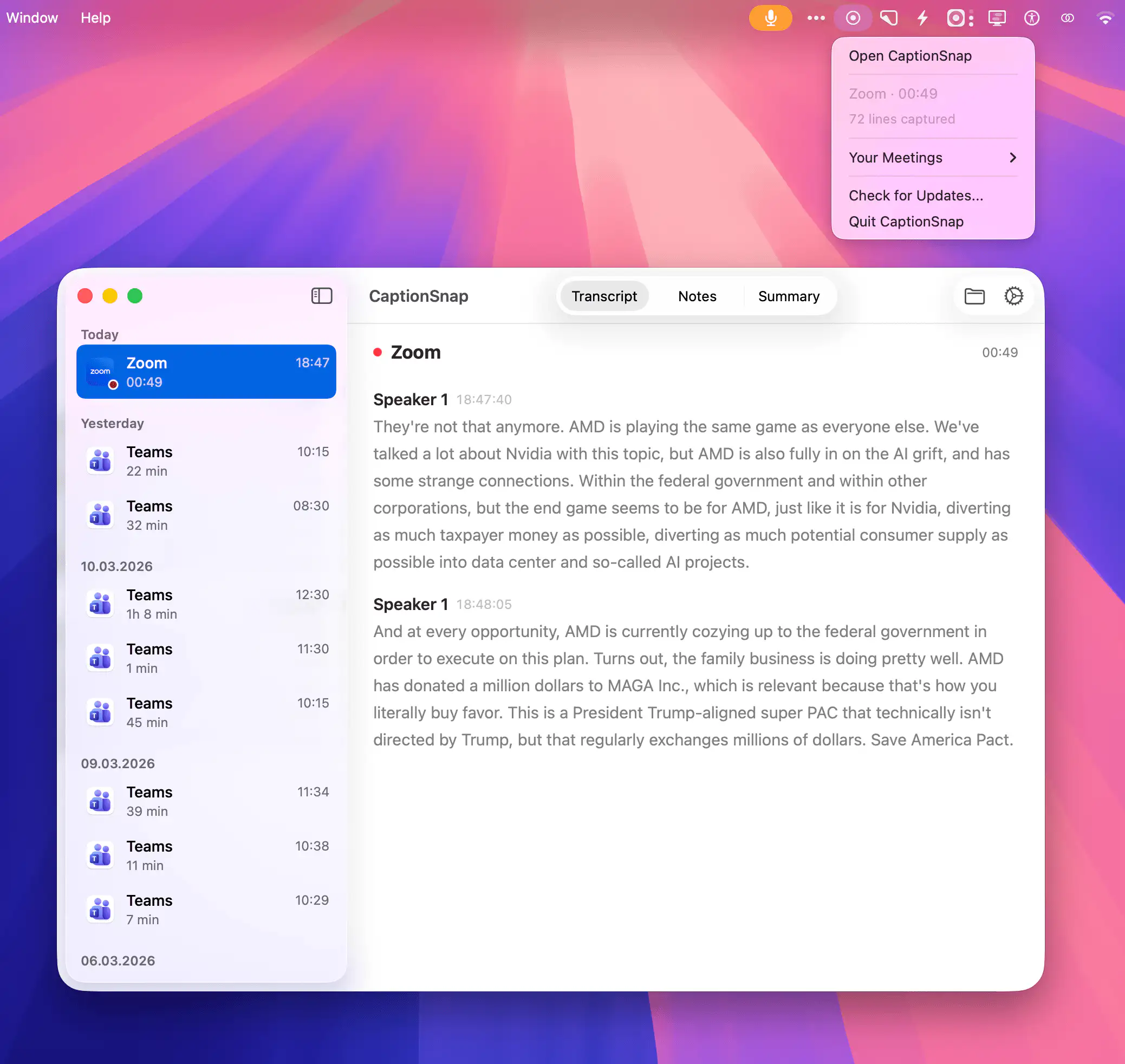
CaptionSnap quietly saves meeting captions from Teams, Zoom, and Google Meet, turning them into clean local transcripts with real speaker names and timestamps. Everything stays on your Mac, with minimal CPU usage and zero cloud involvement.
Visit
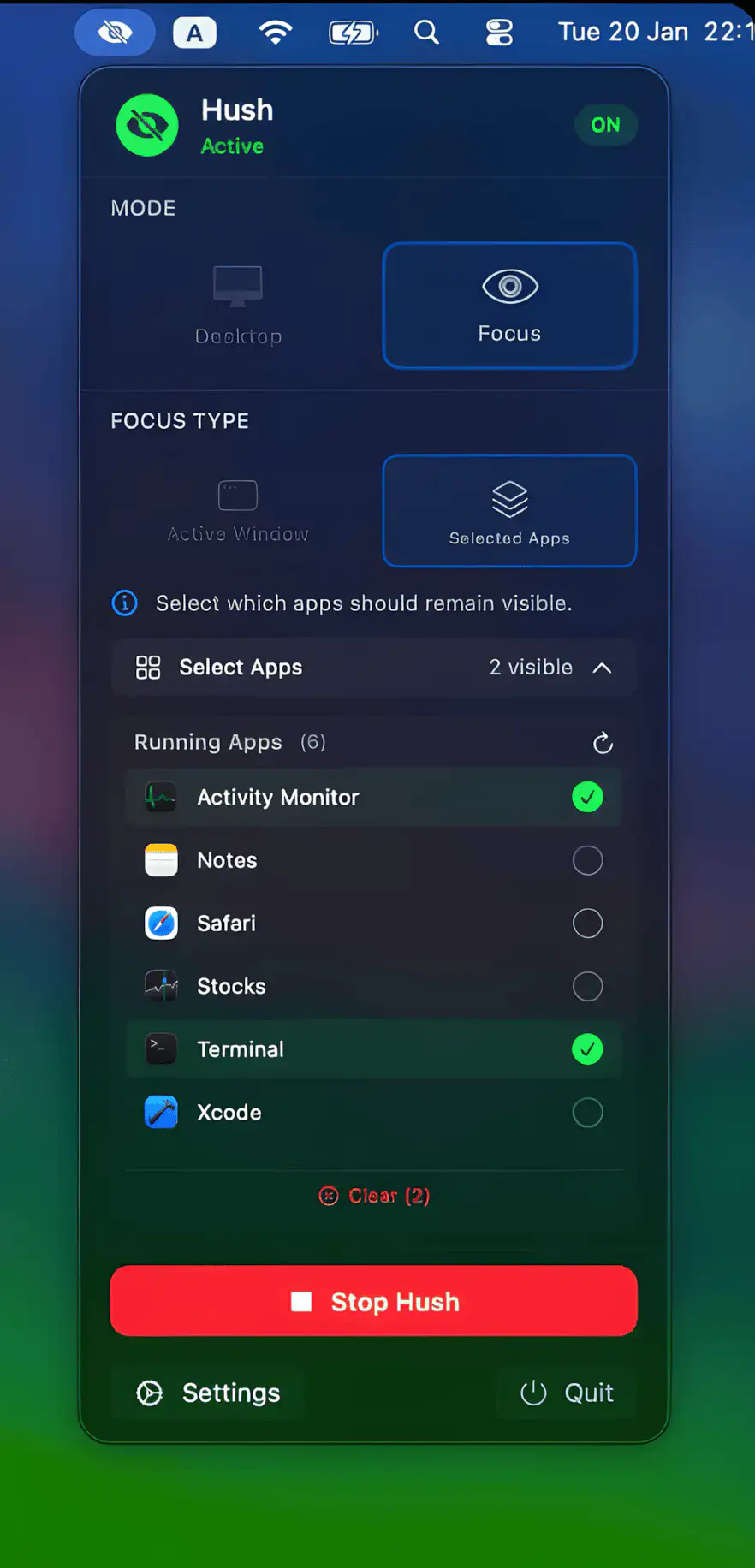
Hush gives you instant presentation mode with a single click, keeping messy desktops and private apps out of sight. Choose between a clean desktop overlay or a new Focus Mode that blurs everything except the apps you want visible, so your screen stays professional, private, and distraction-free across meetings, streams, and demos.
Visit
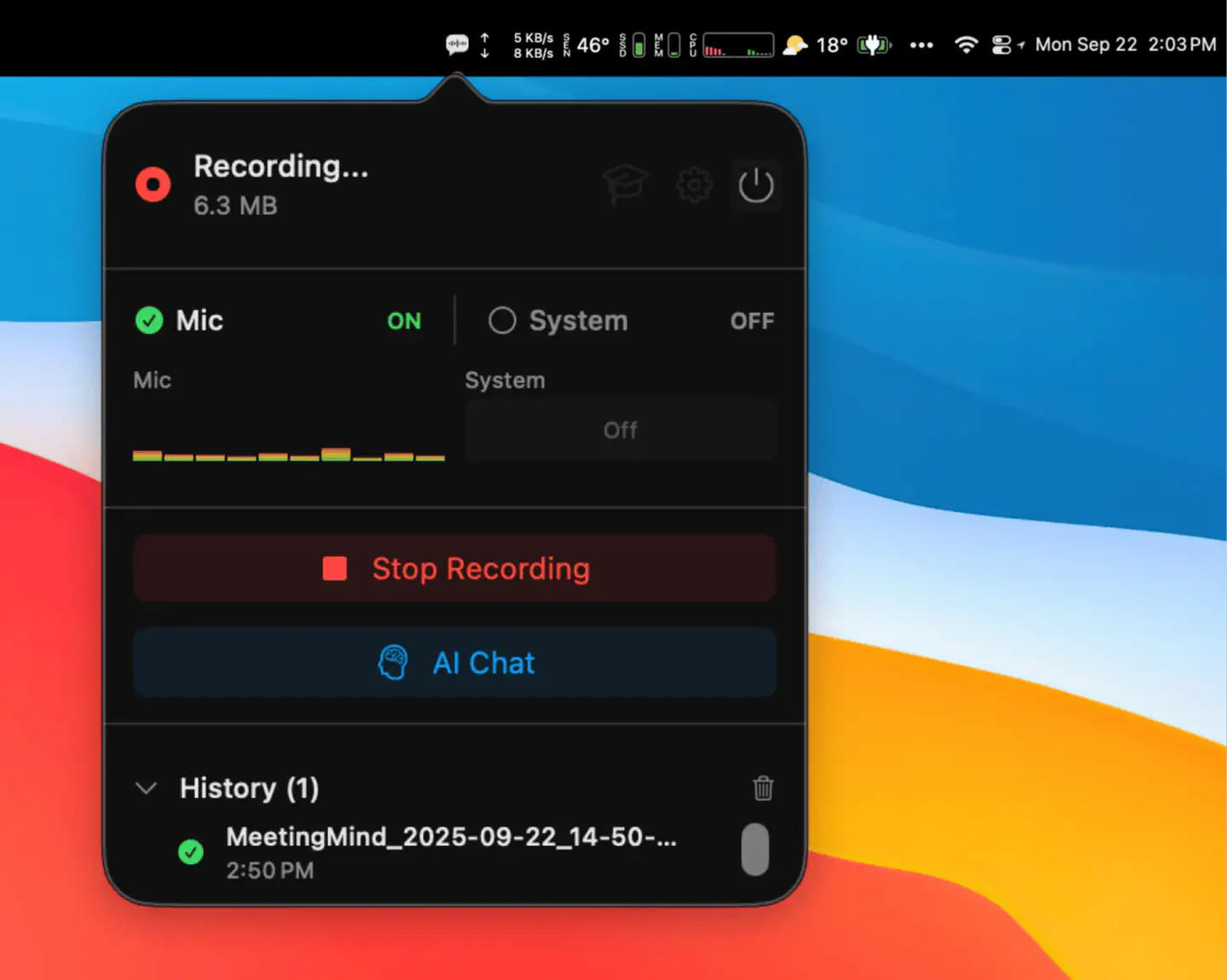
MeetingMind records your Zoom, Teams, Google Meet, and Webex calls from the menu bar without a bot joining the call. It transcribes on your Mac and turns conversations into searchable notes and summaries, using a local AI model or your own key.
Visit
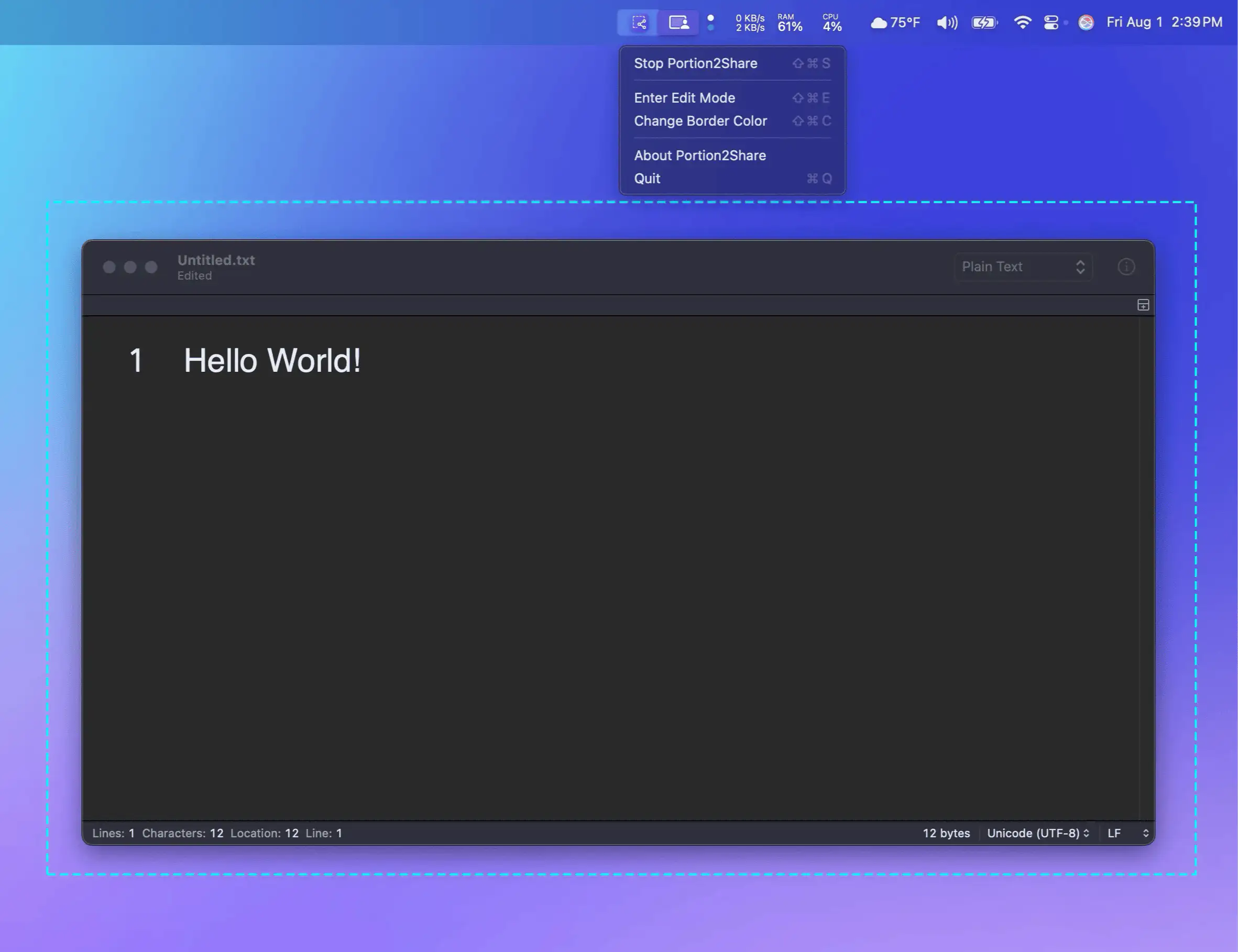
Share exactly what you want during video calls—nothing more. Portion2Share lets you stream a custom screen area with precision, directly from your Mac’s menu bar. Clean, focused, and effortless.
Visit
