Collection:
Menu Bar Managers
Boring Old Menu Bar
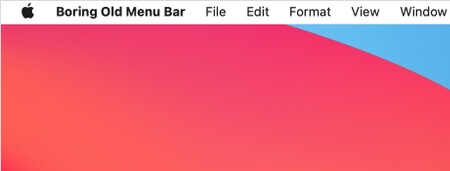
The transparent menu bar of MacOS 11 Big Sur is a nightmare for some people. This menu bar app brings back the “perfectly fine” macOS Catalina menu bar.
There is also the De-Notch-ifier.
The next time a site asks for a code, you’ll just tap it in. iPhone · iPad · Mac

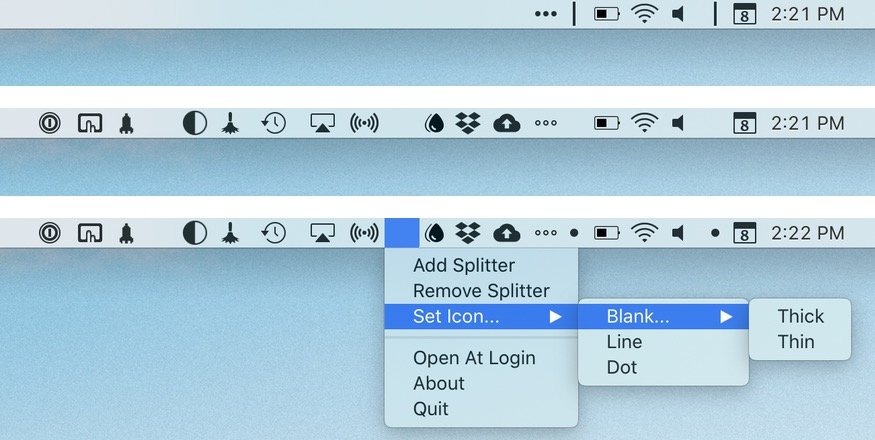
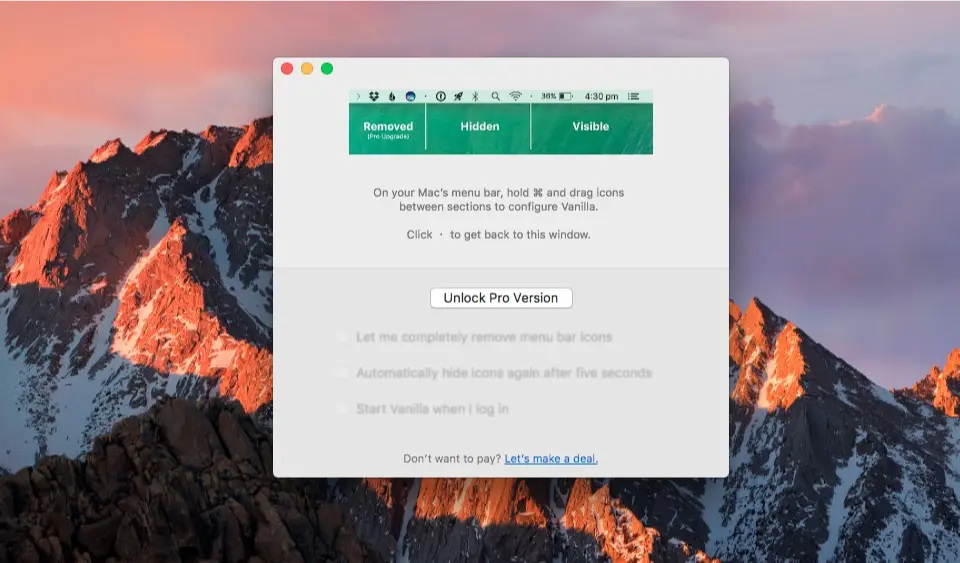
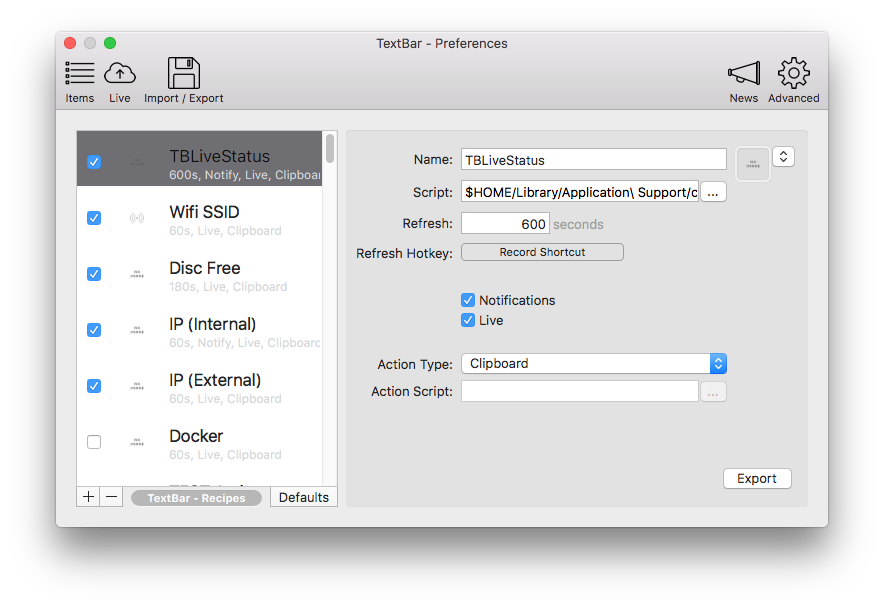
Keep your menu bar calm and under control. Hide, reveal, group, space, recolor, restyle, or reorganize menu bar icons, tame the notch, add custom text or badges, and build a cleaner, more intentional top bar that fits how you work.
Keep your menu bar calm and under control. Hide, reveal, group, space, recolor, restyle, or reorganize menu bar icons, tame the notch, add custom text or badges, and build a cleaner, more intentional top bar that fits how you work.
The transparent menu bar of MacOS 11 Big Sur is a nightmare for some people. This menu bar app brings back the “perfectly fine” macOS Catalina menu bar.
There is also the De-Notch-ifier.
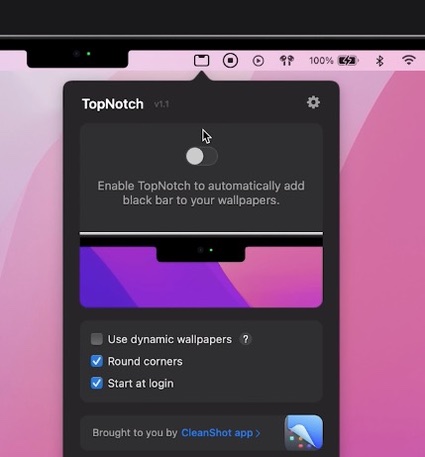
TopNotch hides the notch by making your menu bar black. It’s only cosmetic and doesn’t take away any screen real estate. The app can also be used on any non-notch Mac to make the menu bar black.

Menu Bar Dock places the apps you currently have open onto your menu bar. Now you have freed up all that space at the bottom of your screen!
You can change the number of apps shown, icon size and spacing, and sorting order in the app’s preferences.
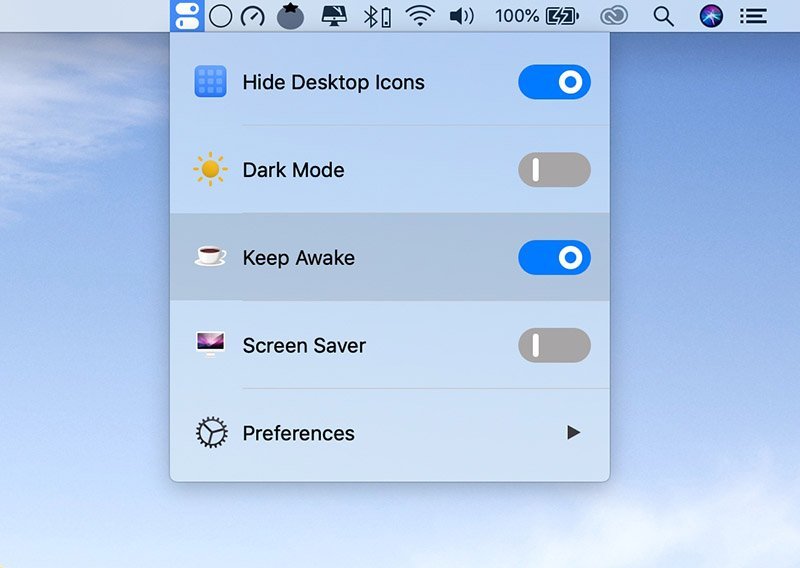
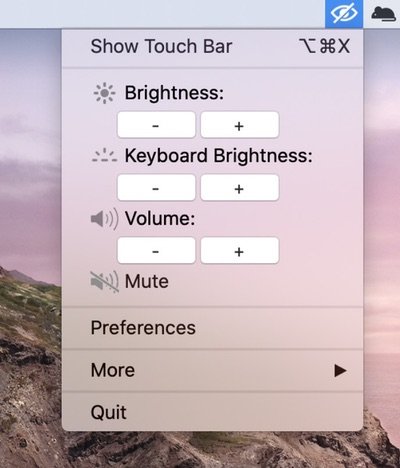
This menu bar app keeps all your powerful switches in one place: Hide Desktop Icons, Dark Mode, Keep Awake, Screen Saver, AirPods Connect, DND and Night Shift.

AccessMenuBarApps removes the problem of viewing menu bar icons on laptop displays. This utility allows you to expand your menu bar when you need it.