Collection:
Display Apps
Nightfall

A menu bar app for quickly toggling macOS’s dark mode. Left clicking the icon toggles dark mode; right clicking reveals more options.

A menu bar app for quickly toggling macOS’s dark mode. Left clicking the icon toggles dark mode; right clicking reveals more options.
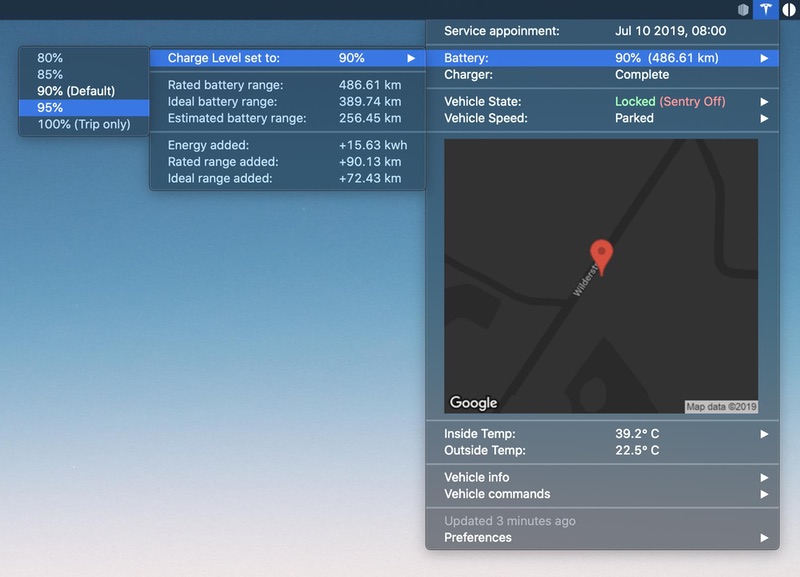
MyTesla shows your Tesla’s battery, location and climate in the menu bar, and lets you send commands like locking, charging and climate control from your Mac. It runs as an xbar plugin and needs your own Tesla developer account; newer cars need extra setup before commands work.
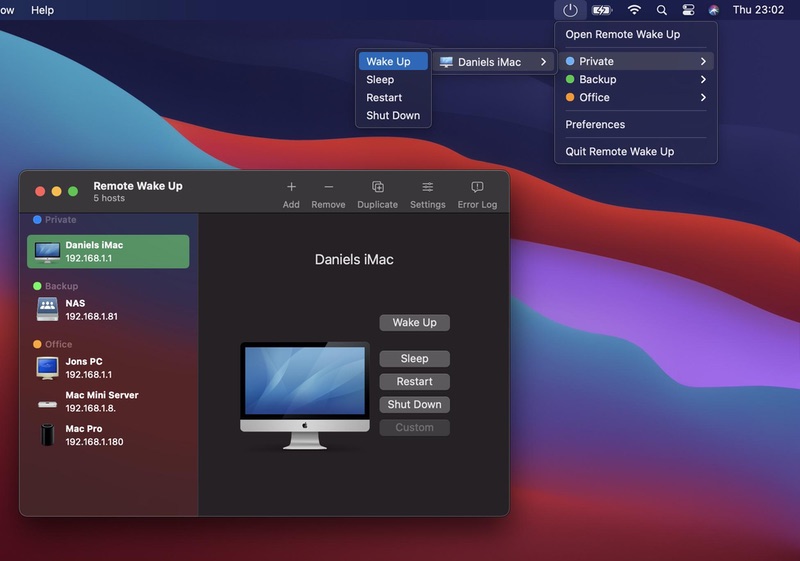
Remote Wake Up wakes computers and other devices with Wake-on-LAN, at home or over the internet, and sends them SSH or AppleScript commands to restart, shut down or run maintenance. Save your commands once, reuse them on any device, and reach it all from the menu bar.
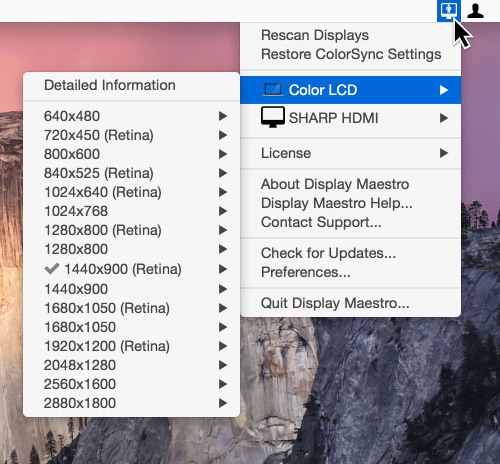
This menu bar app gives you full control over attached displays, allowing the use of all available resolutions and bit depths.
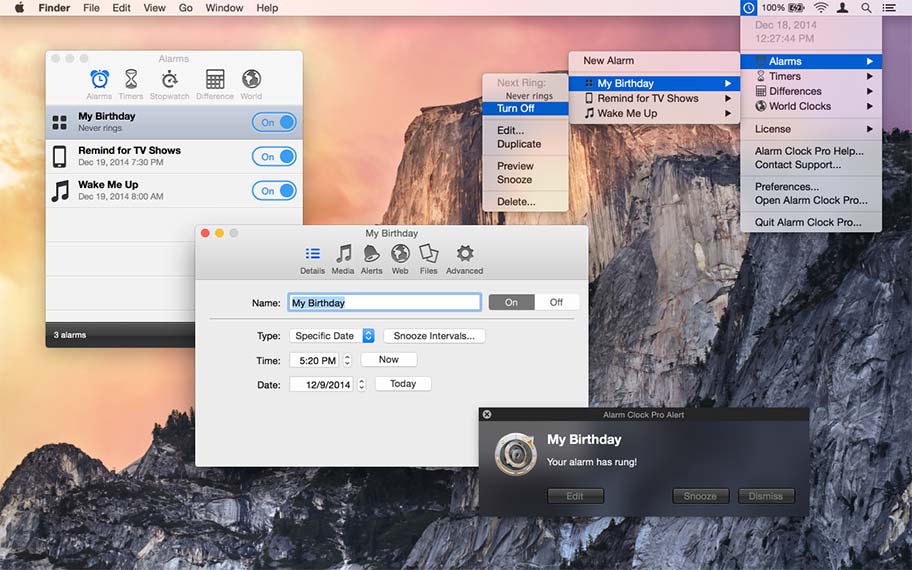
You can use Alarm Clock Pro for almost everything. For instance to ping web pages, launch URLs, open files, erase folders, execute shell commands.
But also when waking up, as a reminder to take medications, keep social appointments, or schedule follow up appointments with clients.
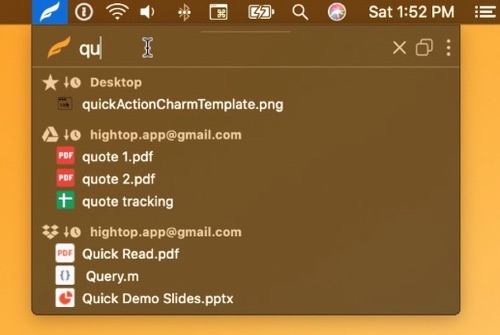
HighTop gives your favorite local folders and Dropbox a tidy tree view in the menu bar. Drag files in and out to move, upload or download them, and search across everything at once without digging up a Finder window.
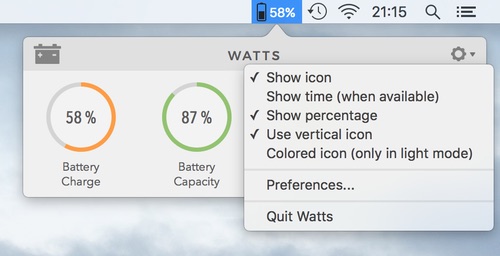
Watts shows your MacBook’s battery at a glance: charge, health, cycle count and details about the power adapter you’ve plugged in, all explained in plain language. You decide what the menu bar icon shows, with a different look for charging, discharging and full.