Collection:
Developer Apps
Jandi

Jandi gives you a quick and satisfying way to check your GitHub contribution count directly without opening the website, making it easy to stay motivated and maintain your streak on even the busiest days.

Jandi gives you a quick and satisfying way to check your GitHub contribution count directly without opening the website, making it easy to stay motivated and maintain your streak on even the busiest days.
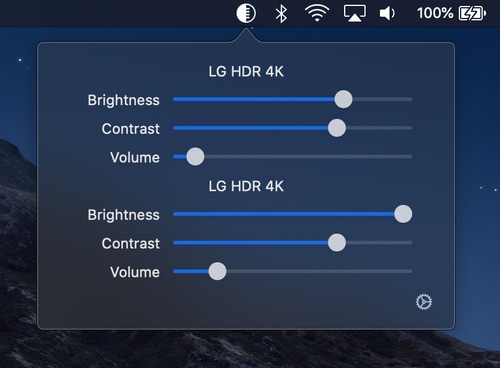
DisplayBuddy lets you control your external displays: Setting brightness, contrast, and volume from your Mac’s menu bar.

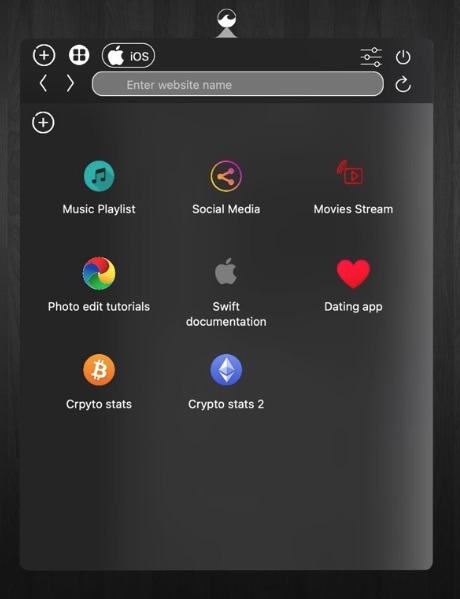
WebBuddy is a web browser that lives in your menu bar, intended for previewing links in non-browser apps and for quick searches so your main browser can be kept tidy.
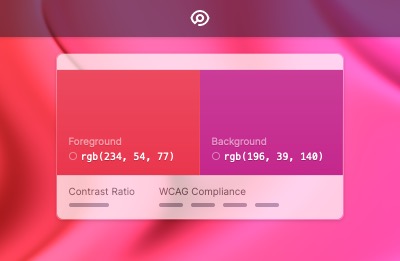
Tucked in your menu bar, Pika makes it simple to quickly find colours onscreen, in the format you need.
Choose from popular colour formats like hex, RGB, HSB, or HSL.
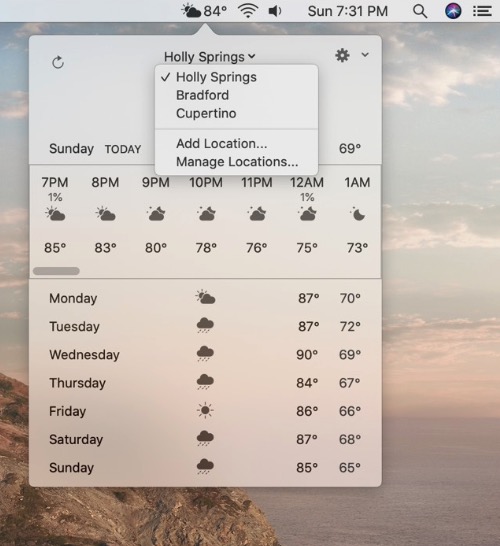
Weatherly puts the current weather in your menu bar: conditions, temperature, the “feels like” temperature or humidity, whichever you prefer. Add multiple locations, check the hourly and 7-day forecast, and pick your data source: Apple Weather, Visual Crossing or OpenWeather.

Spaceman shows your Spaces in the menu bar, so you always know which desktop you’re on and where it sits among the others, even across multiple displays. Choose rectangles, numbers or both, or give each Space a short name of its own.
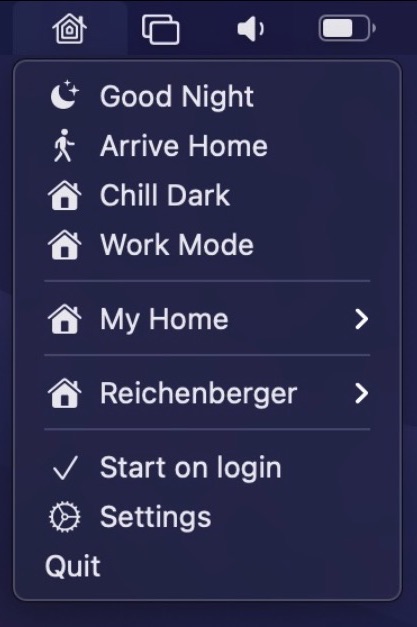
Control your HomeKit devices straight from your menu bar. There is also support for global keyboard shortcuts to enable scenes and automation support to trigger certain scenes automatically, e.g. when the computer is locked or wakes up from sleep. You can also pin sensors like temperature or air quality straight to your menu bar.
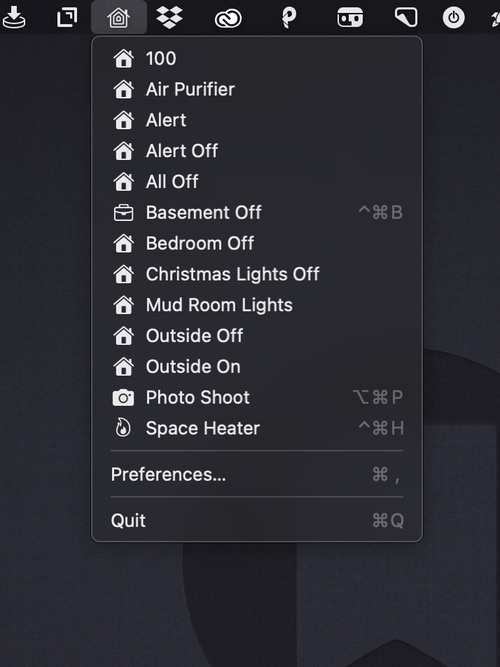
A menu bar app for controlling your HomeKit smart devices. You can edit the drop-down menu, add individual scenes to your menu bar, and assign them to global keyboard shortcuts.