Collection:
Browser Apps
WebBuddy
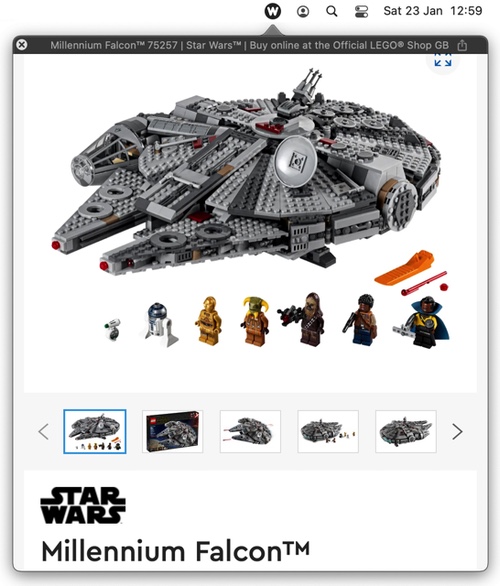
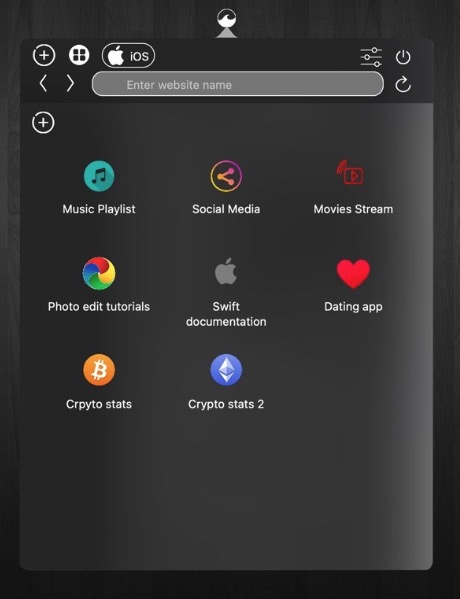
WebBuddy is a web browser that lives in your menu bar, intended for previewing links in non-browser apps and for quick searches so your main browser can be kept tidy.

WebBuddy is a web browser that lives in your menu bar, intended for previewing links in non-browser apps and for quick searches so your main browser can be kept tidy.
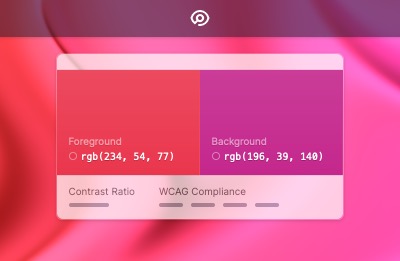
Tucked in your menu bar, Pika makes it simple to quickly find colours onscreen, in the format you need.
Choose from popular colour formats like hex, RGB, HSB, or HSL.
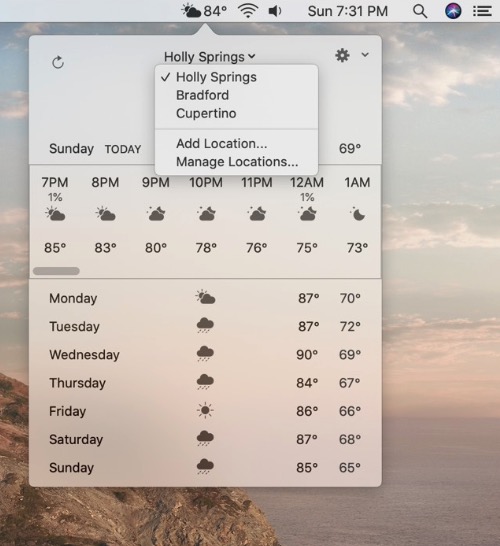
Weatherly is a simple solution for seeing the current weather right from your menu bar. You can add different places with one click. If you want, and quickly see any updates in the weather conditions, temperature, and humidity.
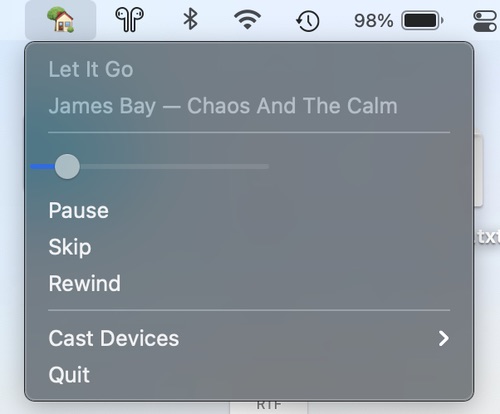
With this menu bar app you can control media playing on Google Home, Chromecast, and other Cast-enabled devices. No configuration needed, just start the app and control your media.

This menu bar app allows you to easily visualise your Spaces. You can see which space you are currenly on (relative to your other spaces).
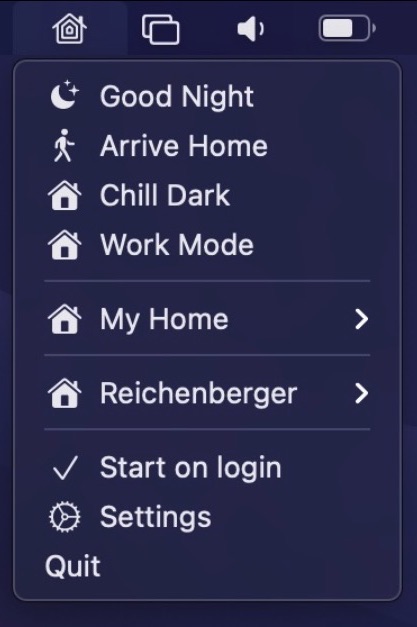
Control your HomeKit devices straight from your menu bar. There is also support for global keyboard shortcuts to enable scenes and automation support to trigger certain scenes automatically, e.g. when the computer is locked or wakes up from sleep.