Collection:
Security Apps
MiniKey
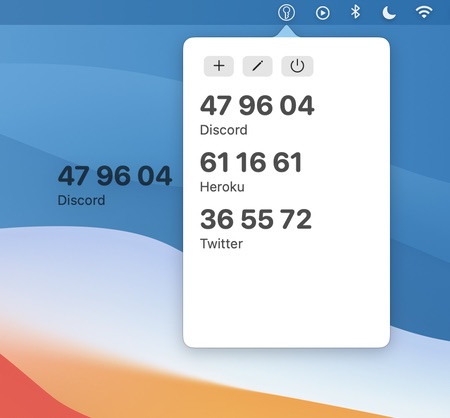
MiniKey is a one time password generator for two-factor authentication. It lets you copy generated codes with a click, and drag codes from MiniKey into authenticating apps.

MiniKey is a one time password generator for two-factor authentication. It lets you copy generated codes with a click, and drag codes from MiniKey into authenticating apps.
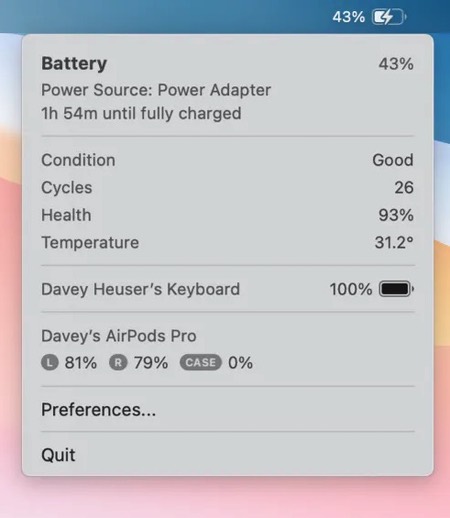
Show/hide your Mac’s battery icon when you want. This menu bar app also shows the statuses of your Bluetooth Apple products.
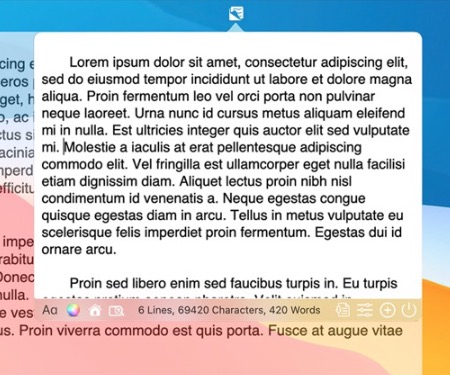
Edit and write text in the menu bar. Easily and on the go, while doing other things on your Mac at the same time. The menu bar window is resizable.
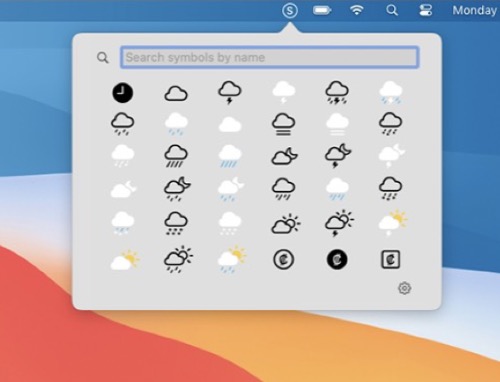
Quickly access SF Symbols straight from your menu bar (list or grid view). Search or click on a symbol to copy its name to your clipboard. Toggle multicolor or monochrome rendering.

Beaconly turns your menu bar into a hub of productivity. Access your critical tools, services, and updates—all without interrupting your workflow. Track tasks from platforms like Jira, Asana, and Trello, monitor service statuses, or check crypto prices—all at a glance. New extensions added frequently.
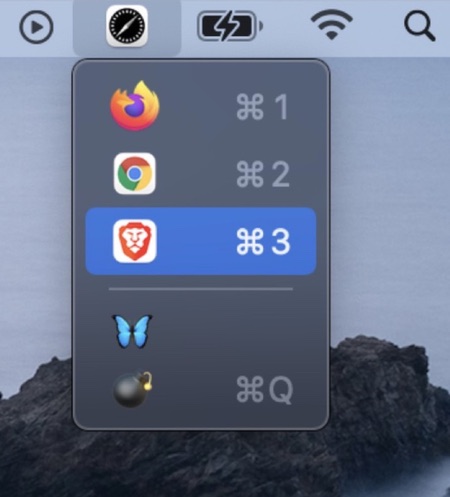
This menu bar app provides an easy way to pick a different default browser. It only shows the browsers installed on your system.
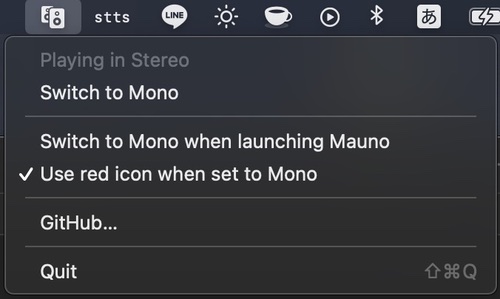
Mauno is a menu bar app that allows you to quickly switch audio from Stereo to Mono (really useful for those one-sided YouTube videos).