Collection:
Personal Apps
Scenecuts
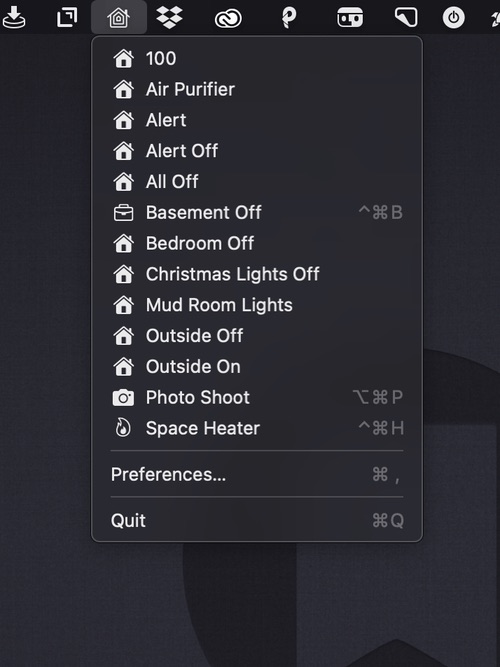
A menu bar app for controlling your HomeKit smart devices. You can edit the drop-down menu, add individual scenes to your menu bar, and assign them to global keyboard shortcuts.

A menu bar app for controlling your HomeKit smart devices. You can edit the drop-down menu, add individual scenes to your menu bar, and assign them to global keyboard shortcuts.
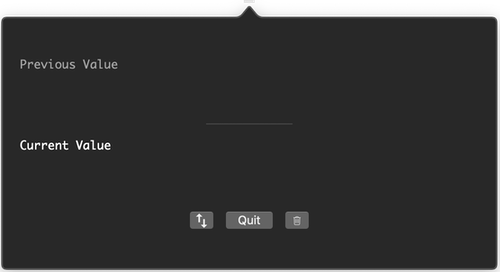
Minimal menu bar app for stashing clipboard content. You can view the current and previous values, swap between current and previous values and clear clipboard content.
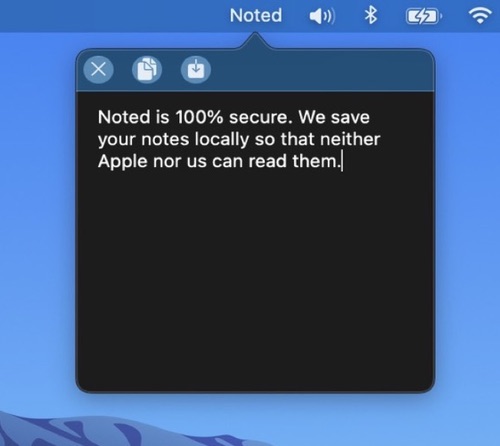
A note taking app with a minimalistic design specifically developed for macOS Big Sur. Always open and ready for you to jot down whatever is on your mind. All of your notes are stored locally.
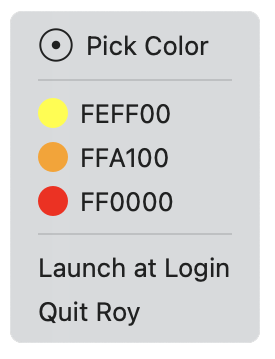
Roy is a simple color picker for designers that lives in your menu bar with hex values only. Not too feature-heavy like other color pickers.
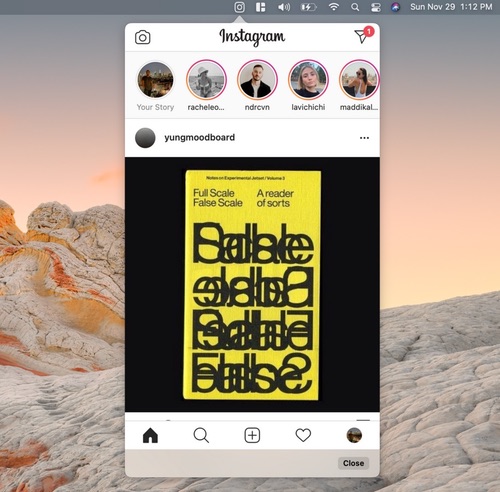
This Instagram app runs in your menu bar. It allows youto explore your feed, send messages, and watch your friends’ stories.
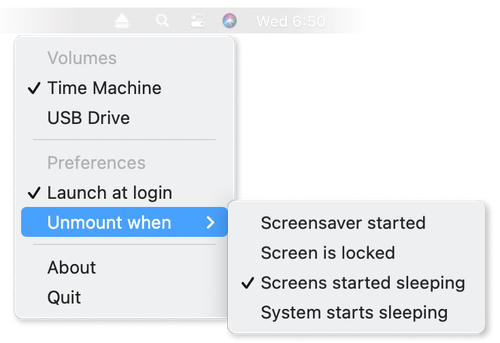
Ejectify automatically unmounts external volumes when your Mac starts sleeping, and mounts them again after it wakes up.
Useful when you have connected a USB drive to a display that powers off when your Mac starts sleeping, causing the drive to be ejected.

Instant access to the latest videos from your subscriptions no matter where you are on your Mac. The menu bar app comes with a built-in ad blocker and picture-in-picture support.
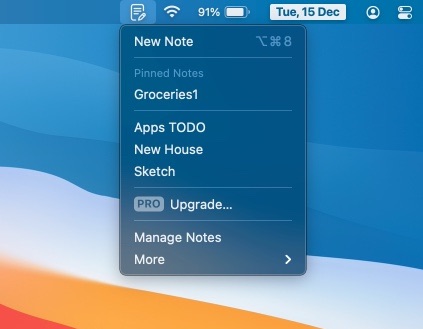
Quick Note is a clutter-free note-taking in your menu bar. optimized for a fast and quick note-taking experience. The Note floats on top of all other apps, so your notes are always visible.
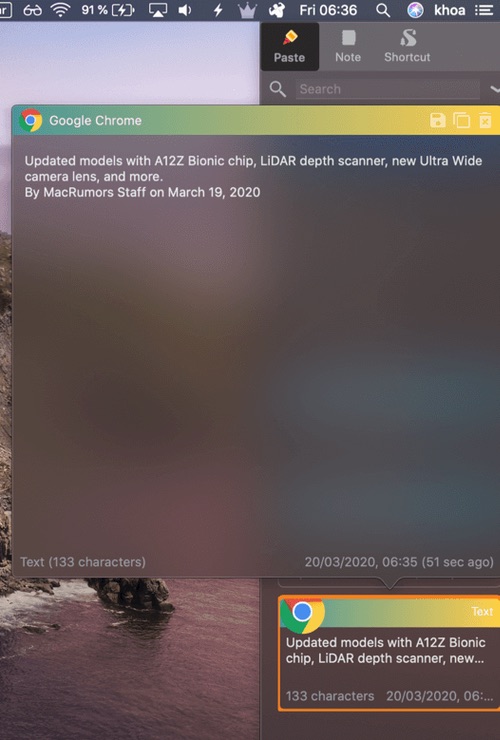
PastePal allows you to easily manage your pasteboard history with a variety of file types support like text and images. This menu bar app also comes with a note and shortcut manager.