Control, tweak and extend macOS beyond its defaults. Toggle hidden settings, manage drives and NTFS volumes, monitor hardware health, control fans and power behavior, manage Homebrew services, automate routines, throttle processes, fix system glitches and access advanced functions directly from your menu bar.
Show me the free apps only
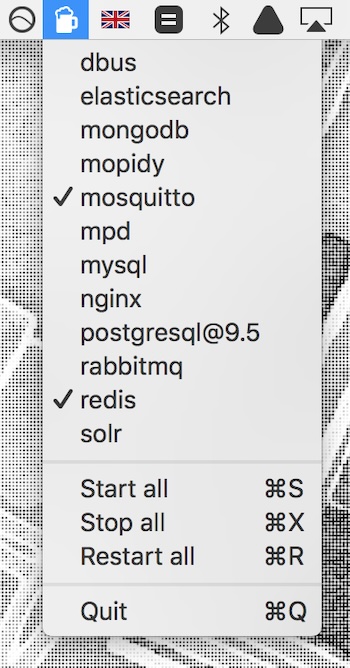
Start, restart, and stop Homebrew services directly from your menu bar without opening Terminal. Ideal for developers managing multiple background services during development and testing workflows efficiently.
Visit
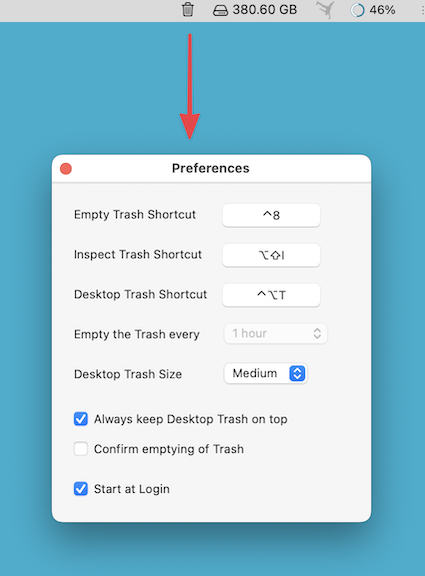
This menu bar app puts a large, freely movable Trash icon on your Desktop, and can automatically empty the Trash every 30 minutes to 24 hours.
Visit
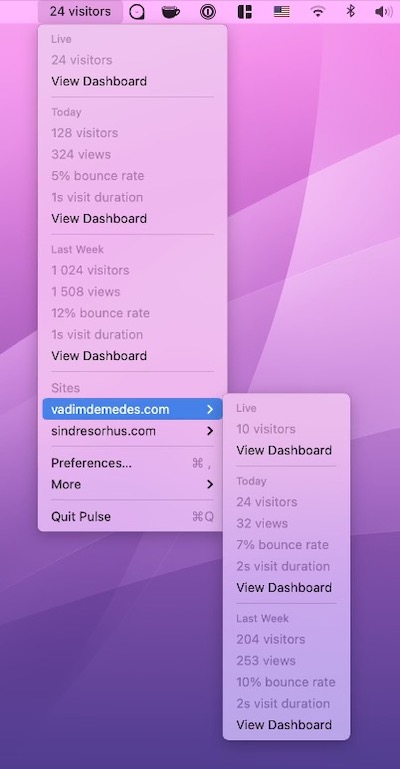
This menu bar app shows the latest stats from Plausible Analytics, a privacy-friendly Google Analytics alternative.
Visit
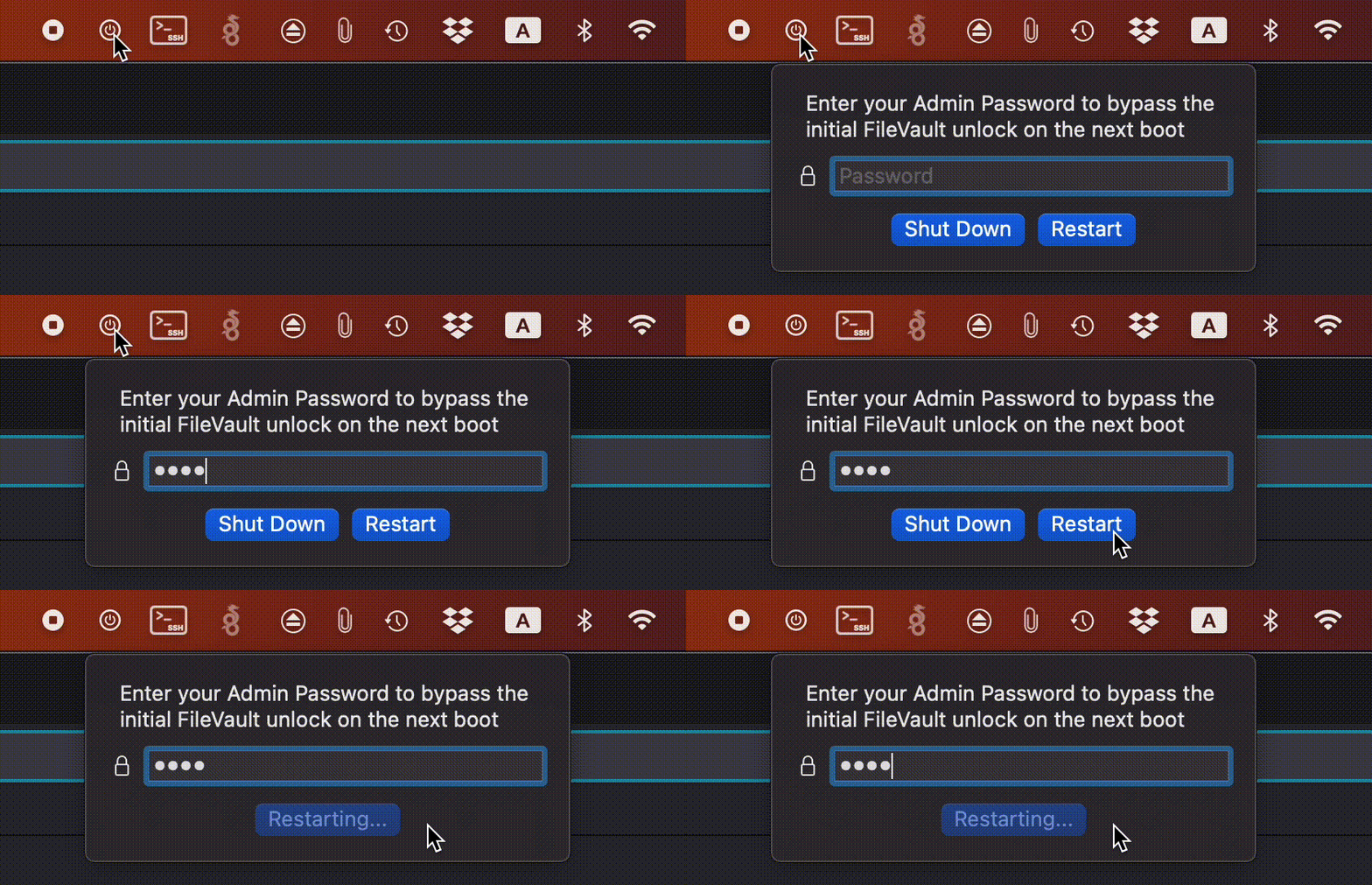
FilevaultReboot is a small open-source utility that adds a FileVault restart option directly to your menu bar, saving you from digging through System Preferences whenever you need to initiate a secure restart.
Visit

With this menu bar app you can monitor and control your SABnzbd (binary newsreader) or NZBGet (usenet downloader) application.
Visit
End of content
End of content