
Collection:
Battery Apps
WattSec
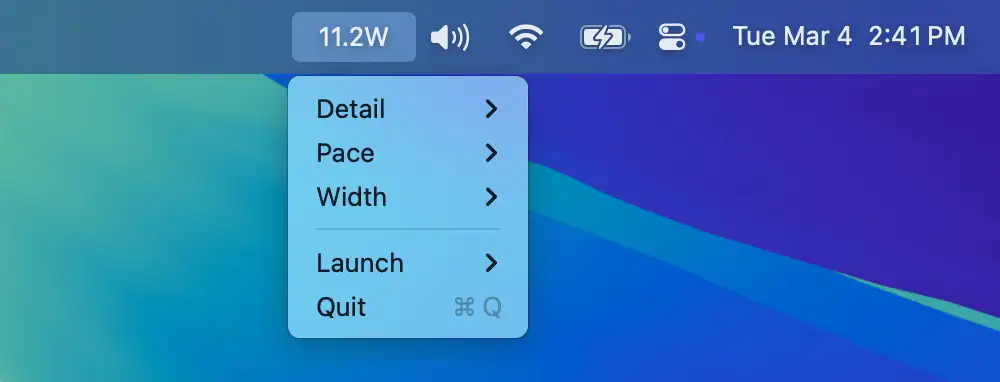
WattSec shows your system’s real-time power consumption (in watts) directly in the menu bar. It provides an easy way to monitor energy usage, helping users optimize power efficiency and battery life.

Monitor, protect and optimize your Mac’s battery health. Track cycles, capacity and condition, set charging limits, manage low power modes, monitor real time watt usage, receive smart alerts, control clamshell behavior, extend lifespan, and keep all your devices’ battery levels visible at a glance.
Monitor, protect and optimize your Mac’s battery health. Track cycles, capacity and condition, set charging limits, manage low power modes, monitor real time watt usage, receive smart alerts, control clamshell behavior, extend lifespan, and keep all your devices’ battery levels visible at a glance.
WattSec shows your system’s real-time power consumption (in watts) directly in the menu bar. It provides an easy way to monitor energy usage, helping users optimize power efficiency and battery life.
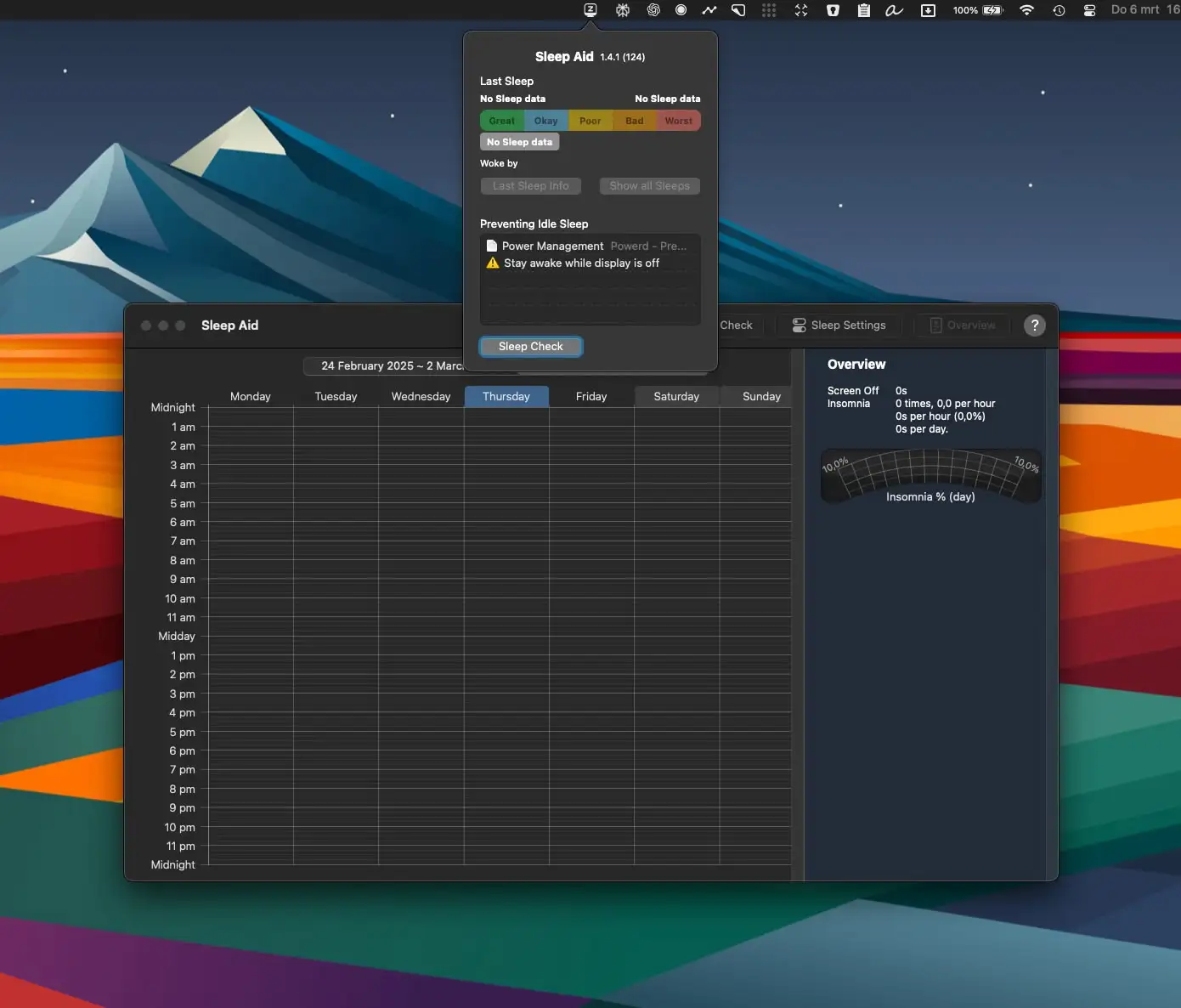
Sleep Aid monitors your Mac’s sleep activity and highlights what’s keeping it awake unnecessarily, giving you the insight to fix energy-wasting habits and letting your machine rest properly when you’re not using it.
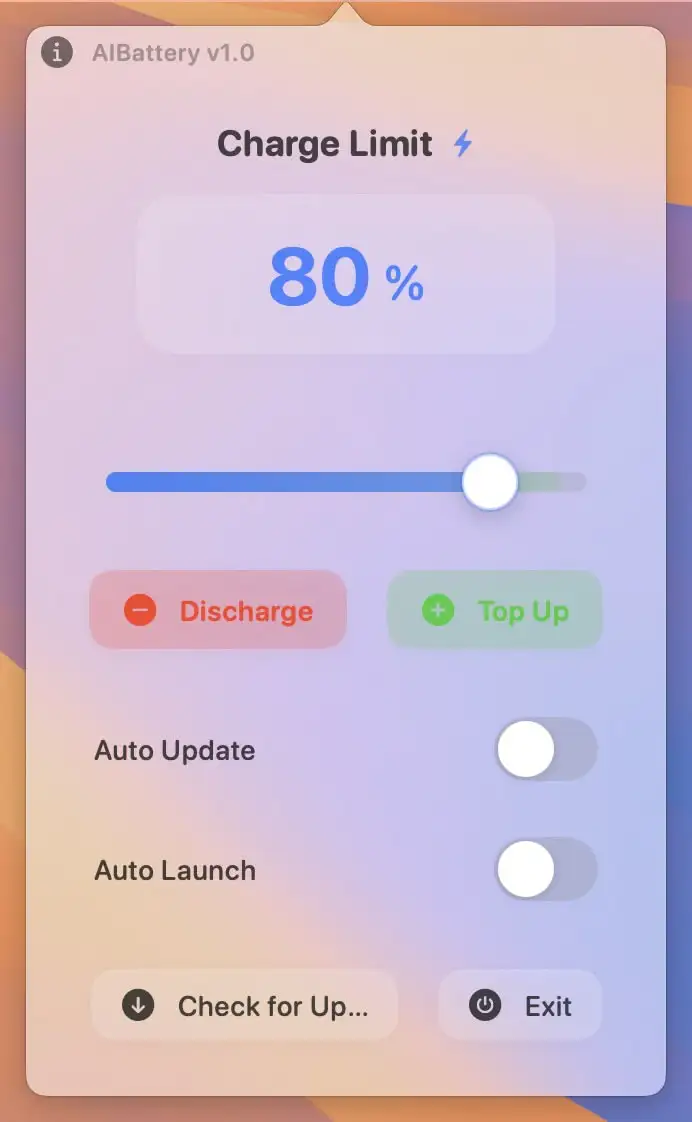
AIBattery helps optimize battery performance and extend its lifespan with real-time insights and smart charging tools. It monitors battery health, adjusts charging patterns, and provides expert tips to maintain peak performance.
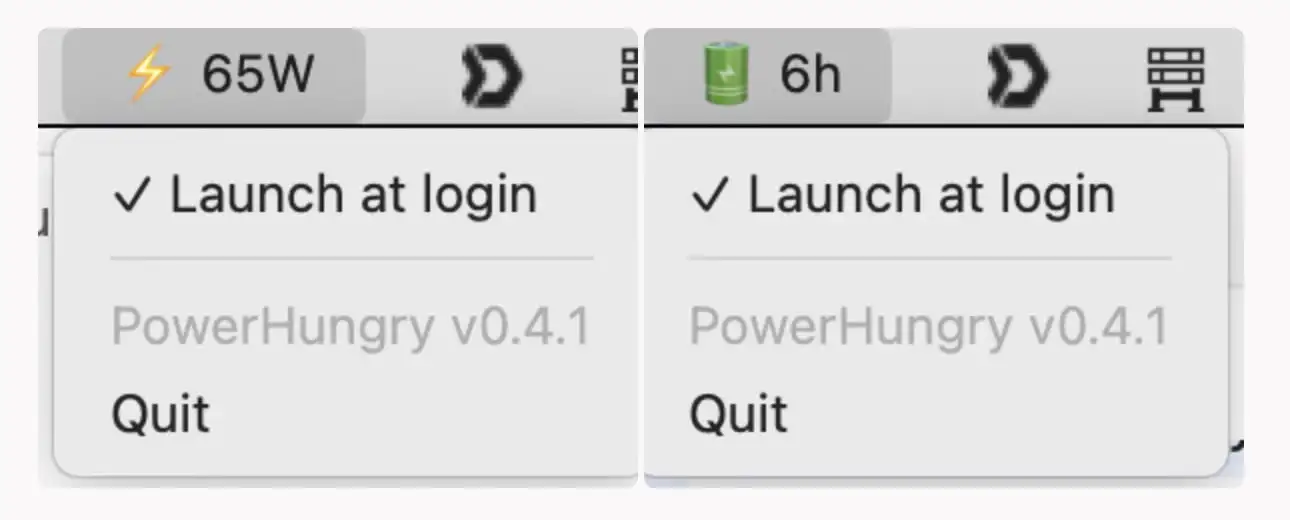
This menu bar app shows AC power and remaining battery time. This comprehensive tool helps you stay organized and efficient throughout your workday without distractions or complications.

Reduce unnecessary background activity. Dreamless automatically turns off Bluetooth/Wi-Fi when the Mac goes to sleep, and turns them back on when it wakes up.
End of content
End of content