Collection:
Meeting Apps
DRFT
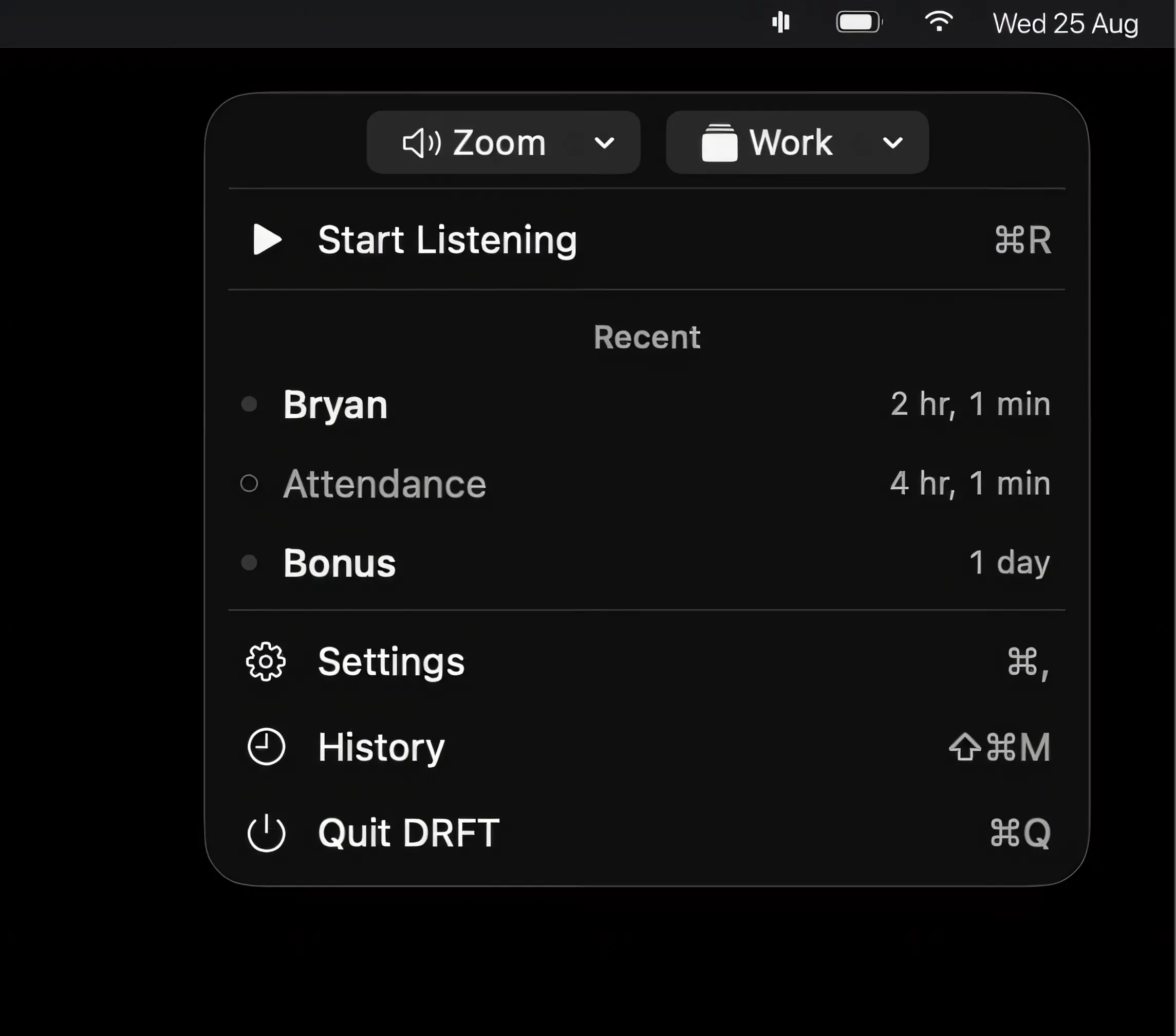
DRFT listens for words that matter during meetings and alerts you when they’re spoken. On-device speech recognition keeps audio private, while saved moments and AI summaries help you catch what matters.

Run your meetings without chaos. Join calls in one click, see what’s next, auto-mute your mic, blur sensitive areas, silence notifications, manage time zones, transcribe conversations, and protect your screen during recordings, all from your menu bar.
Run your meetings without chaos. Join calls in one click, see what’s next, auto-mute your mic, blur sensitive areas, silence notifications, manage time zones, transcribe conversations, and protect your screen during recordings, all from your menu bar.
DRFT listens for words that matter during meetings and alerts you when they’re spoken. On-device speech recognition keeps audio private, while saved moments and AI summaries help you catch what matters.
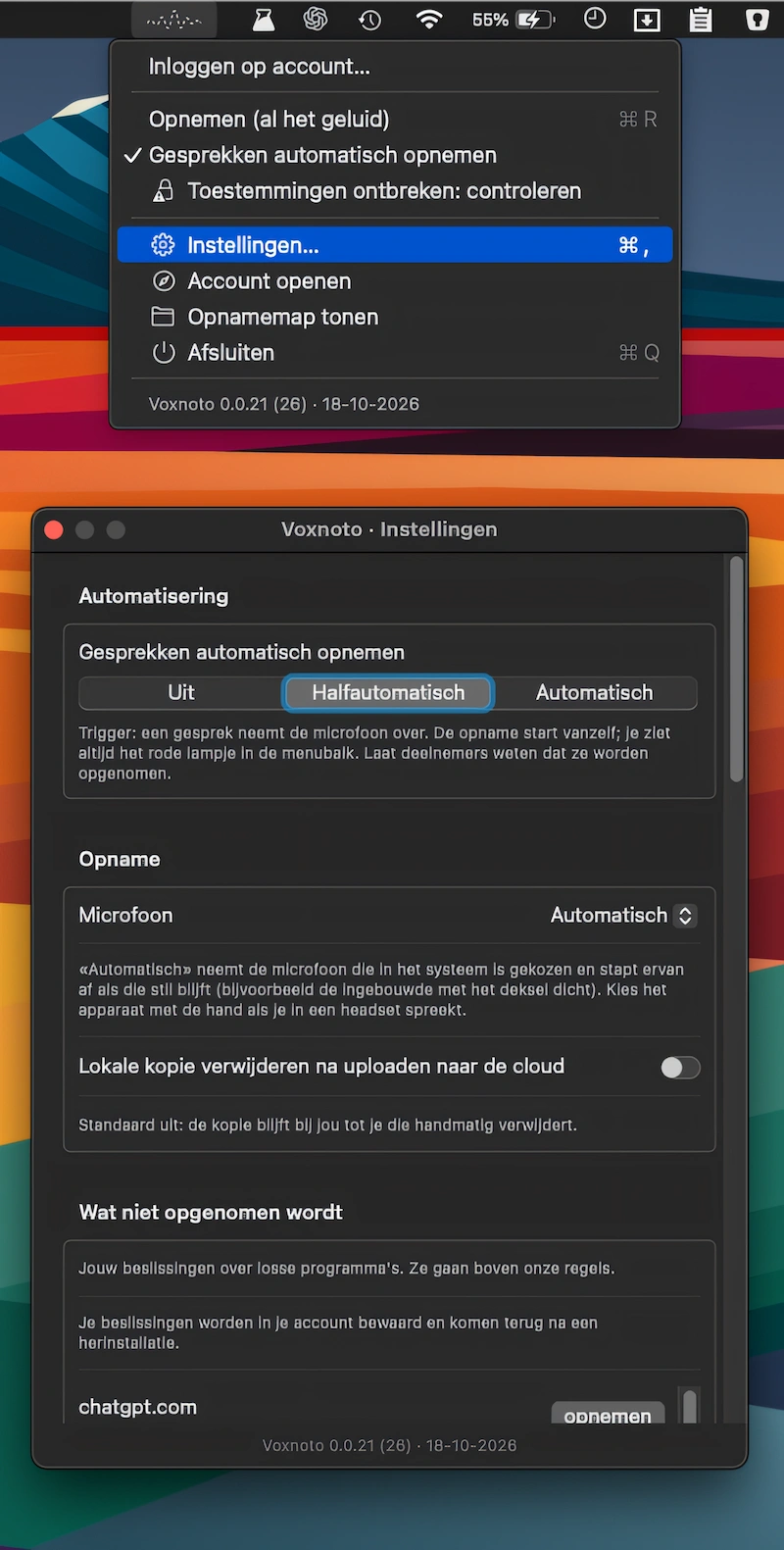
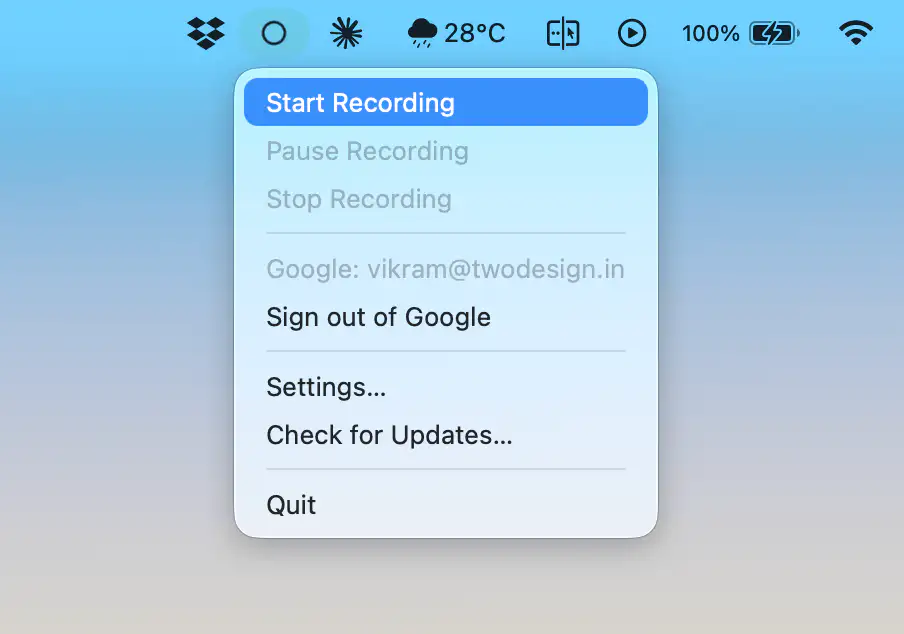
Automatically record calls in Zoom, Meet, Teams, and Webex, then get accurate AI transcripts with speaker labels, summaries, translations, and TXT or SRT exports.
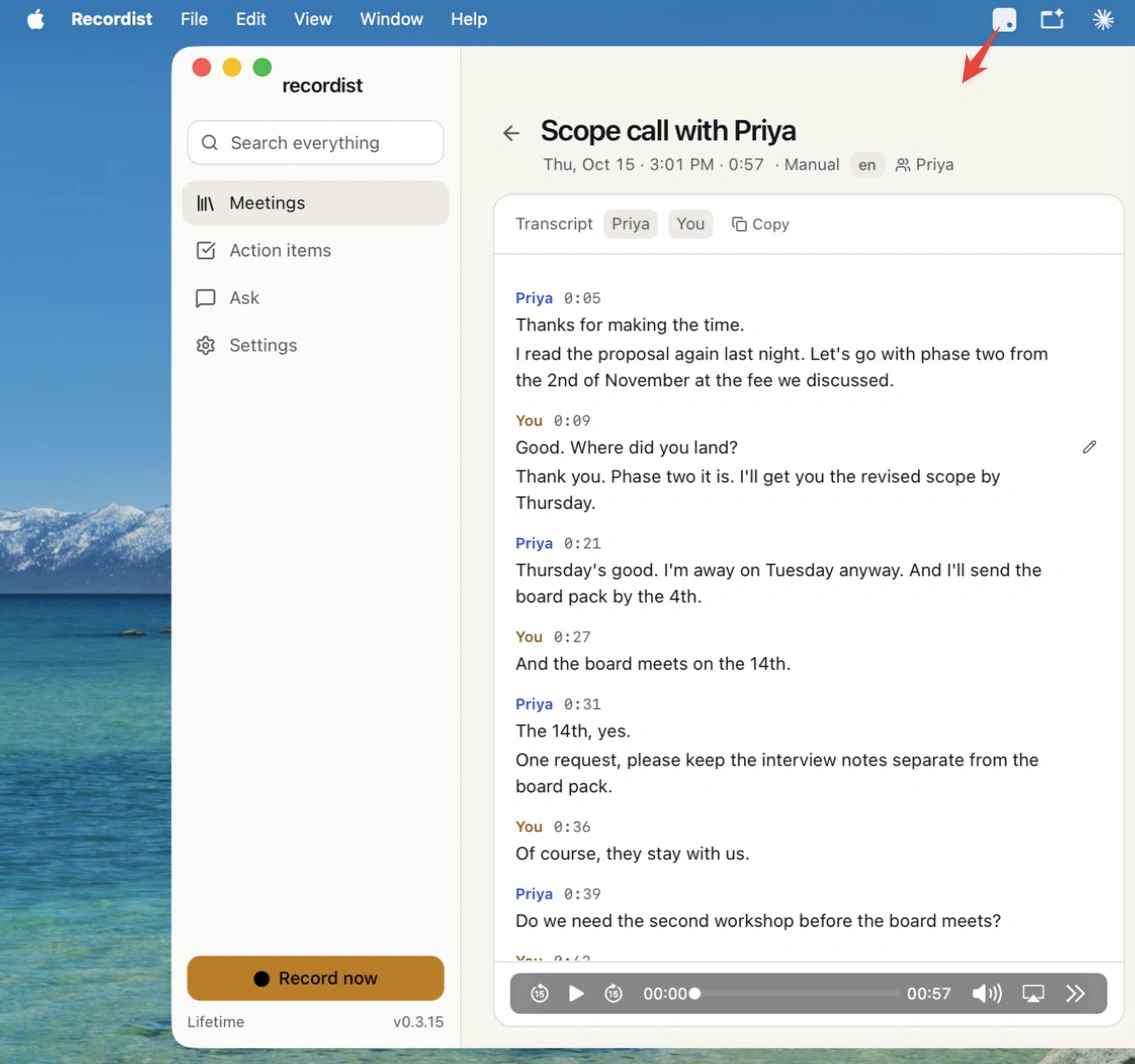
Recordist records and transcribes calls locally, turning conversations into searchable transcripts, timestamped audio, concise notes, and follow-up email drafts. No bots join calls, and your recordings stay on your Mac.
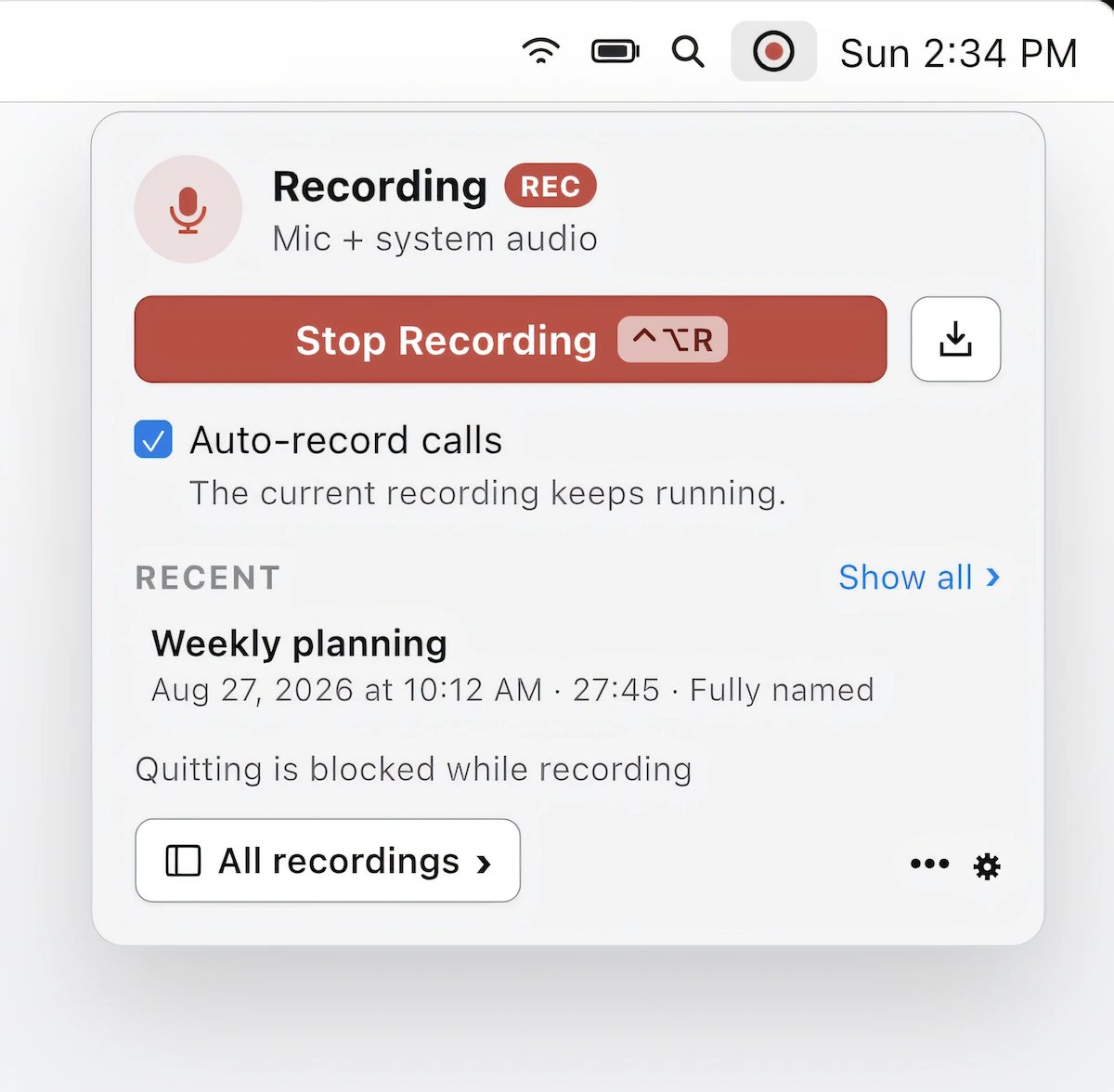
Record, transcribe, and summarize calls in Zoom, Teams, and Meet without a meeting bot. On-device recording, speaker identification, and AI-powered summaries keep your conversations private on your Mac.
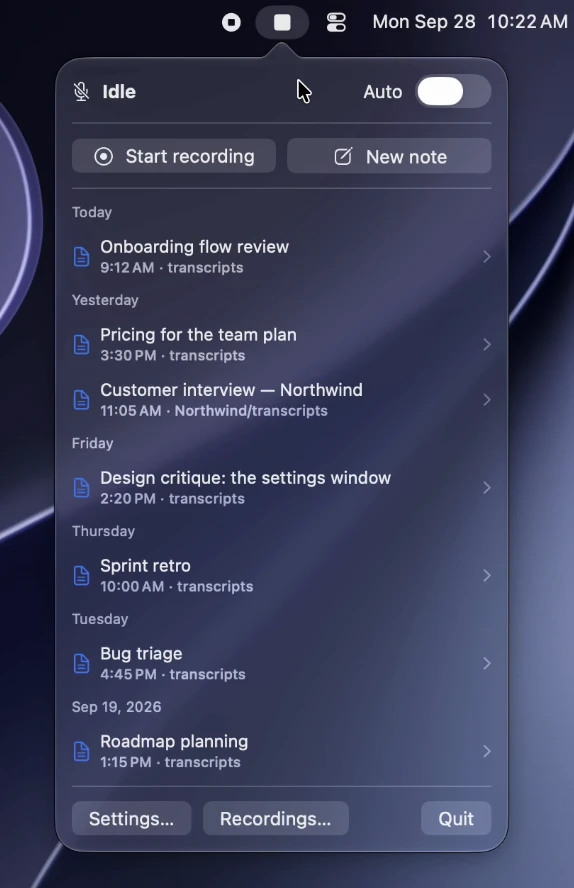
Transcripts automatically records and transcribes meetings on-device, with speaker labels, summaries and action items. It supports Zoom, Teams, Meet and more, keeping recordings and transcripts in your own folders.
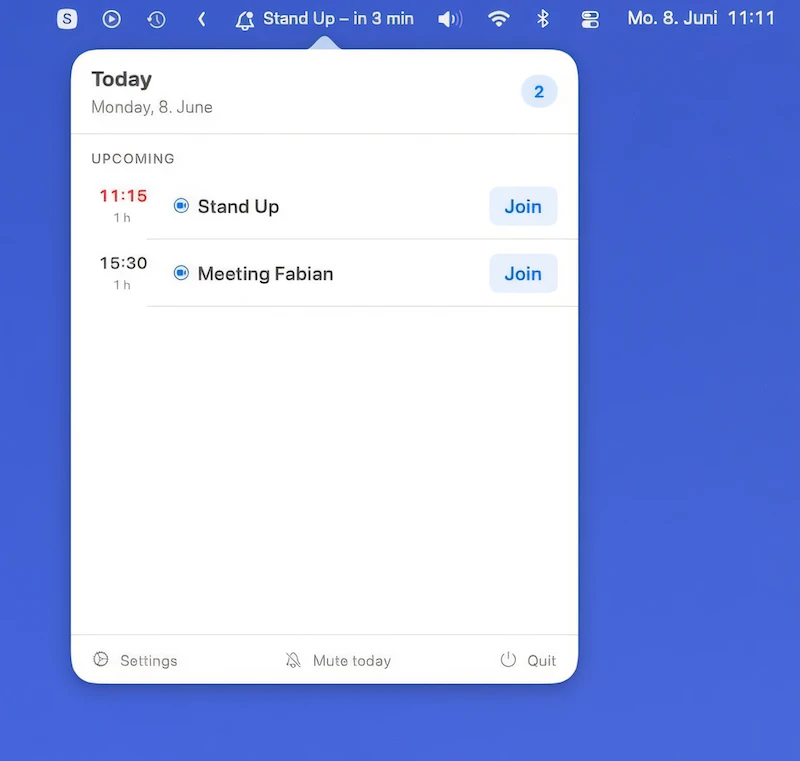
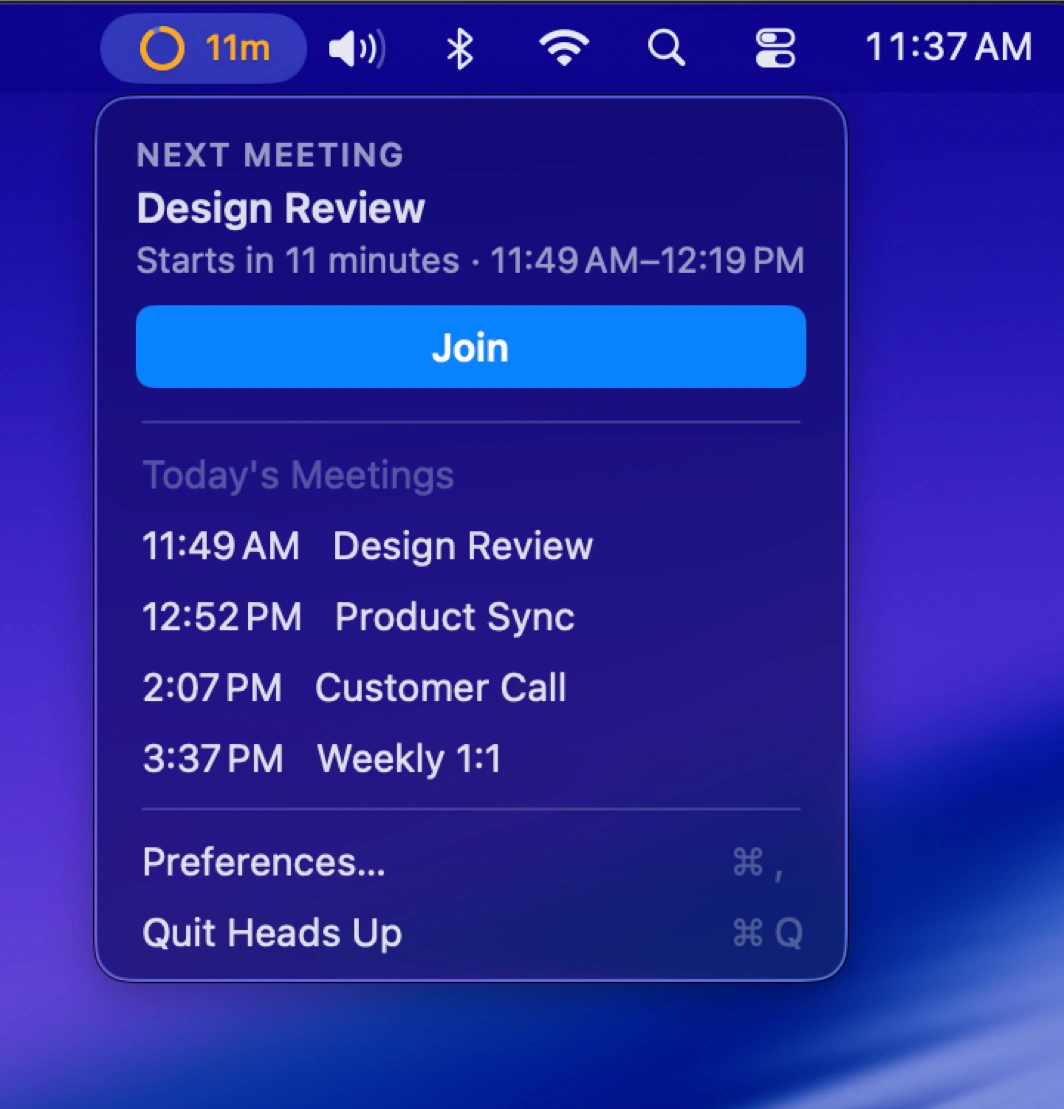
Final Call makes meetings hard to miss with fullscreen countdowns, one-click joining, calendar integration, agenda views, snoozing, and automatic music pausing, while keeping your calendar data local.
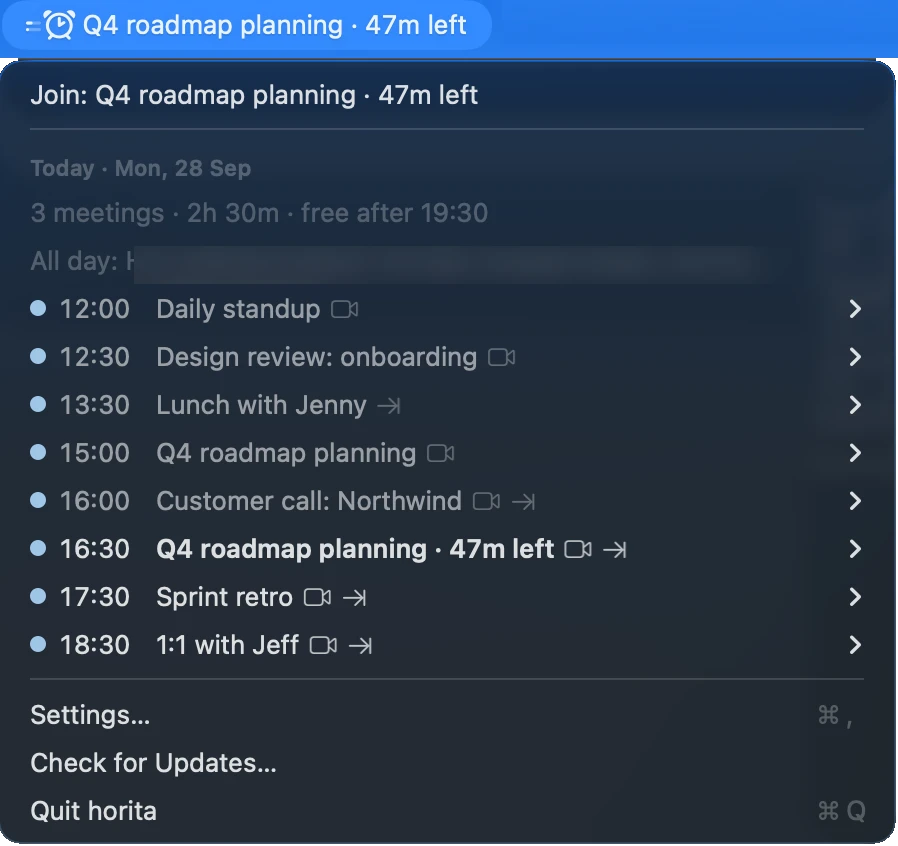
See your next meeting at a glance, with a countdown and one-click access to Zoom, Google Meet, or Microsoft Teams. Works with your Mac calendars, stays private, and keeps distractions to a minimum.
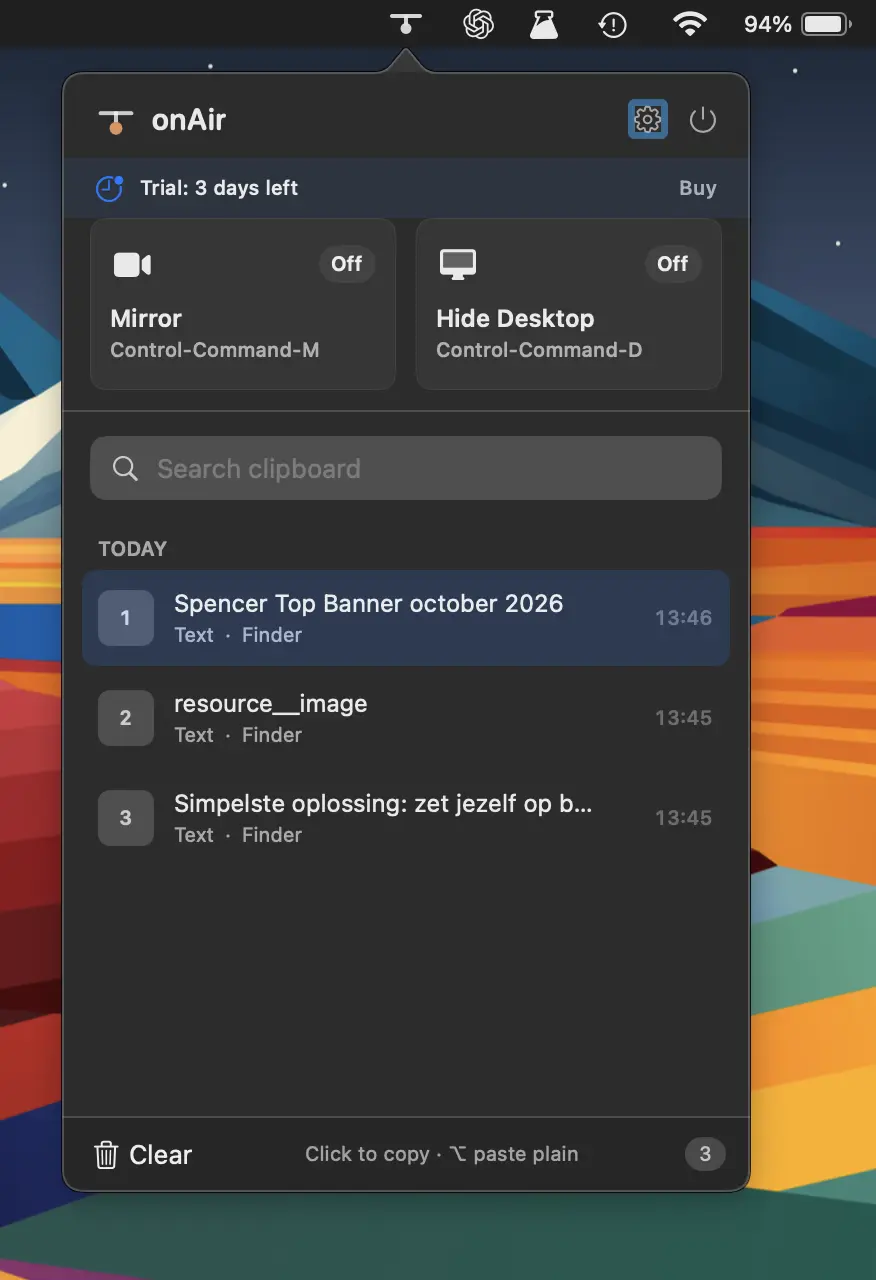
Streamline your on-air workflow with clipboard history, camera preview, desktop clutter hiding, global shortcuts, and privacy-focused tools, all built natively for macOS without bloat or tracking.
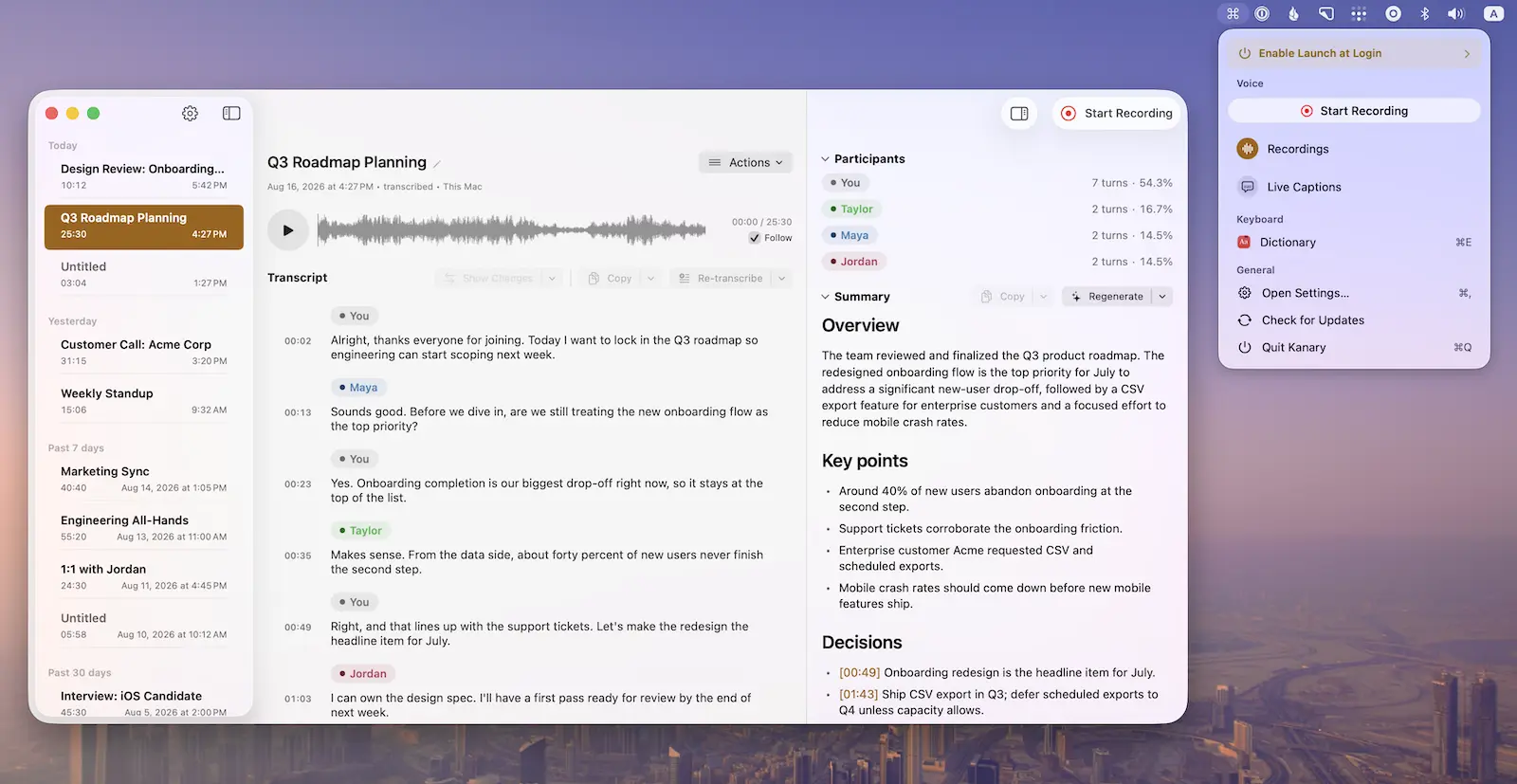
Record meetings, calls, podcasts, and voice memos with live captions, on-device transcription, and summaries, while powerful keyboard shortcuts and window controls keep everything efficient and private on your Mac.