Collection:
Network Apps
NetworkMonitor
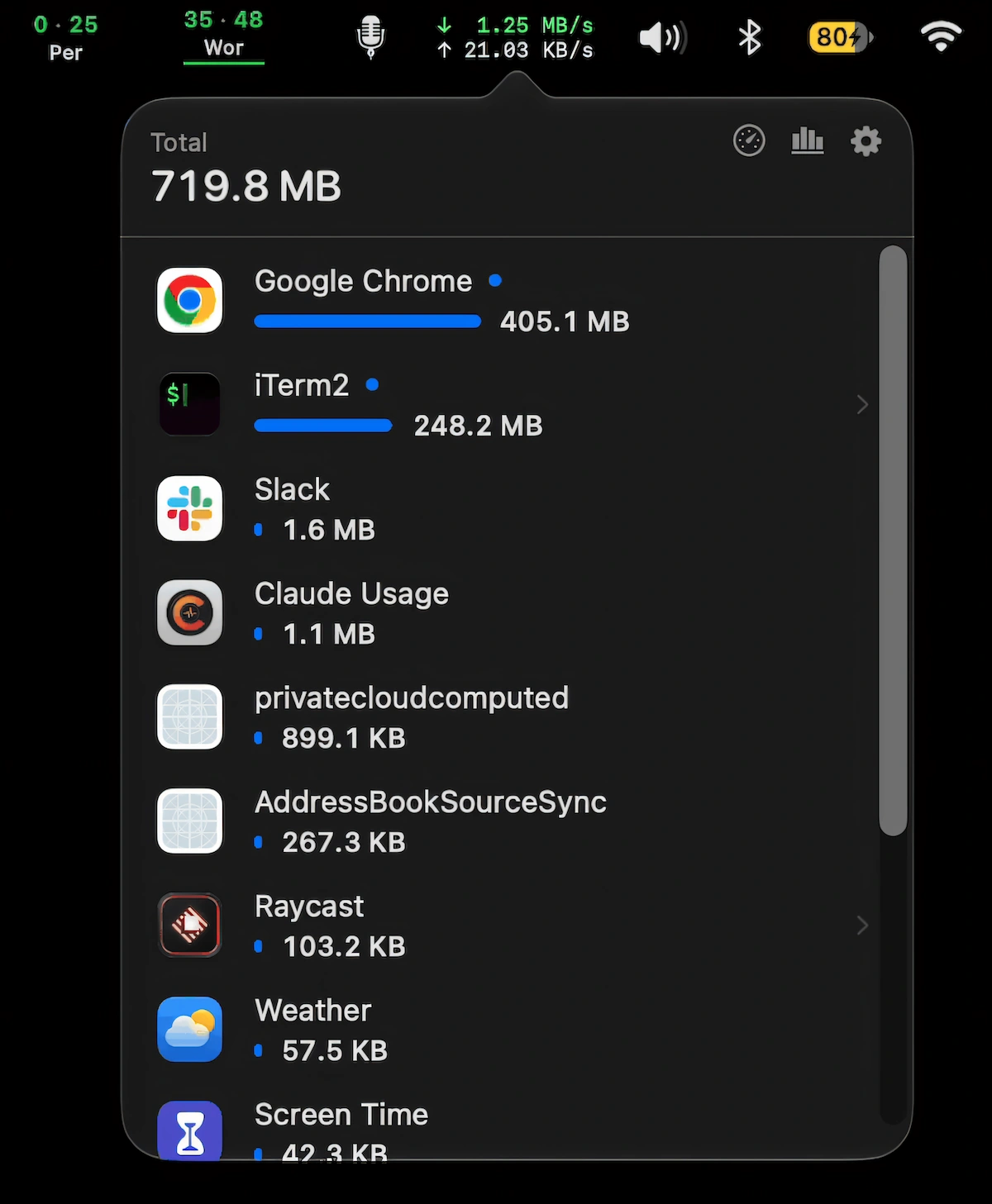
Monitor live network speeds and per-app data usage, see which apps consume the most data, pause automatic updates on hotspots, and run speed tests.

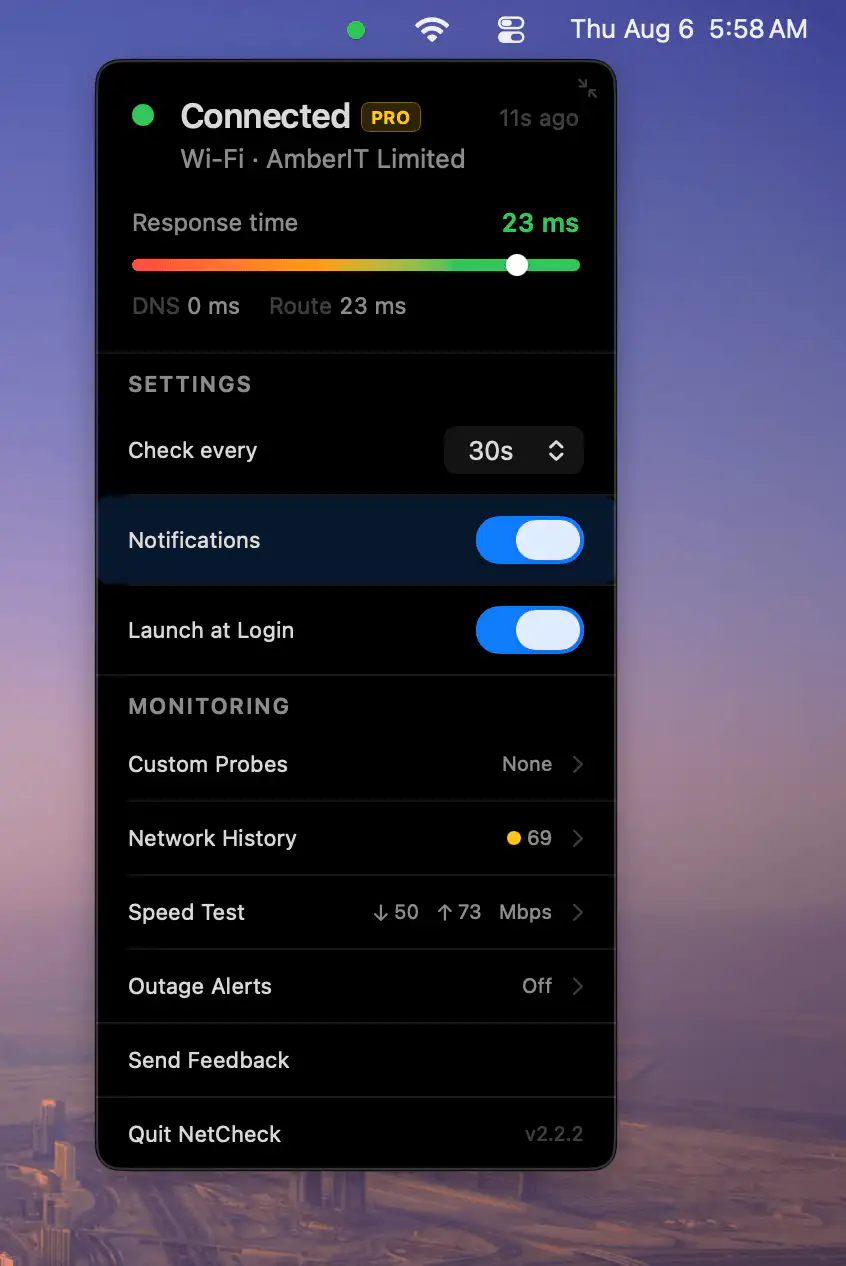
Stay in control of your connection. Monitor bandwidth, ping latency, IP addresses, DNS settings, VPN status, ports, and signal strength, automate network triggers, mount shares, switch proxies, and secure traffic directly from your menu bar.
Stay in control of your connection. Monitor bandwidth, ping latency, IP addresses, DNS settings, VPN status, ports, and signal strength, automate network triggers, mount shares, switch proxies, and secure traffic directly from your menu bar.
Monitor live network speeds and per-app data usage, see which apps consume the most data, pause automatic updates on hotspots, and run speed tests.
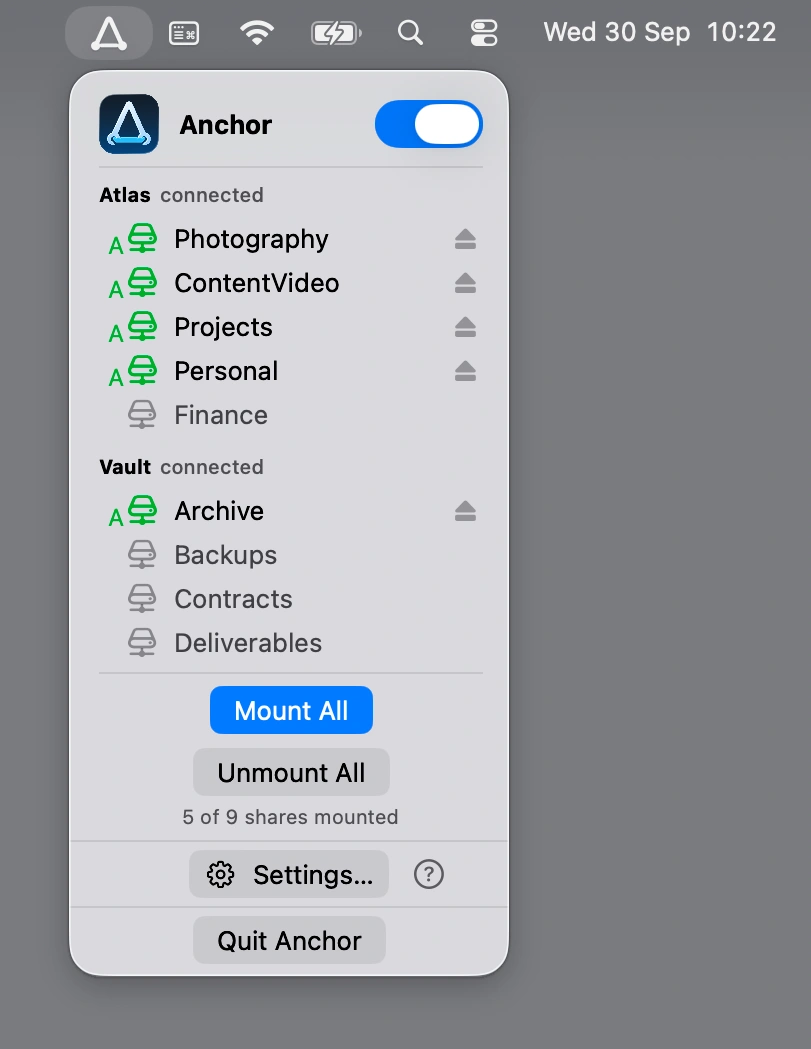
Keep SMB network shares within reach with Anchor, which automatically mounts and reconnects NAS folders when your Mac wakes from sleep or a network connection drops.
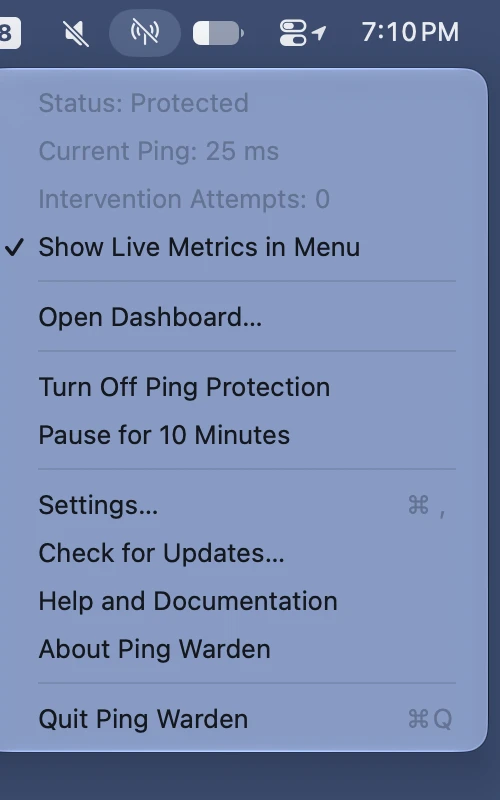
Ping Warden helps reduce Wi-Fi latency by pausing AWDL when it causes interference, with optional live latency readings, a 10-minute pause, diagnostics, and latency history.
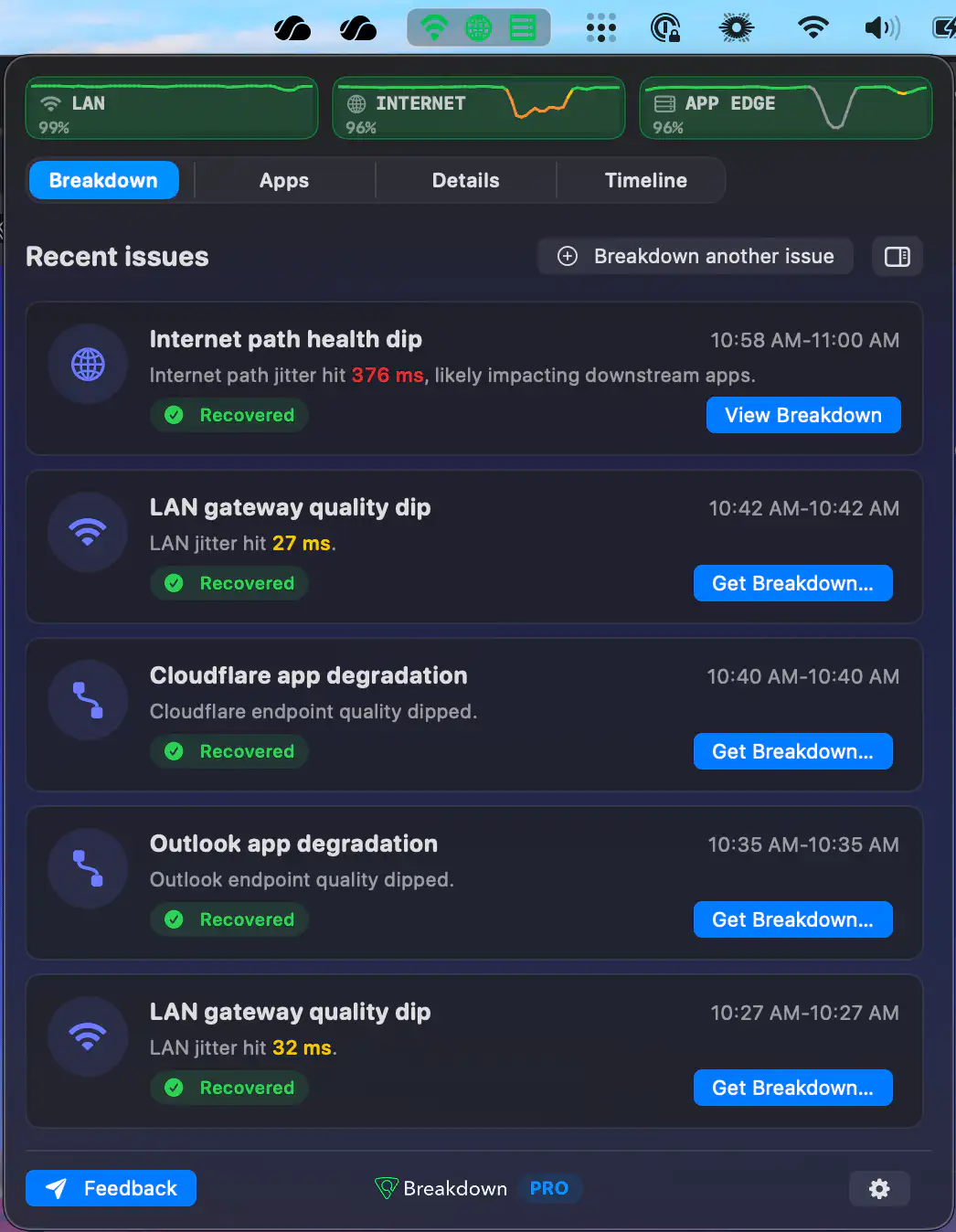
Breakdown helps diagnose frustrating connection issues by showing whether problems come from Wi-Fi, your ISP path, or an app. Track failures, uncover network bottlenecks, and troubleshoot with clear evidence instead of guesswork.
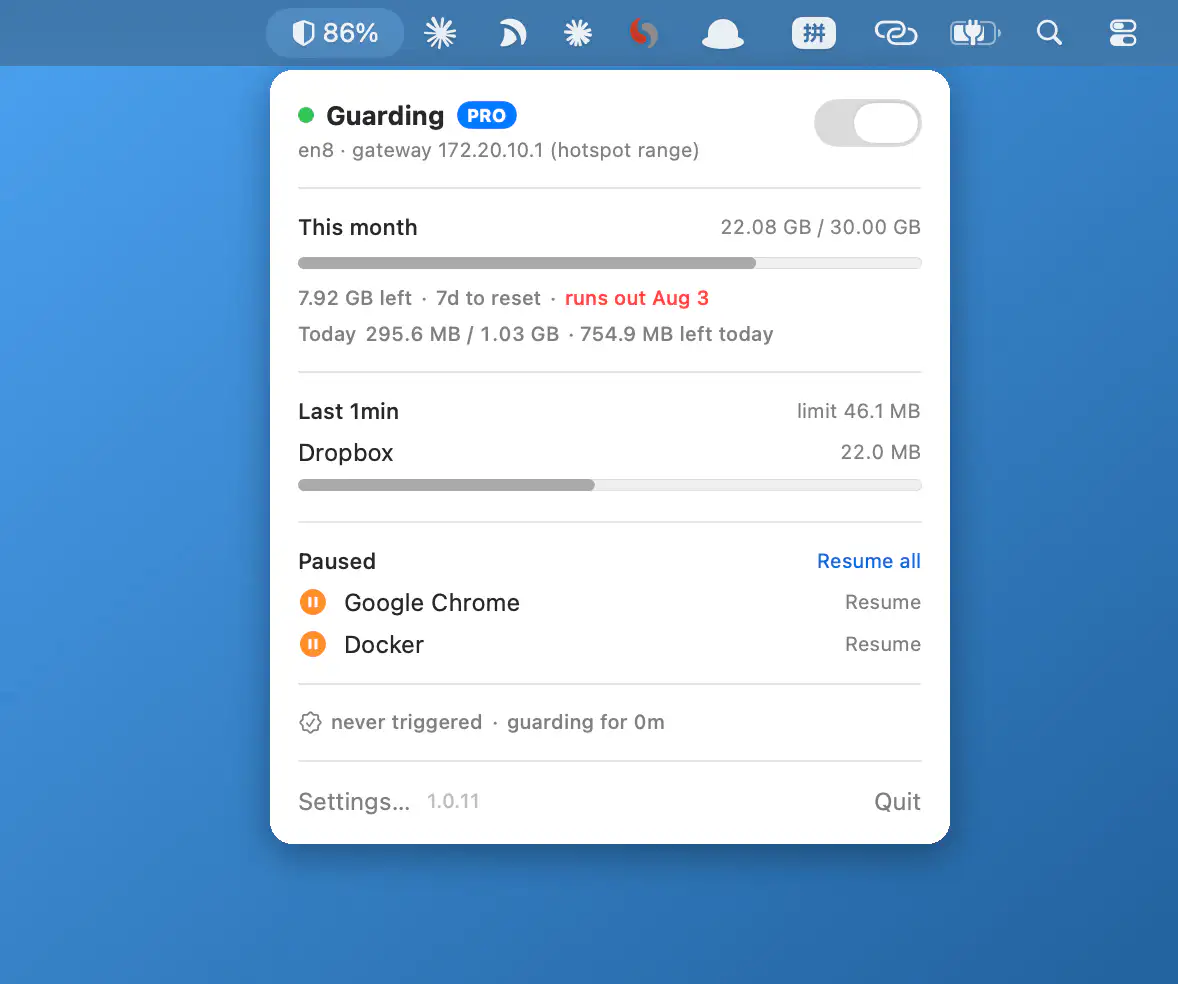
Hotspot Guard monitors app data usage on metered connections, helping prevent runaway data usage on mobile hotspots. Set limits, track budgets, and receive alerts with everything running on-device for a more private experience.
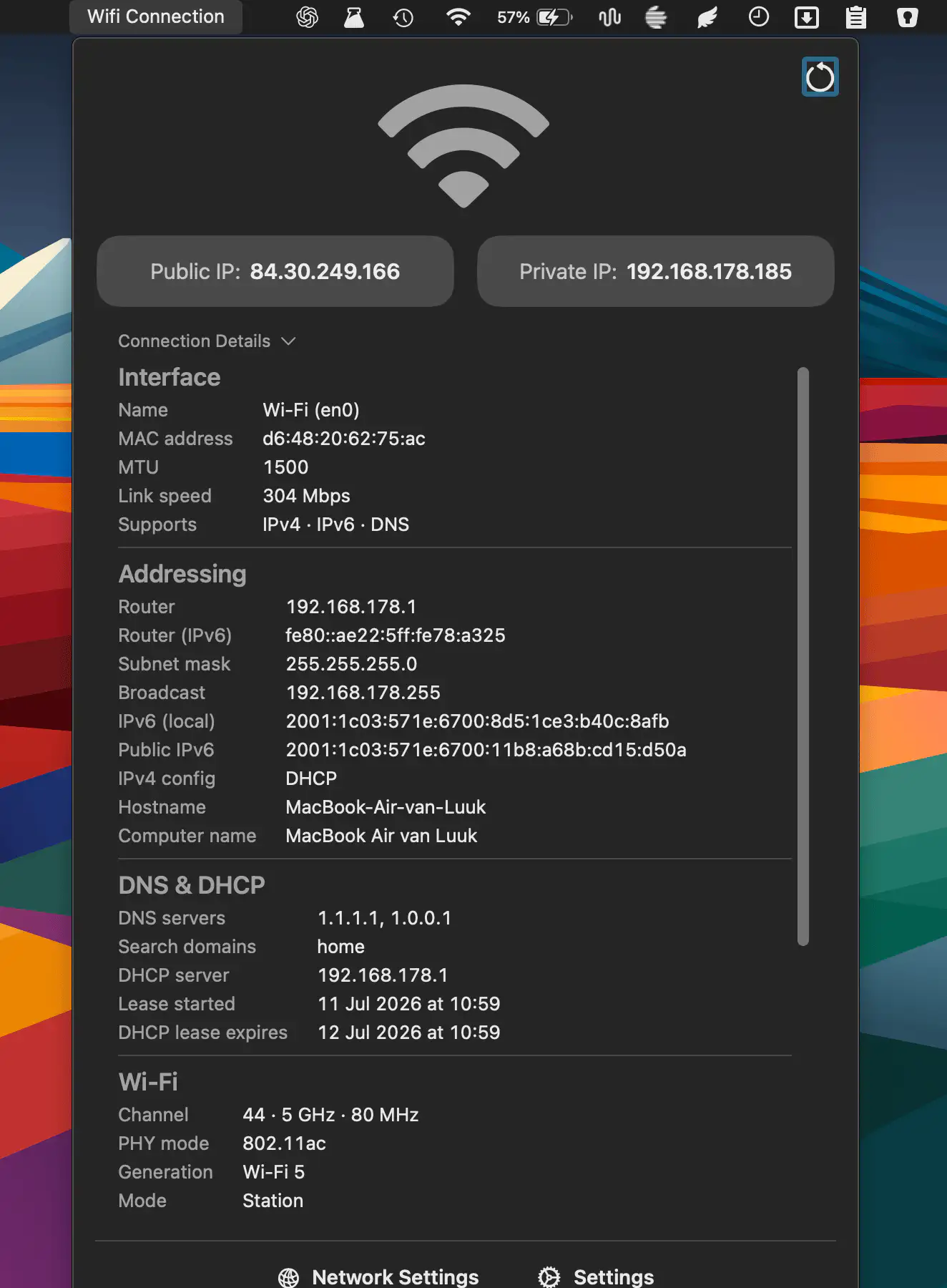
QuickNetStats shows connection type, link quality, and IPv4 addresses at a glance. It helps monitor connectivity and provides detailed information about your current network connection.
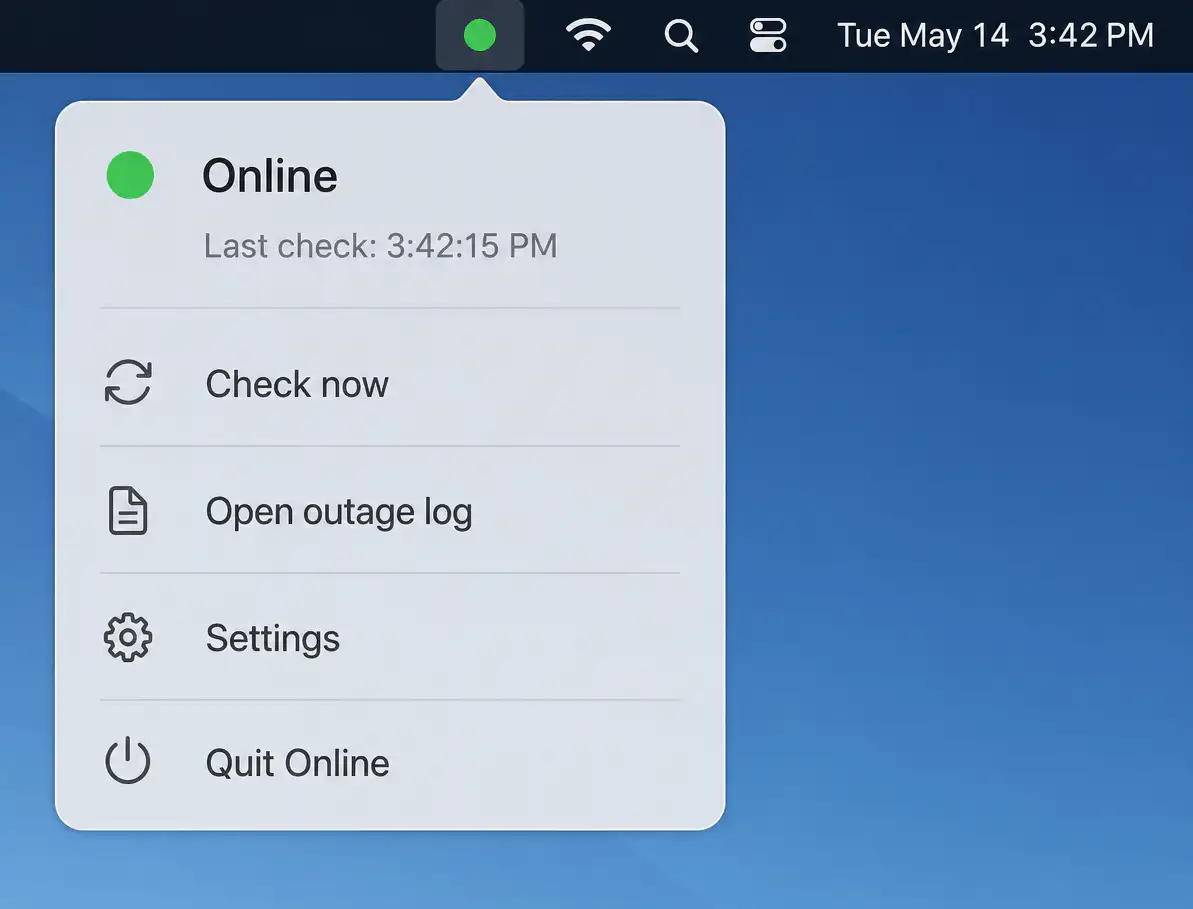
Online quietly monitors your internet connection with layered connectivity checks, detecting real outages beyond simple Wi-Fi status. It identifies likely causes, logs interruptions, and sends timely alerts while staying unobtrusive when everything works.
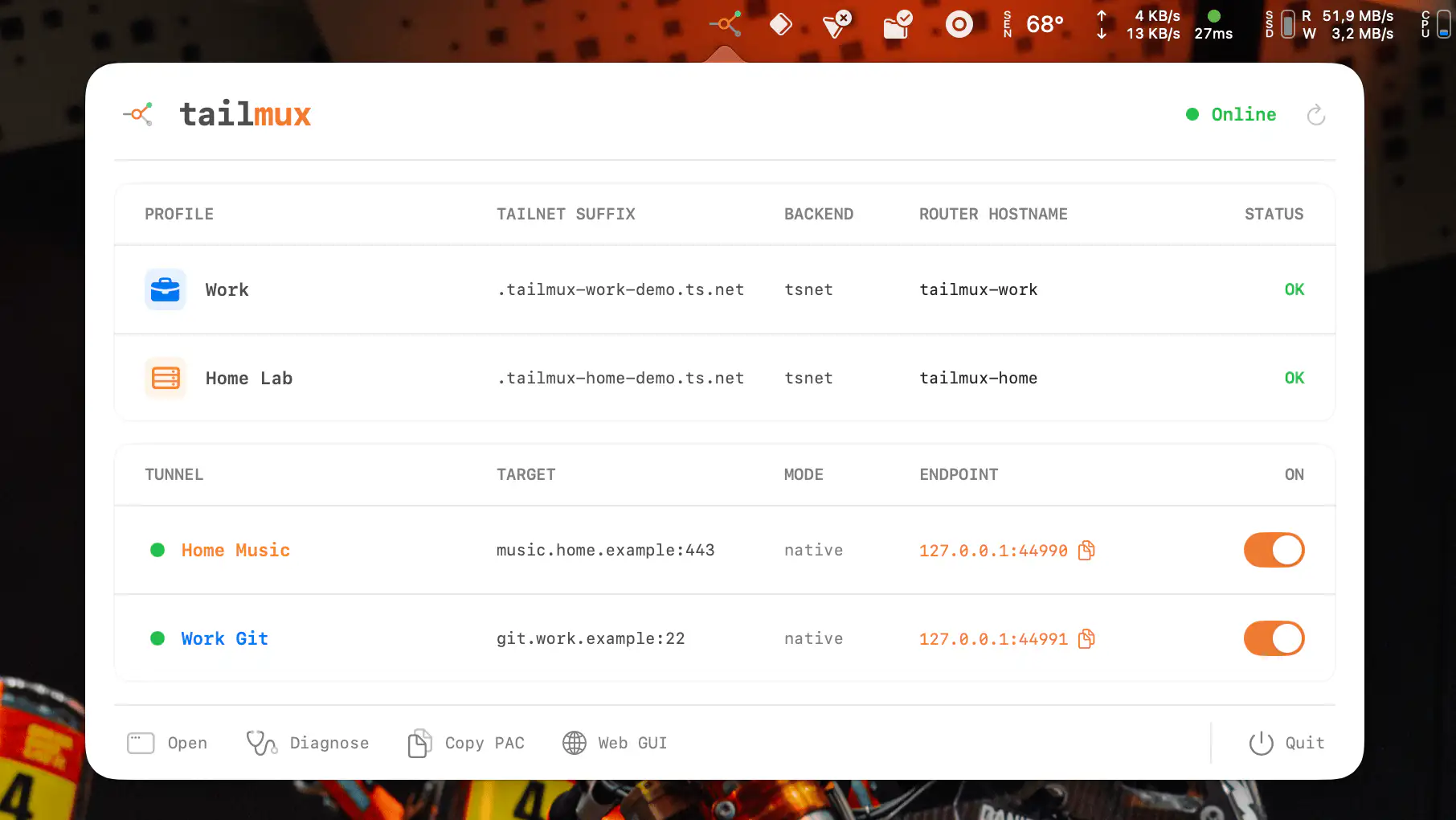
TailMux makes it easy to access resources across multiple independent Tailscale tailnets simultaneously. Using isolated profiles and hostname-based routing, it keeps connections securely separated while supporting browsers, SSH, CLI tools, and local TCP tunnels without altering your existing Tailscale setup.
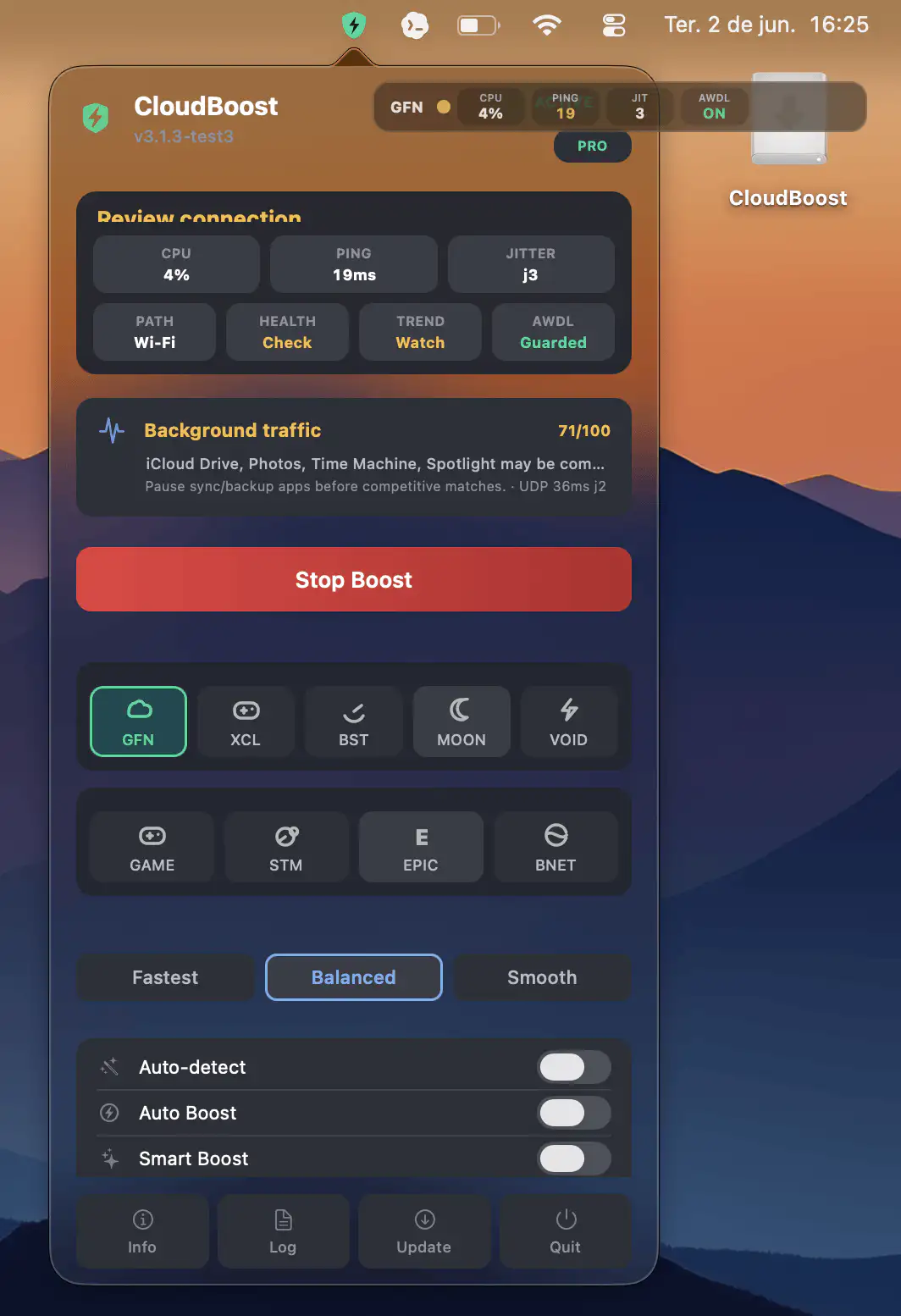
CloudBoost helps make cloud gaming on macOS smoother by applying temporary system optimizations that reduce stutters, latency spikes, and background interruptions, then automatically restoring your settings when the session ends.