Stay in control of your connection. Monitor bandwidth, ping latency, IP addresses, DNS settings, VPN status, ports, and signal strength, automate network triggers, mount shares, switch proxies, and secure traffic directly from your menu bar.
Show me the free apps only
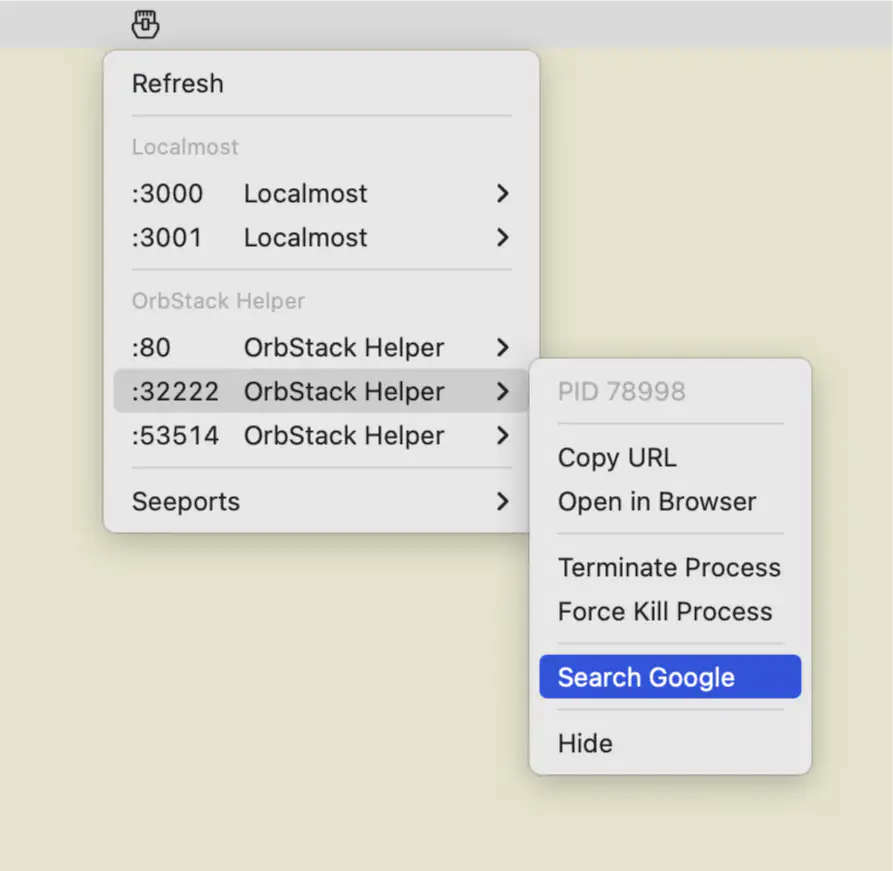
Seeports scans your Mac for active TCP ports, grouping them by services like Docker, Kubernetes, and local dev servers, offering real-time visibility, quick actions, and clean developer-focused control, smooth experience.
Visit
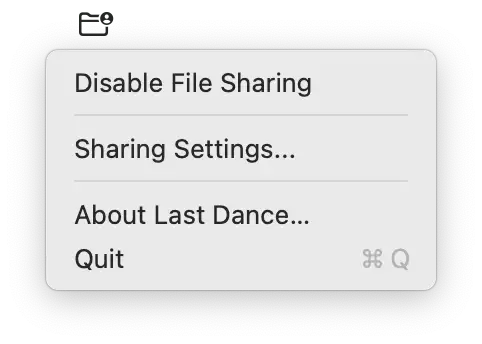
Last Dance fixes a persistent macOS issue where SMB file sharing stops responding after restart. It quietly disables sharing during shutdown and restores it on login, keeping everything reliably accessible.
Visit
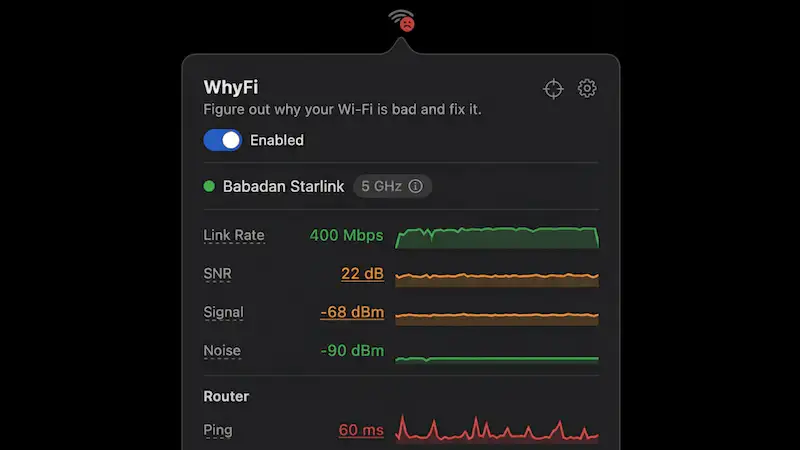
This menu bar app monitors your Wi-Fi in real time, revealing signal strength, latency, and hidden bottlenecks. It pinpoints whether issues stem from your network, router, or ISP, then suggests clear, practical fixes.
Visit
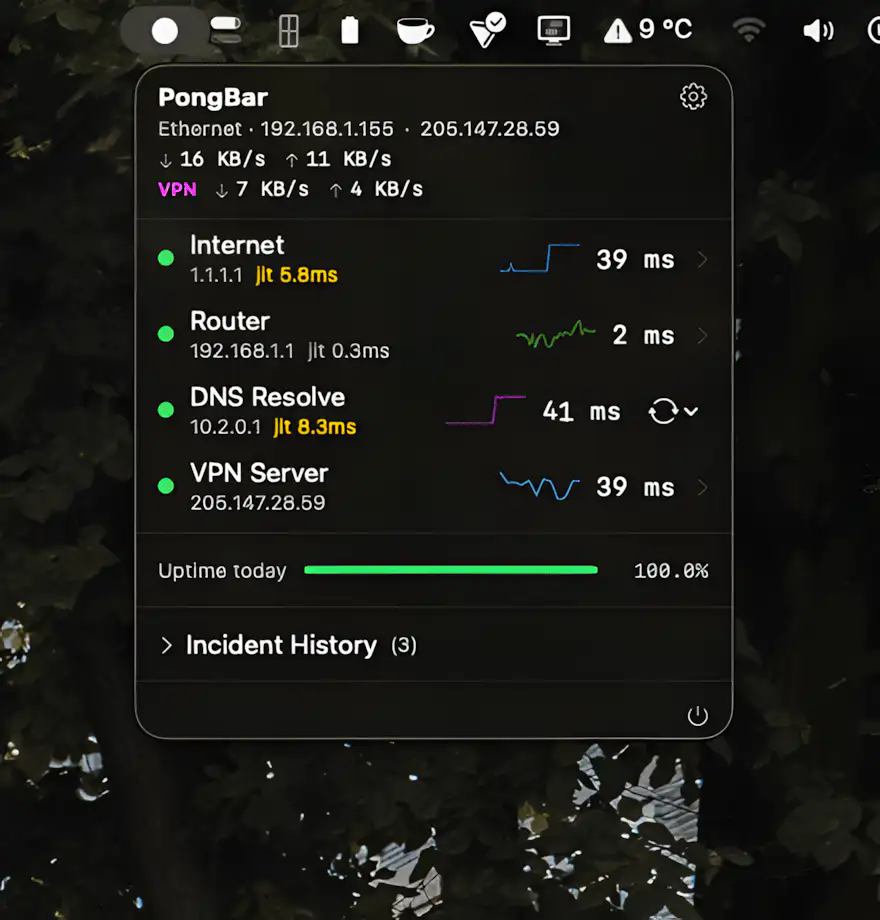
Still guessing why your internet feels so slow? PongBar watches every hop in the background and surfaces real-time latency, packet loss, VPN performance, and outages at a glance.
Visit
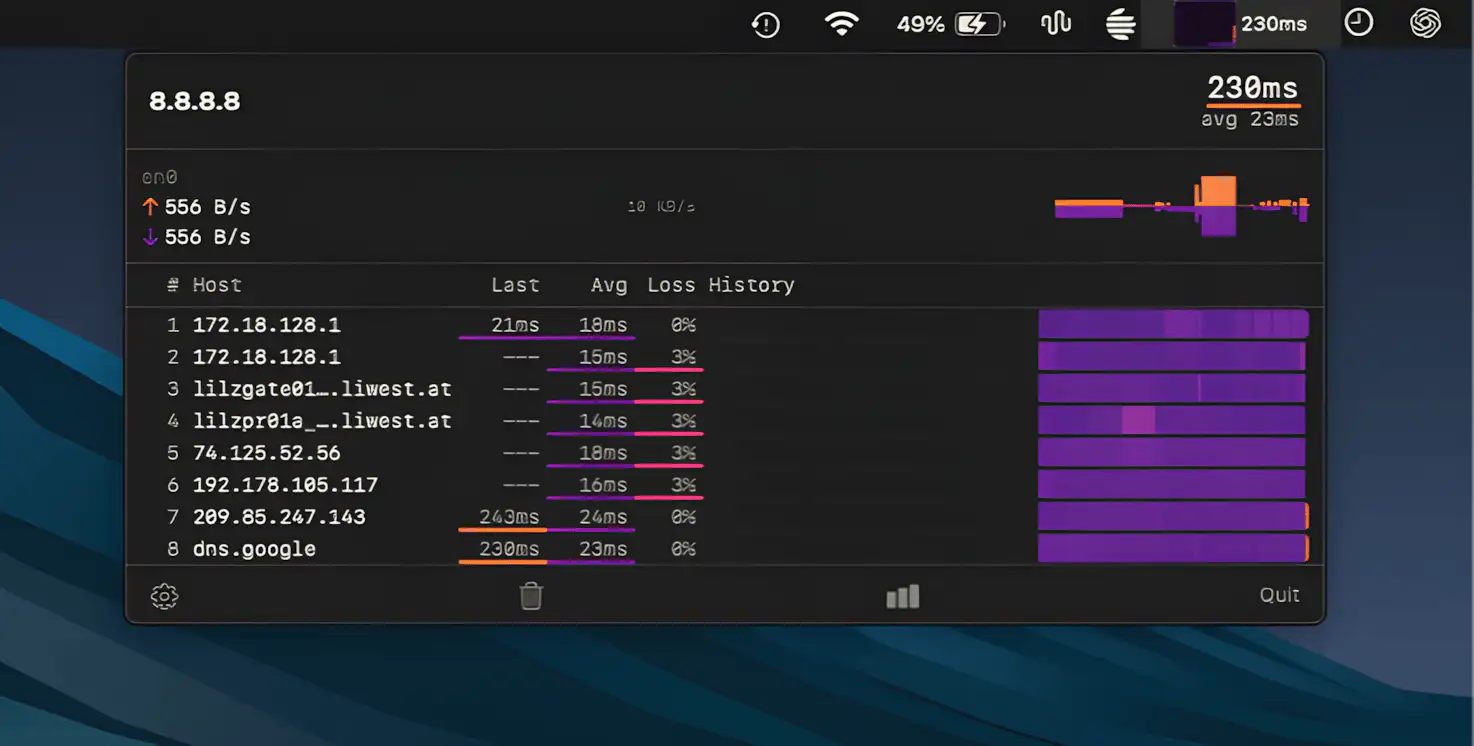
TraceBar keeps a continuous eye on your network by running traceroutes in the background, revealing latency and packet loss across each hop, so you can instantly spot where connections start to fall apart.
Visit
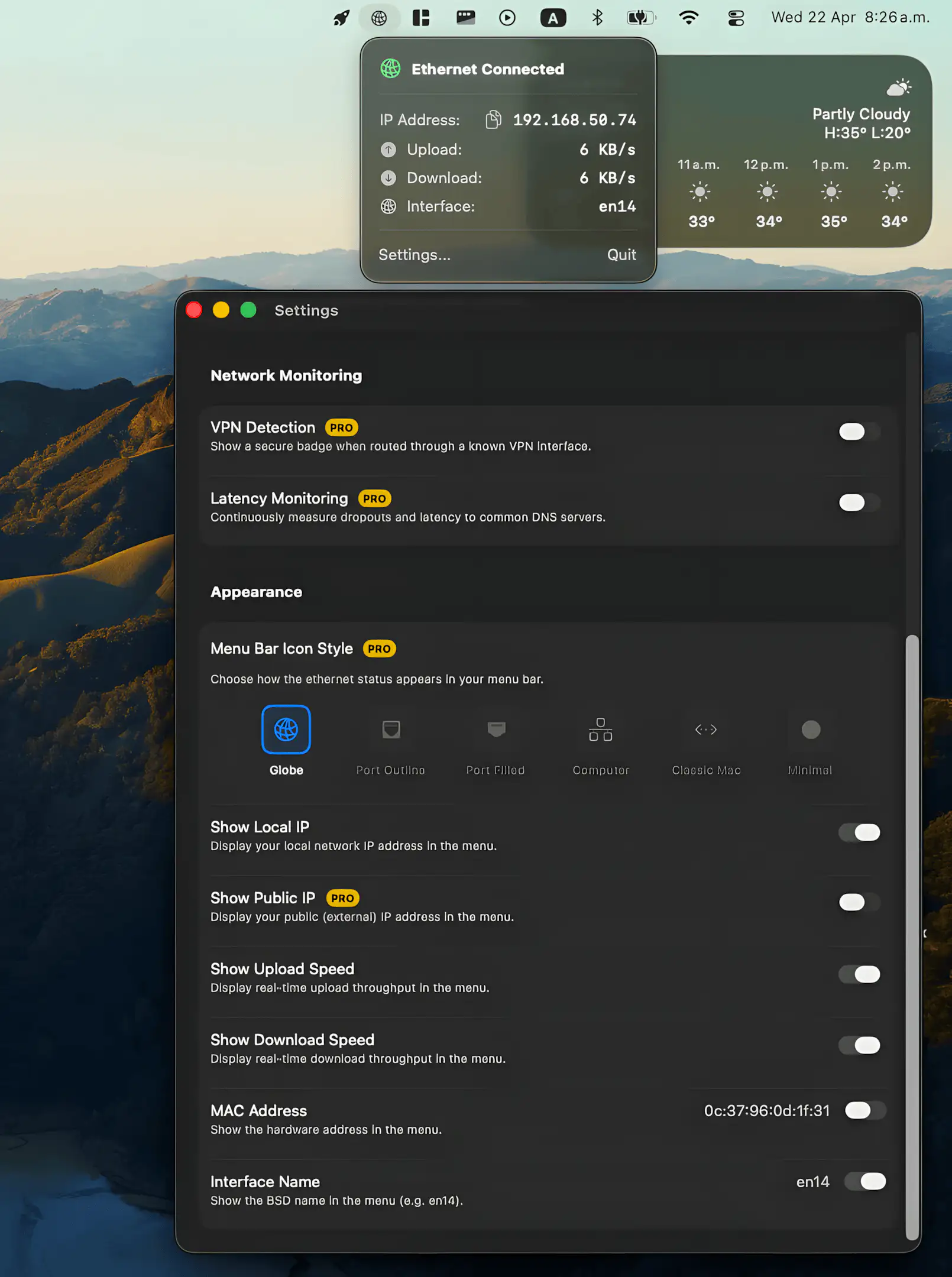
Ethernet Monitor puts your wired connection back where it belongs, offering real-time speeds, essential network details, and a clean native feel, with optional pro tools for deeper insight without compromising privacy.
Visit
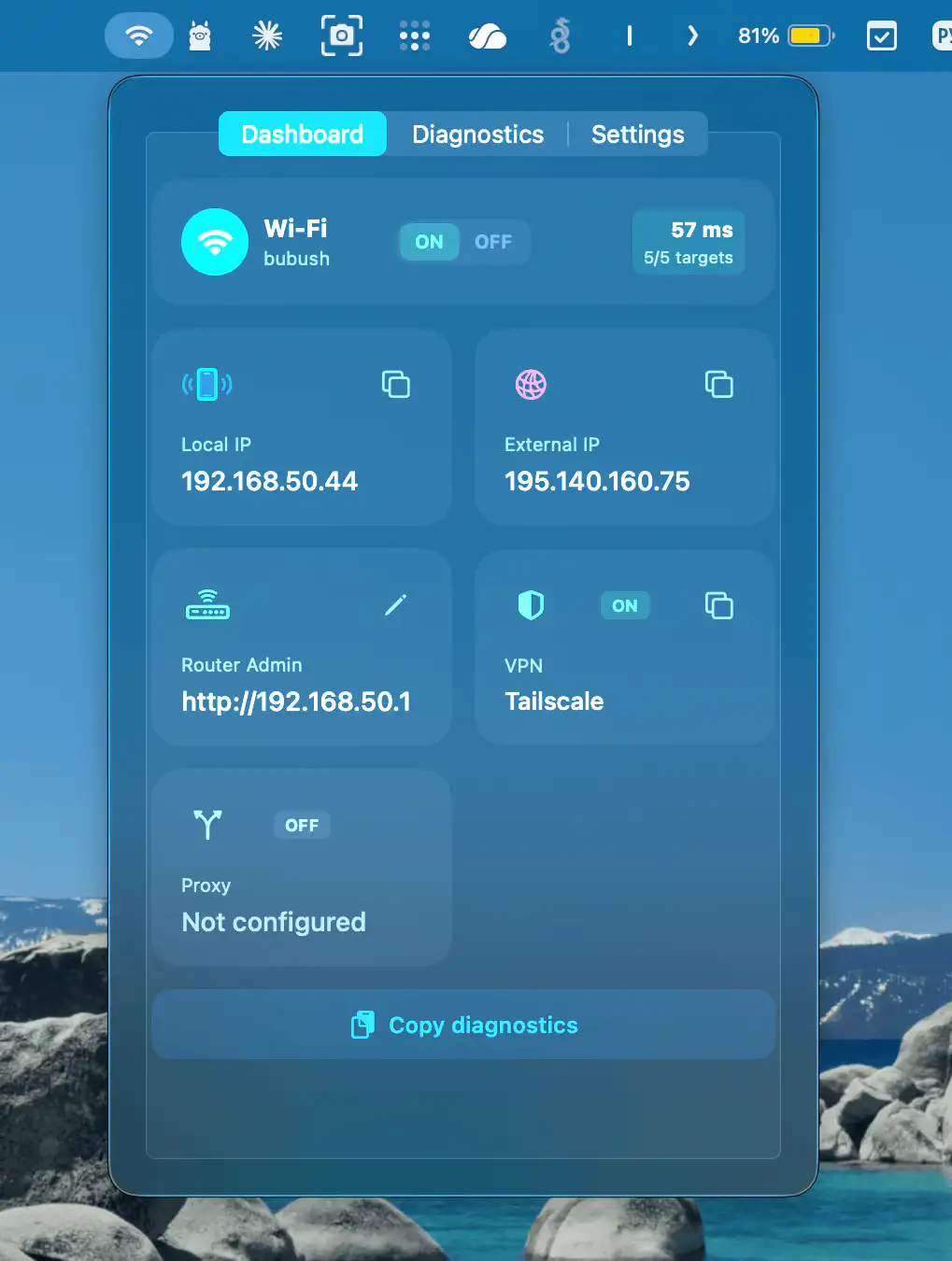
This menu bar app puts essential network details at your fingertips, offering quick insights, real-time latency tracking, and privacy-friendly diagnostics without unnecessary complexity.
Visit
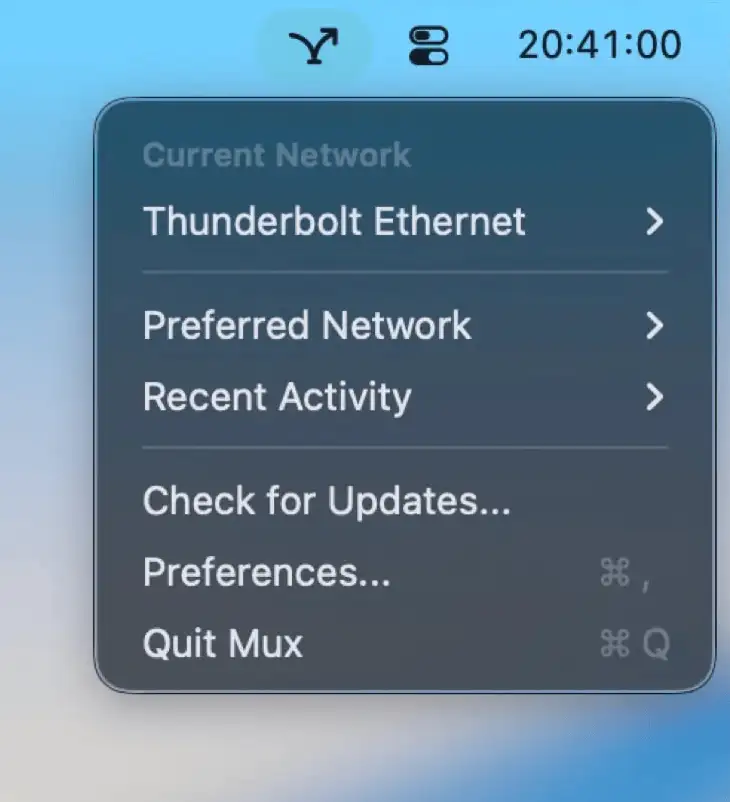
Mux keeps your Mac on the right network without fuss, automatically prioritizing Ethernet over Wi-Fi and switching back when needed, while quietly tracking changes and giving you clear control over every connection.
Visit
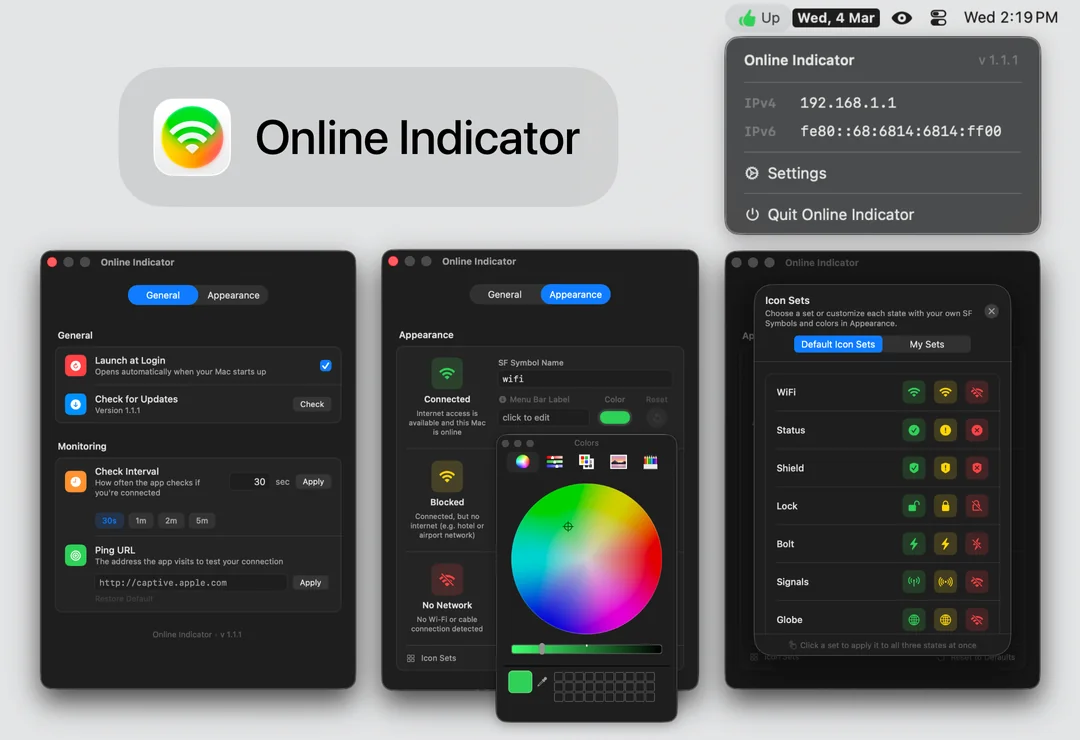
Online Indicator replaces the easy-to-ignore Wi-Fi icon with a clear status signal, showing whether you’re connected, blocked, or offline. Customize symbols, colors, and labels while automatic pings quietly monitor your connection in the background.
Visit
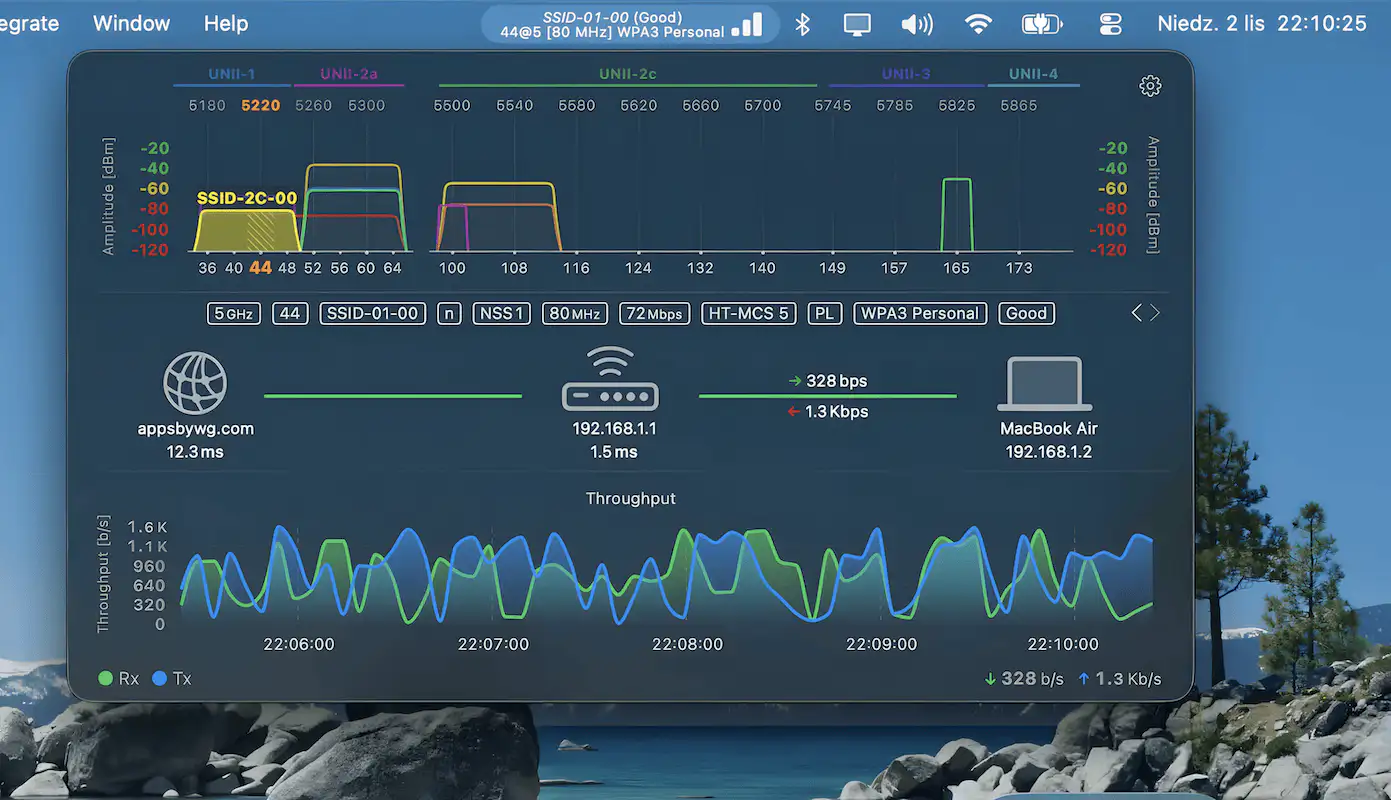
WiFi Status keeps a close eye on your Wi-Fi connection with detailed stats like signal strength, noise, channels, and security, while live graphs reveal performance in real time and help you spot issues instantly.
Visit
