Collection:
Keyboard & Mouse Apps
CupertinoClicks
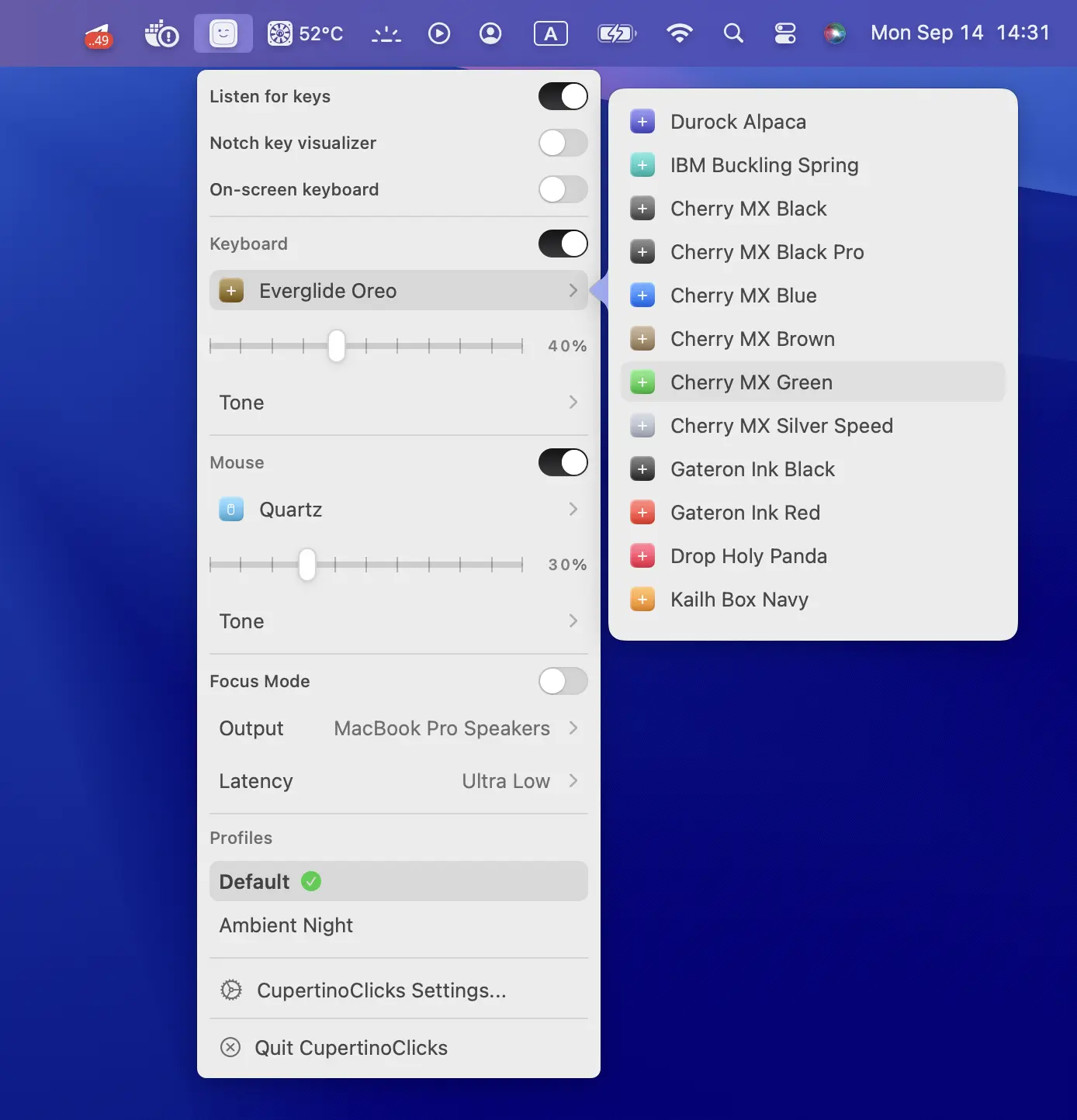
CupertinoClicks adds realistic mechanical keyboard and mouse sounds to your Mac, with ultra-low latency, Spatial Audio, and 30 switch presets.
The next time a site asks for a code, you’ll just tap it in. iPhone · iPad · Mac

Take control of every click and keystroke. Customize gestures, remap keys, automate shortcuts, smooth scrolling, simulate activity, switch keyboards intelligently, add typing sounds, or even replay input actions, all directly from your menu bar.
Take control of every click and keystroke. Customize gestures, remap keys, automate shortcuts, smooth scrolling, simulate activity, switch keyboards intelligently, add typing sounds, or even replay input actions, all directly from your menu bar.
CupertinoClicks adds realistic mechanical keyboard and mouse sounds to your Mac, with ultra-low latency, Spatial Audio, and 30 switch presets.
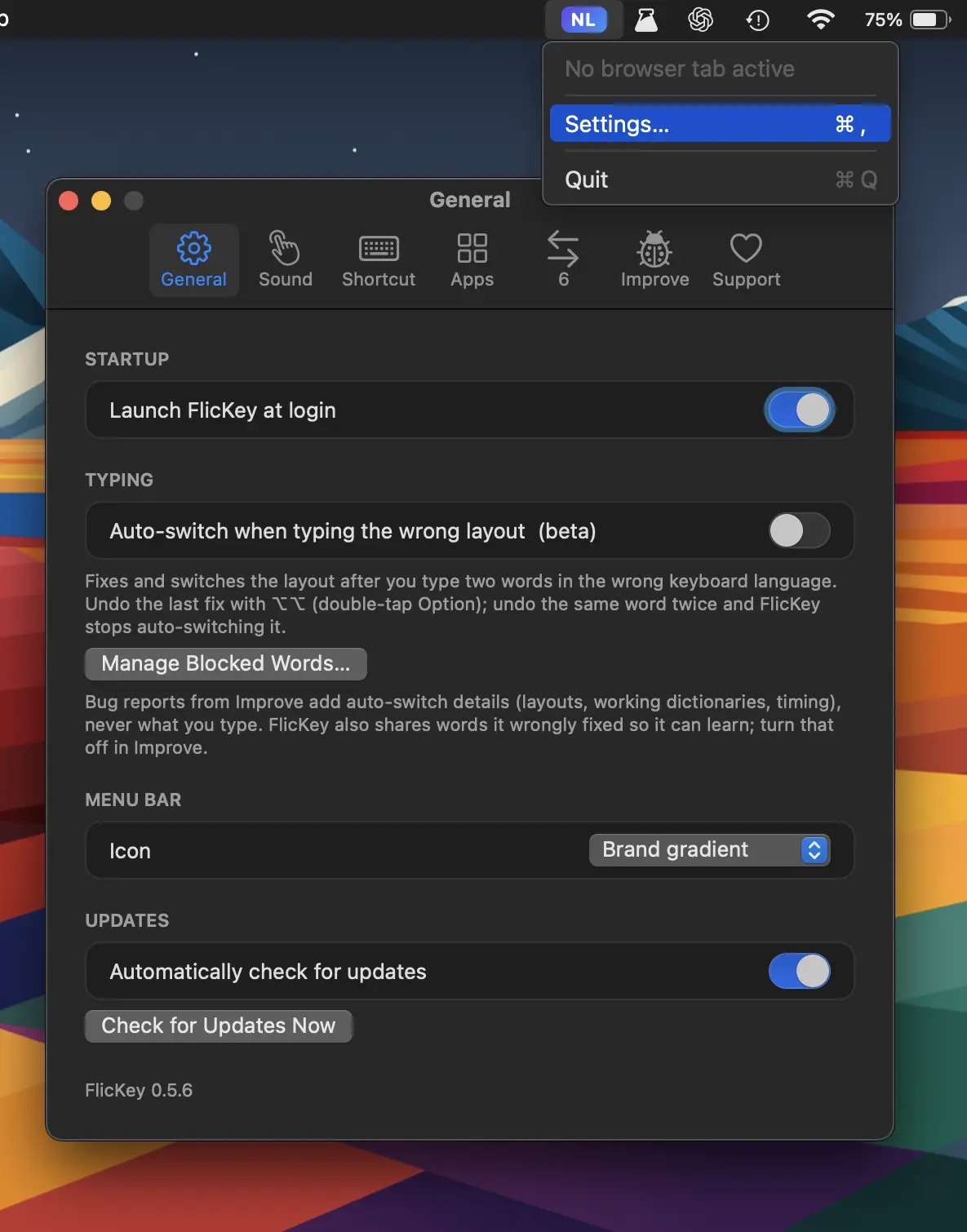
FlicKey automatically detects wrong keyboard layouts and switches them as you type, while remembering language preferences per app, website, and chat. Everything stays local.
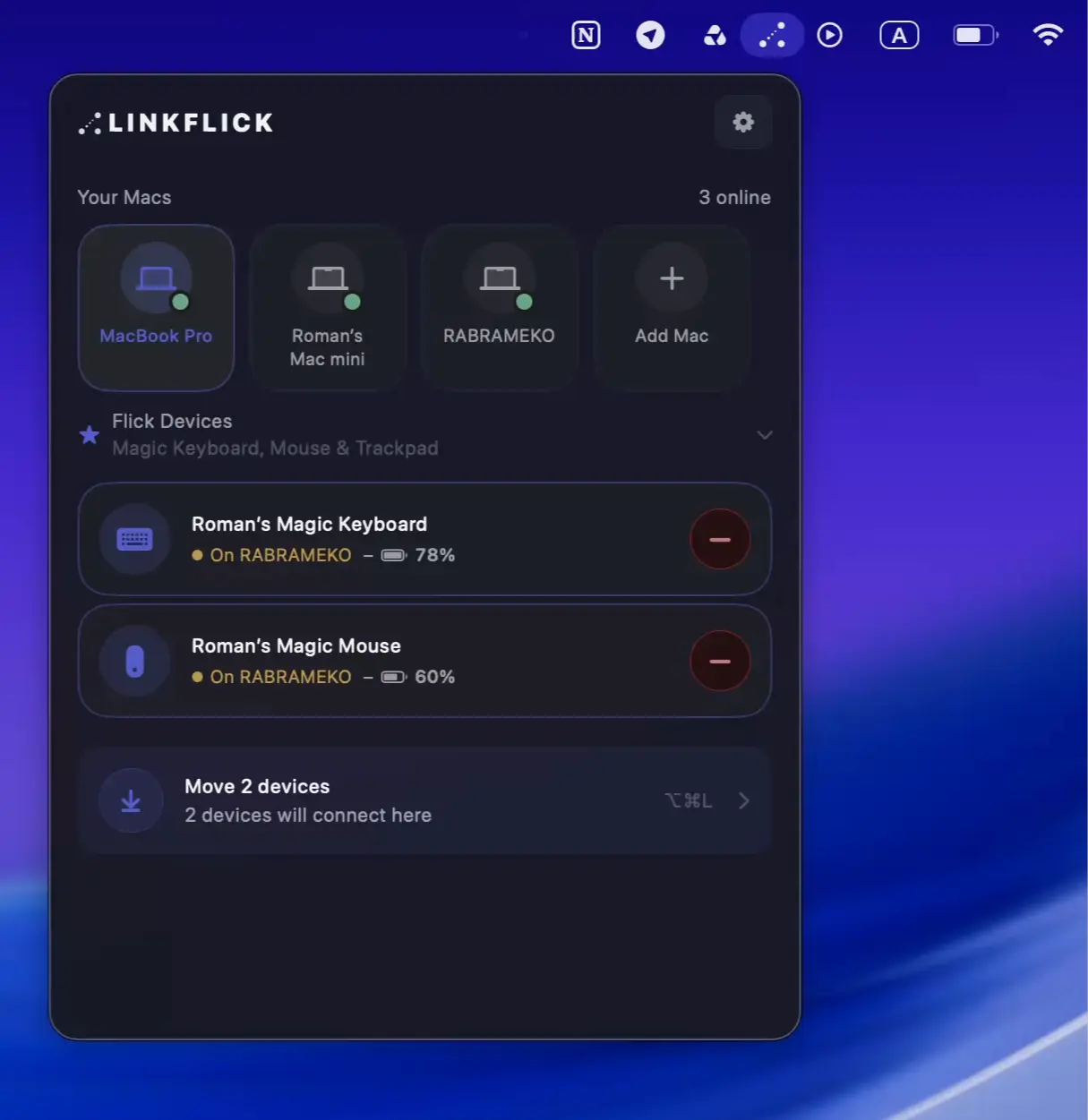
LinkFlick instantly switches your Magic Mouse, Keyboard, and Trackpad between Macs on the same network, re-pairing devices at the Bluetooth level without iCloud, accounts, or cloud services.
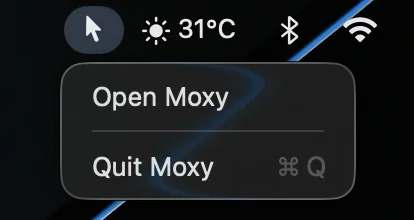
A tiny utility that hides the cursor with a customizable shortcut. Moxy works across apps and avoids unnecessary settings or background clutter.
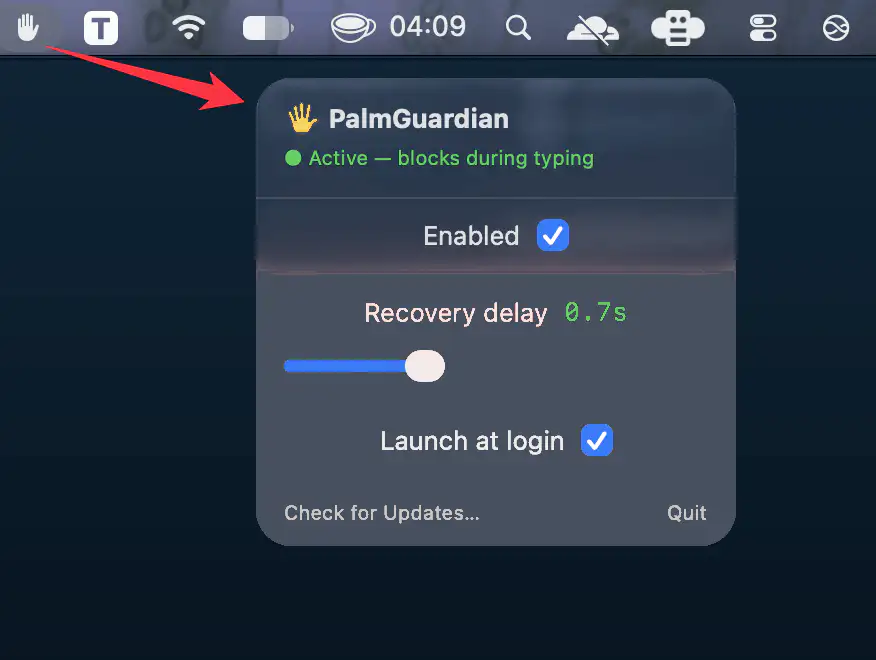
PalmGuardian prevents accidental trackpad input while typing by briefly pausing pointer movement, clicks, and scrolling after each keystroke.
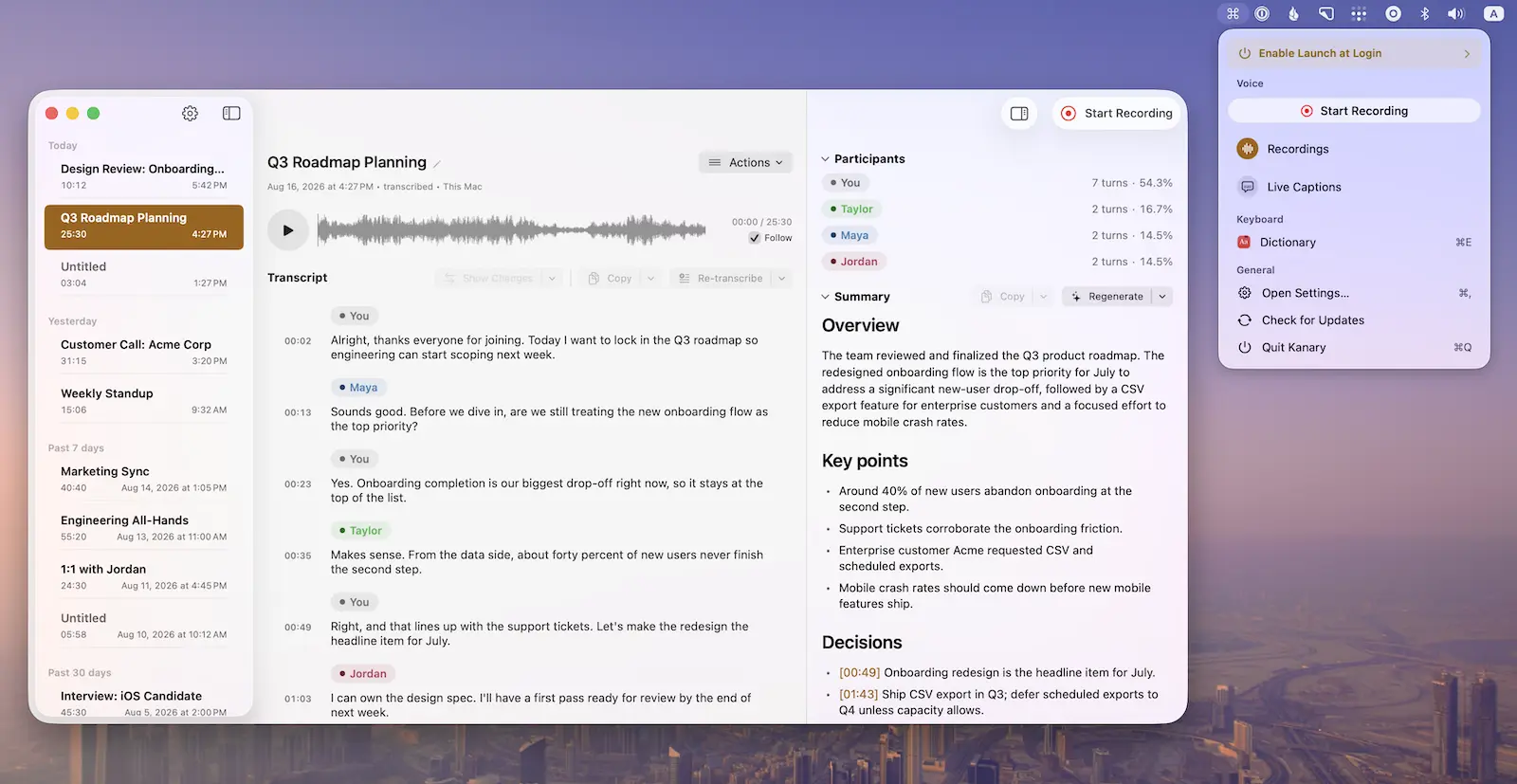
Record meetings, calls, podcasts, and voice memos with live captions, on-device transcription, and summaries, while powerful keyboard shortcuts and window controls keep everything efficient and private on your Mac.
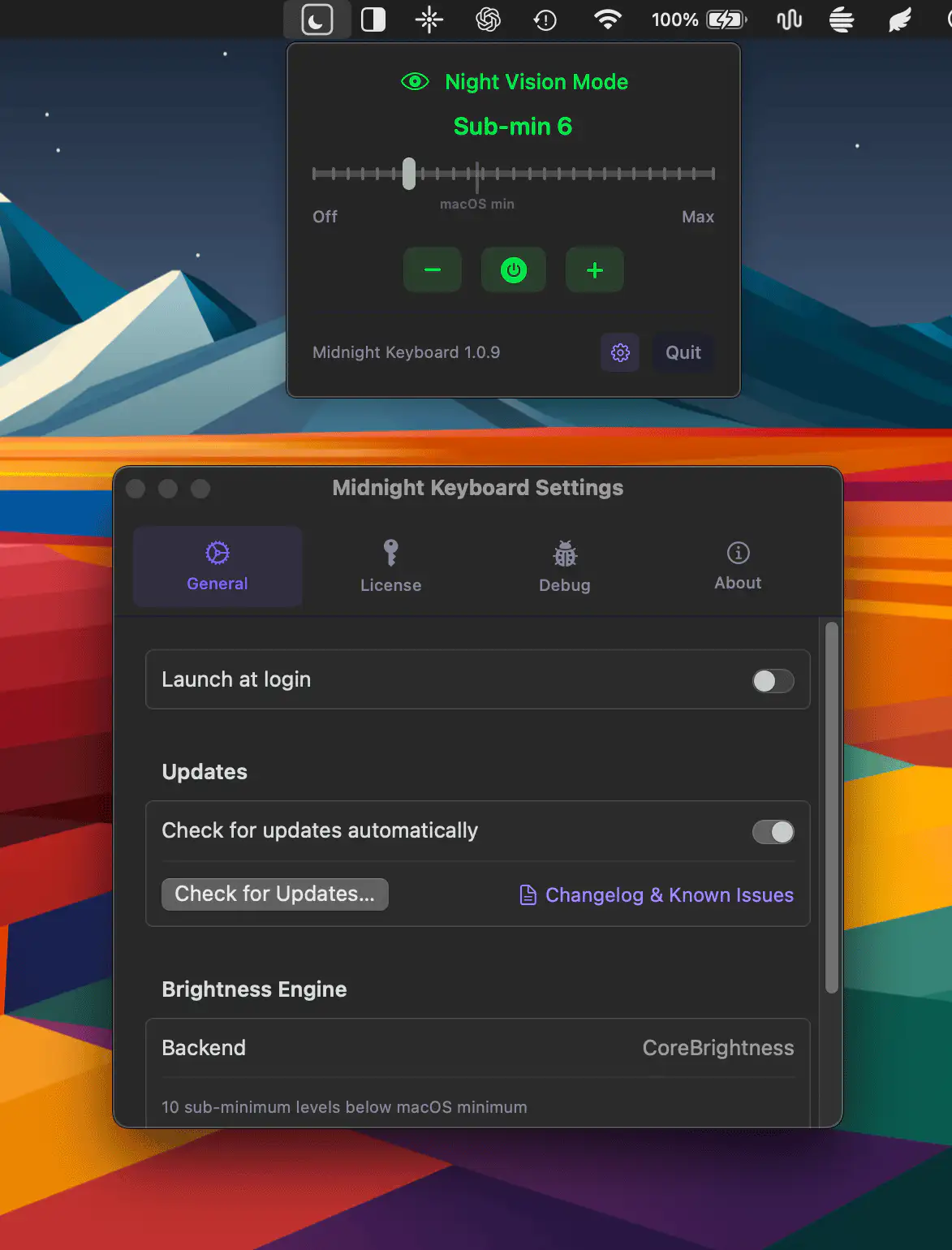
Midnight Keyboard adds finer control over Apple Silicon MacBook keyboard brightness, with ten levels below macOS’s minimum setting. It’s ideal for dark rooms, with a simple slider for precise control.
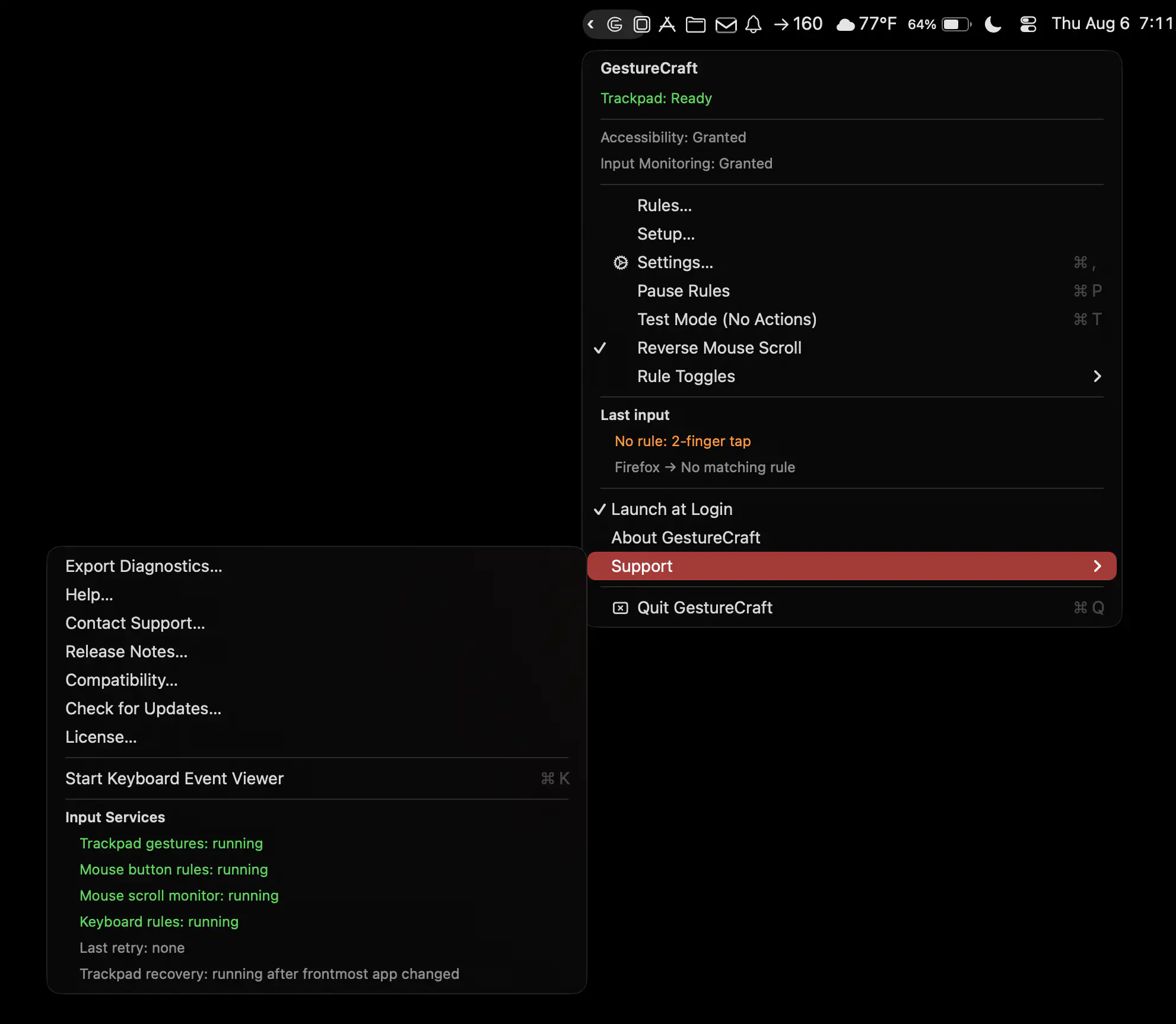
GestureCraft lets you customize your Mac’s trackpad, keyboard, and mouse with personalized gestures, shortcuts, and button actions. Launch apps, trigger commands, and turn everyday inputs into powerful controls.
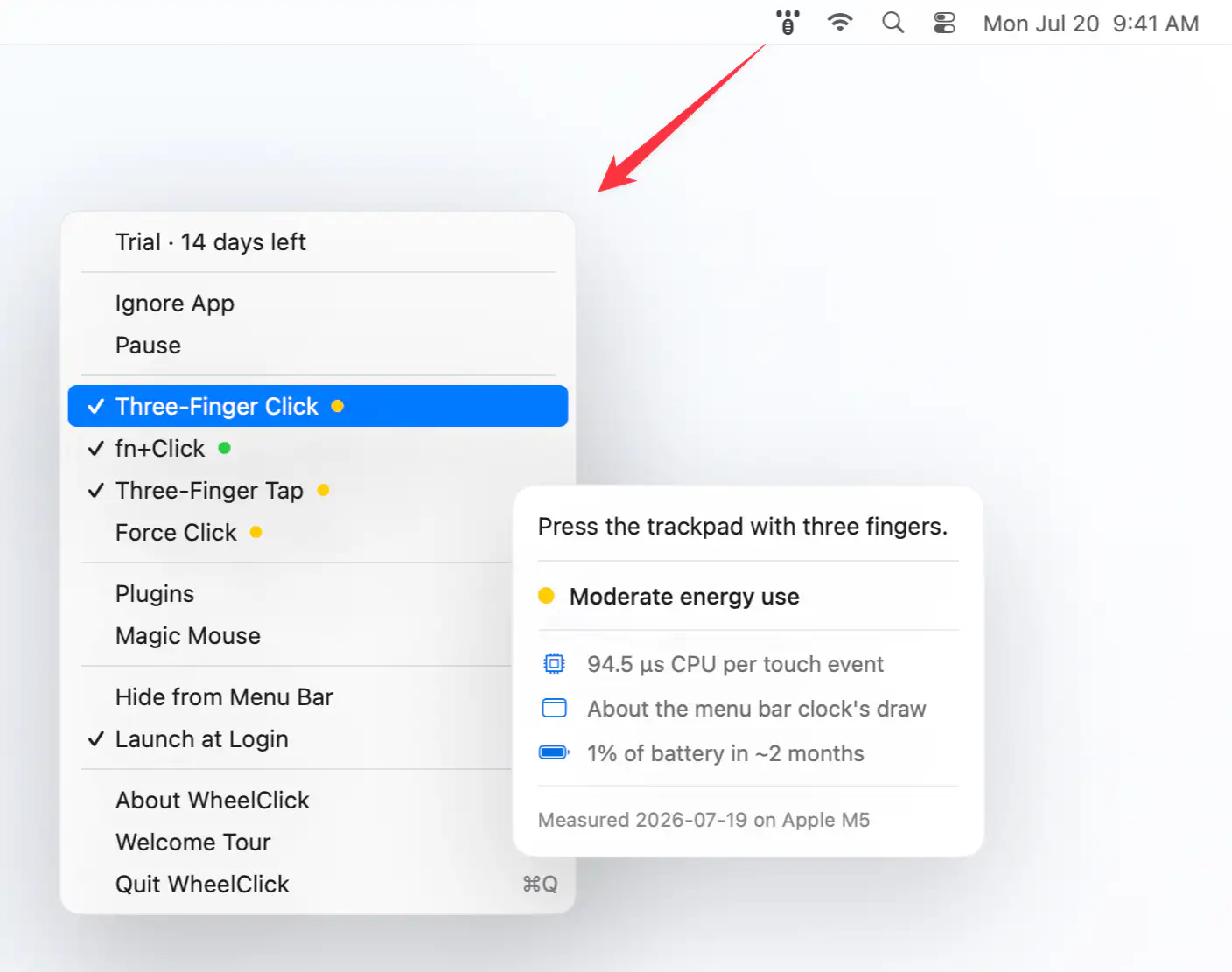
WheelClick brings middle-click support to macOS with customizable trackpad and Magic Mouse gestures, Windows-style autoscroll, CAD-friendly drag controls, and per-app rules. Built as the successor to MiddleClick.
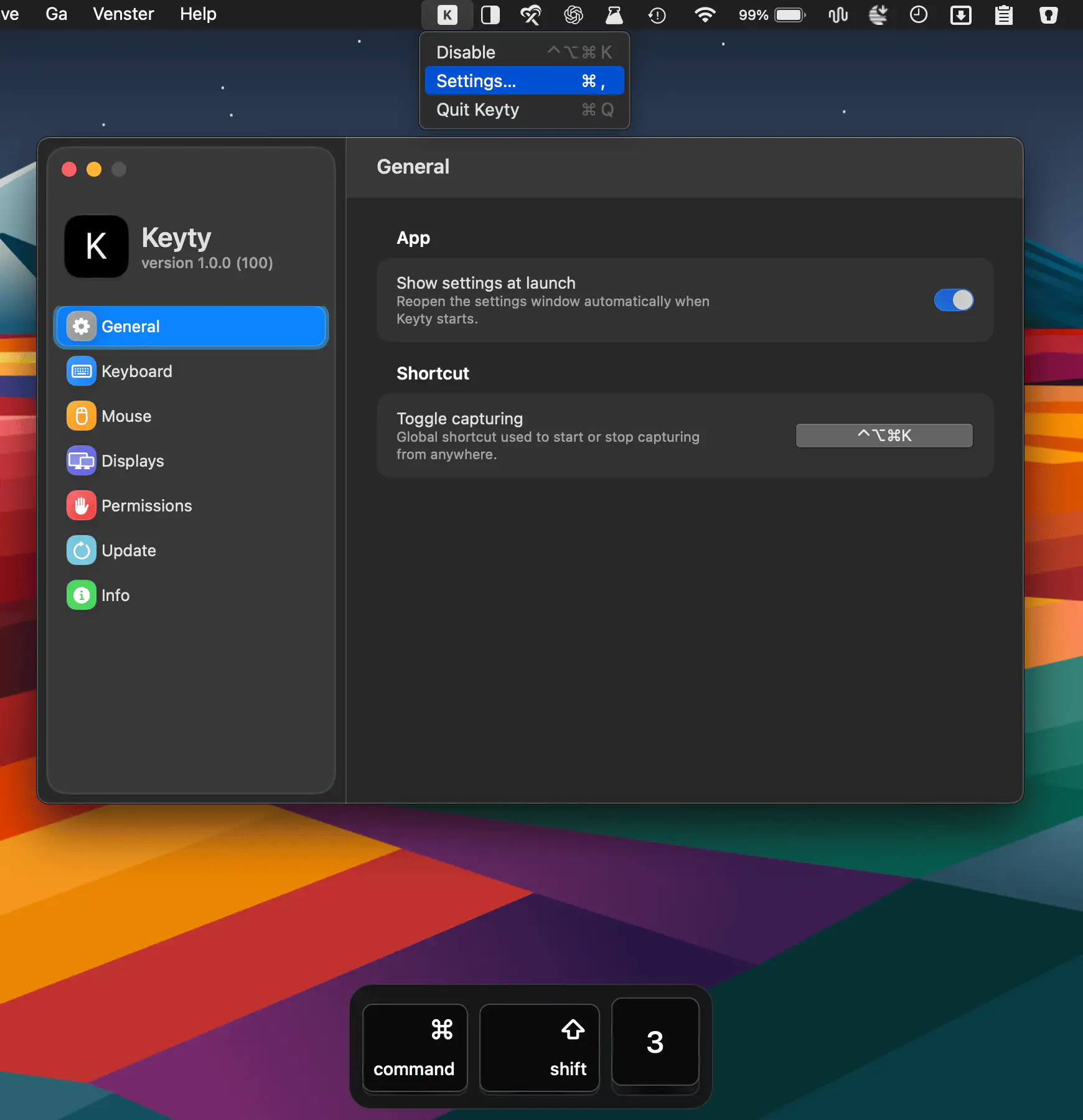
Keyty visualizes keyboard shortcuts, keystrokes, mouse clicks, and scrolling in real time, making screen recordings, demos, presentations, tutorials, and livestreams easier to follow.