Collection:
Calendar Apps | Keyboard & Mouse Apps
RuSwitcher
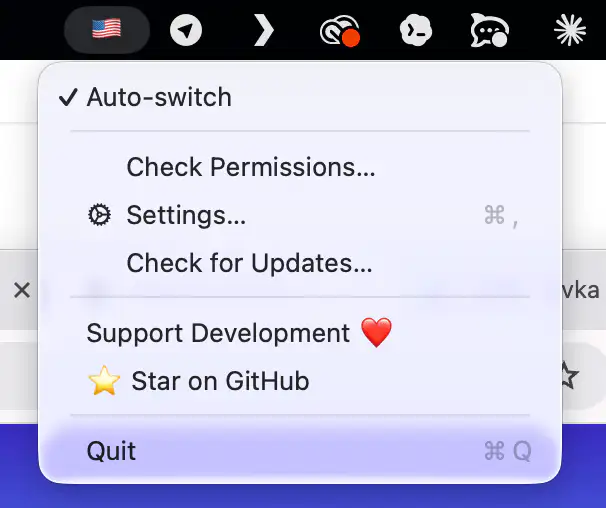
Mistyped your last word again? Tap ⌥ Alt and RuSwitcher quietly fixes it, converting text between any installed keyboard layouts.

Take control of every click and keystroke. Customize gestures, remap keys, automate shortcuts, smooth scrolling, simulate activity, switch keyboards intelligently, add typing sounds, or even replay input actions, all directly from your menu bar.
Take control of every click and keystroke. Customize gestures, remap keys, automate shortcuts, smooth scrolling, simulate activity, switch keyboards intelligently, add typing sounds, or even replay input actions, all directly from your menu bar.
Mistyped your last word again? Tap ⌥ Alt and RuSwitcher quietly fixes it, converting text between any installed keyboard layouts.
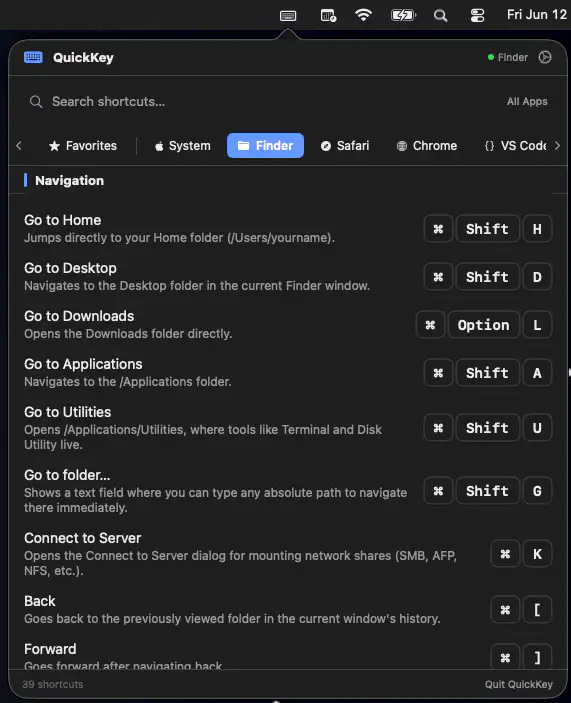
QuickKey keeps keyboard shortcuts close at hand by automatically showing commands for the app you’re using. Search, save favorites, and even trigger shortcuts instantly.
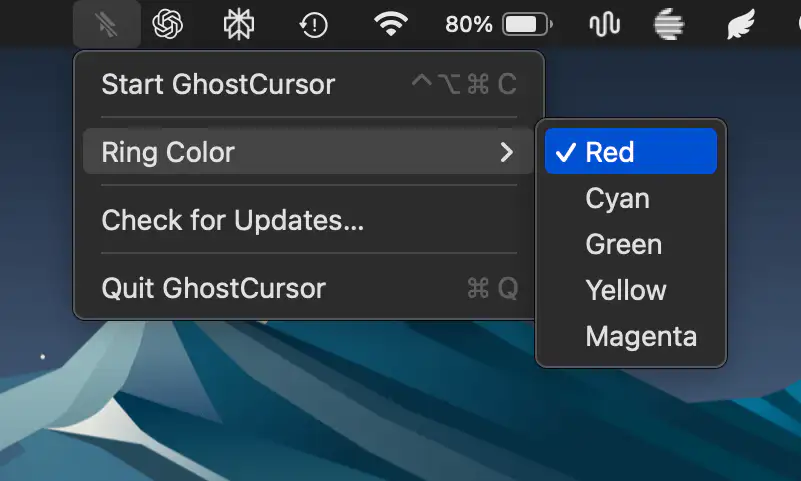
GhostCursor replaces your Mac’s pointer with a subtle highlight ring that remains visible to you while staying completely absent from screen recordings and screen sharing, making demos, tutorials, and presentations look cleaner.
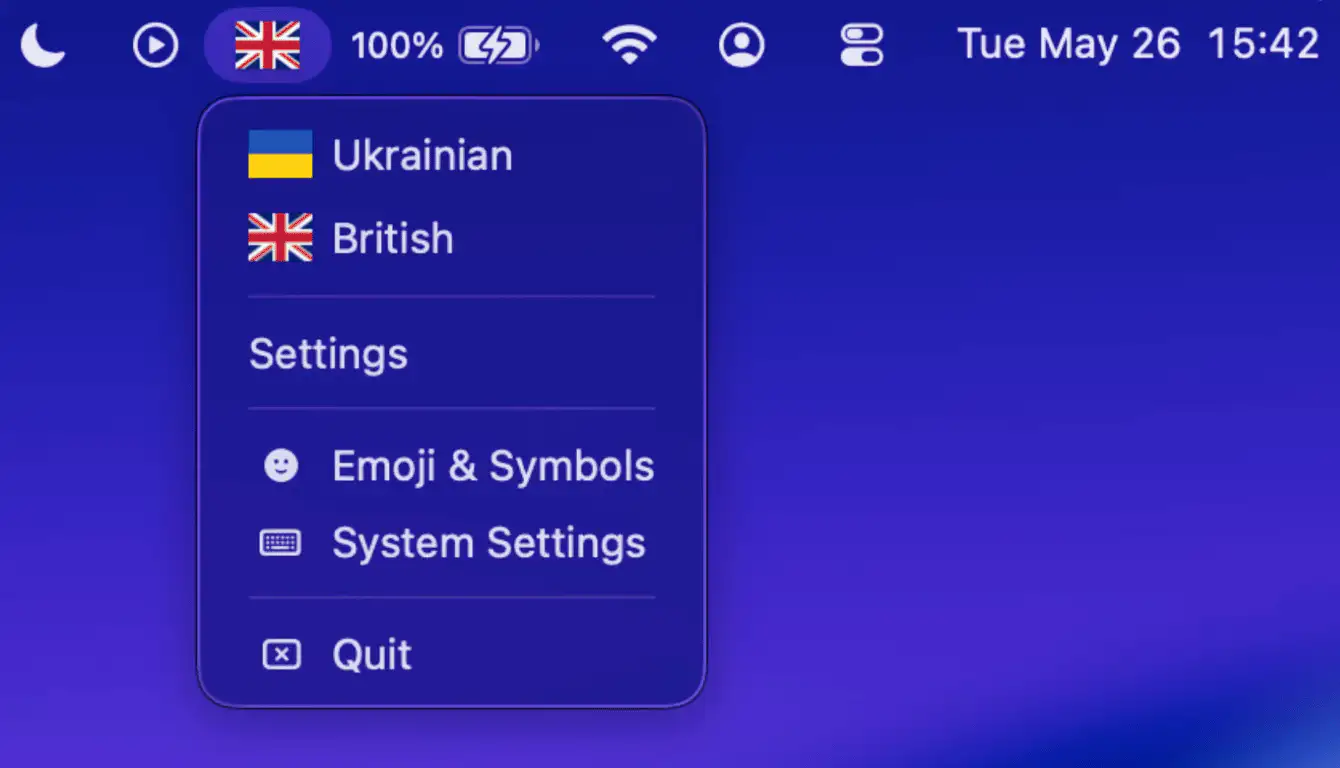
FlagBar brings visual keyboard layout indicators back to macOS, replacing plain text with country flags, custom emojis, or your own images. It’s lightweight, easy to personalize, and keeps language switching instantly recognizable at a glance.
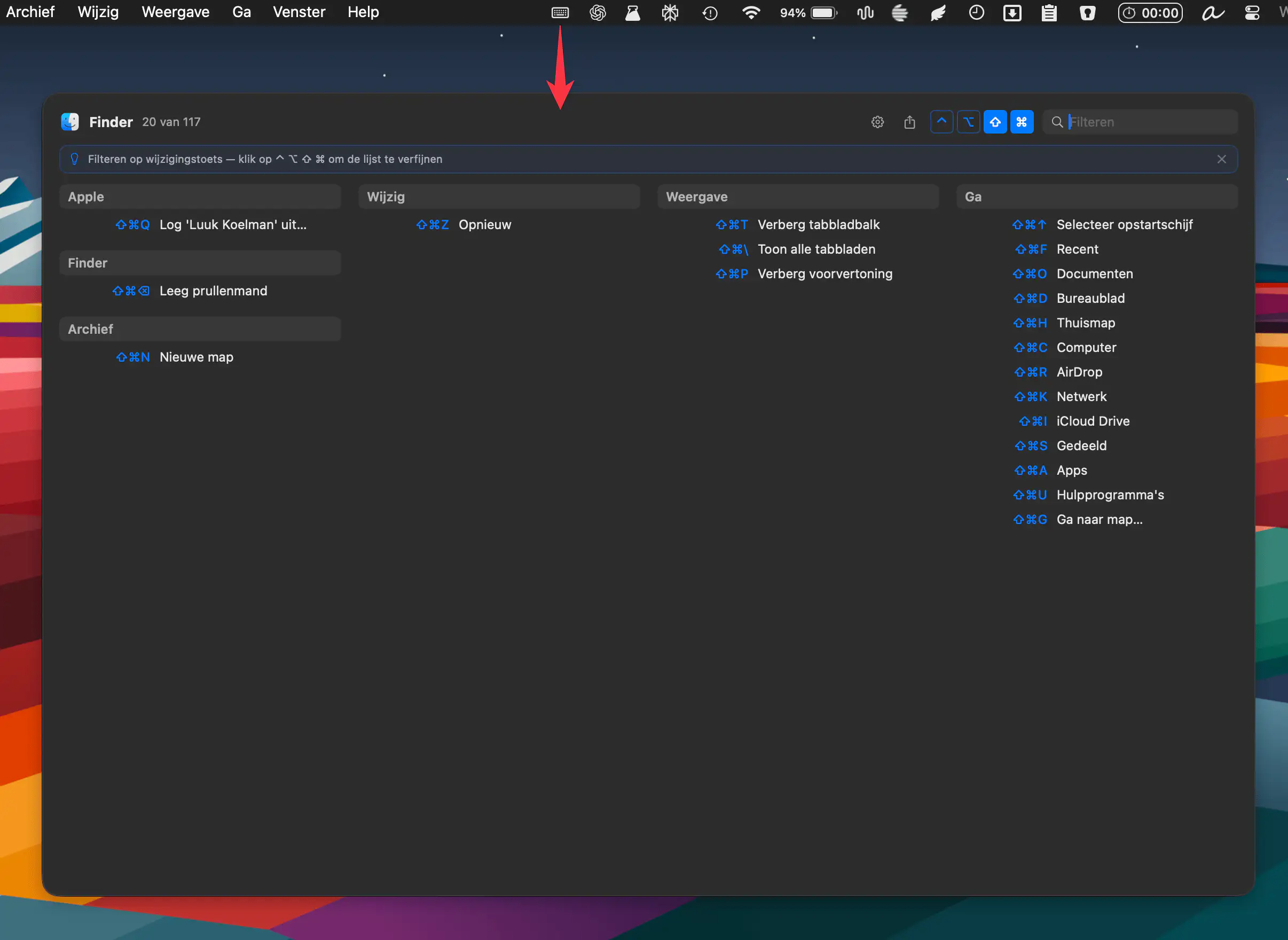
KeyMinder instantly reveals keyboard shortcuts for your active macOS app, grouped by menu. Triggered by a hotkey, it keeps workflows smooth. Free, open source, and always up to date.
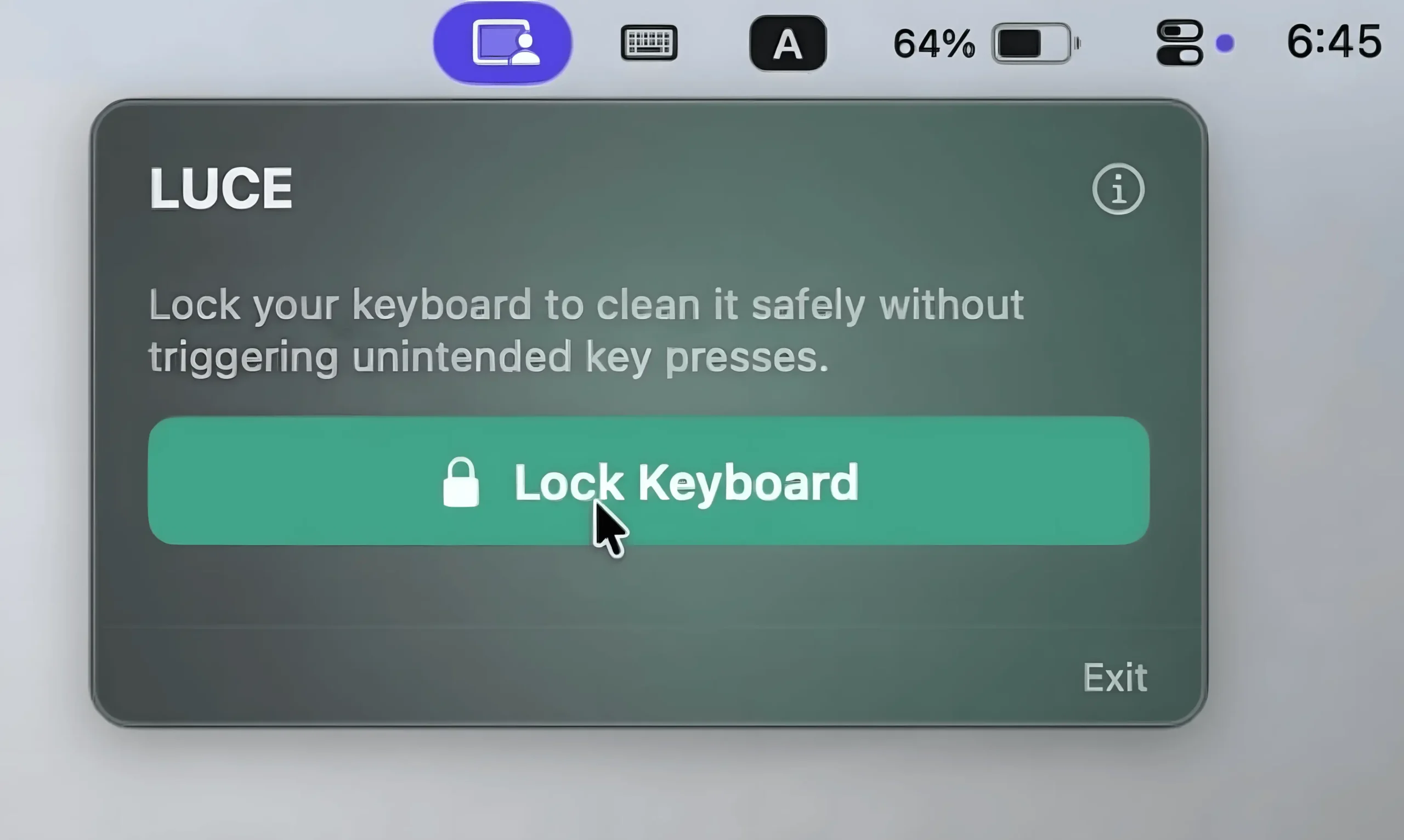
This menu bar app temporarily locks your keyboard while keeping mouse controls active, making keyboard cleaning effortless.
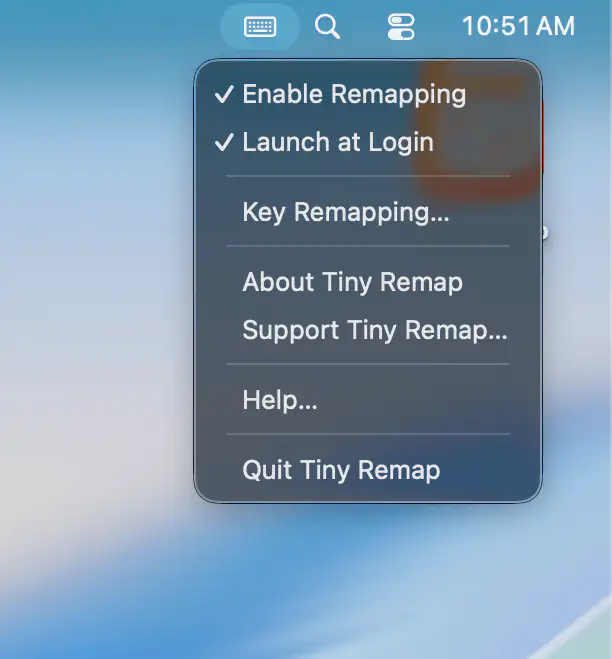
Tiny Remap lets you remap almost any key system-wide in seconds, helping writers, developers, and multilingual users create a more efficient and comfortable typing experience without complicated setup.
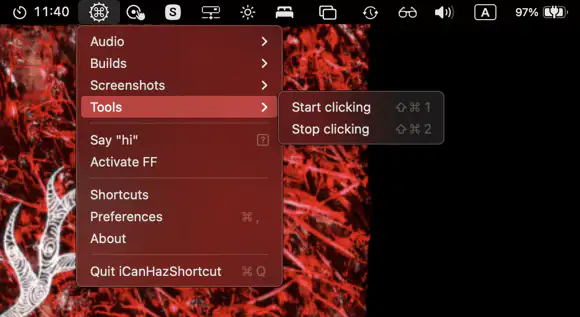
iCanHazShortcut keeps terminal commands a keyboard shortcut away, turning repetitive tasks into quick reflexes instead of tiny daily rituals of annoyance.
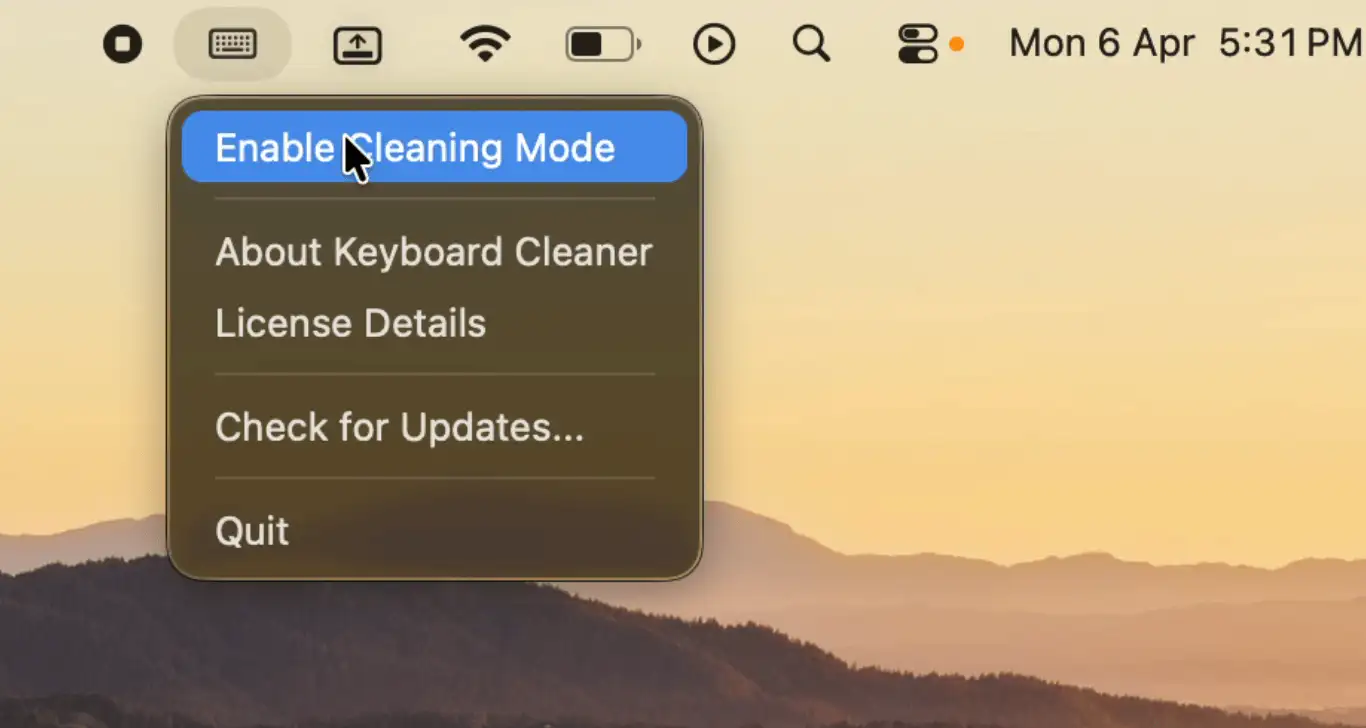
Keyboard Cleaner locks your keys with a single click so you can clean safely, then unlocks just as easily, a minimal, single-purpose tool that stays entirely on your Mac.
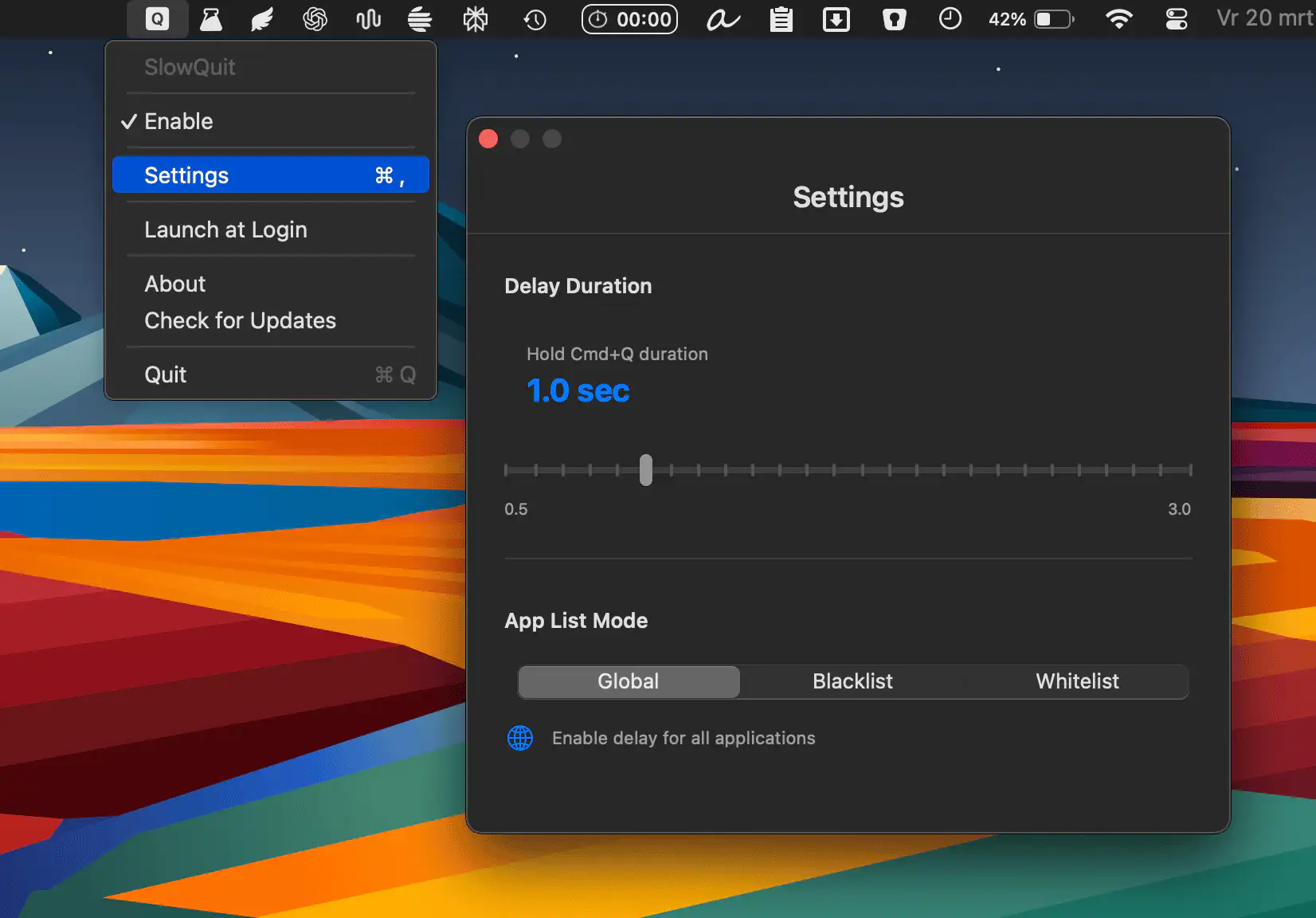
SlowQuit helps you avoid accidental quits by adding a short, customizable delay to Cmd-Q, complete with a subtle progress indicator, app-specific rules, and a lightweight, fully local experience that stays out of your way.