
Collection:
Screen Capturing Apps
Capture, record and share what’s on your screen instantly. Take screenshots, record video or audio, annotate visuals, recognize text, generate shareable links, or automatically organize and optimize your captures directly from your menu bar.
Collection:
Screen Capturing Apps
StepGrab
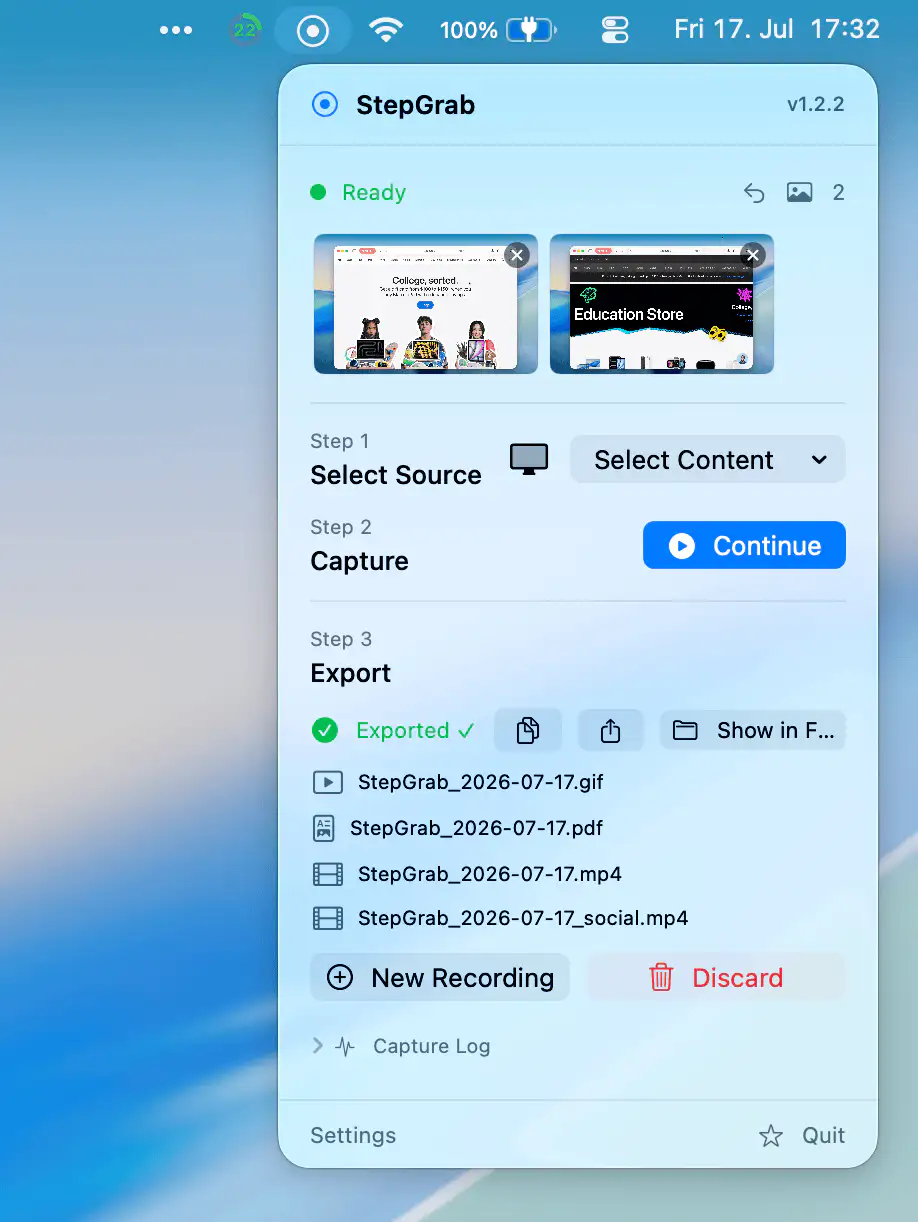
StepGrab turns any workflow into a polished step-by-step guide, capturing each click as a clean, annotated screenshot, then exporting to PDF, GIF, or MP4, with everything processed locally on your Mac.
Collection:
Meeting Apps | Screen Capturing Apps
Pointer Cue
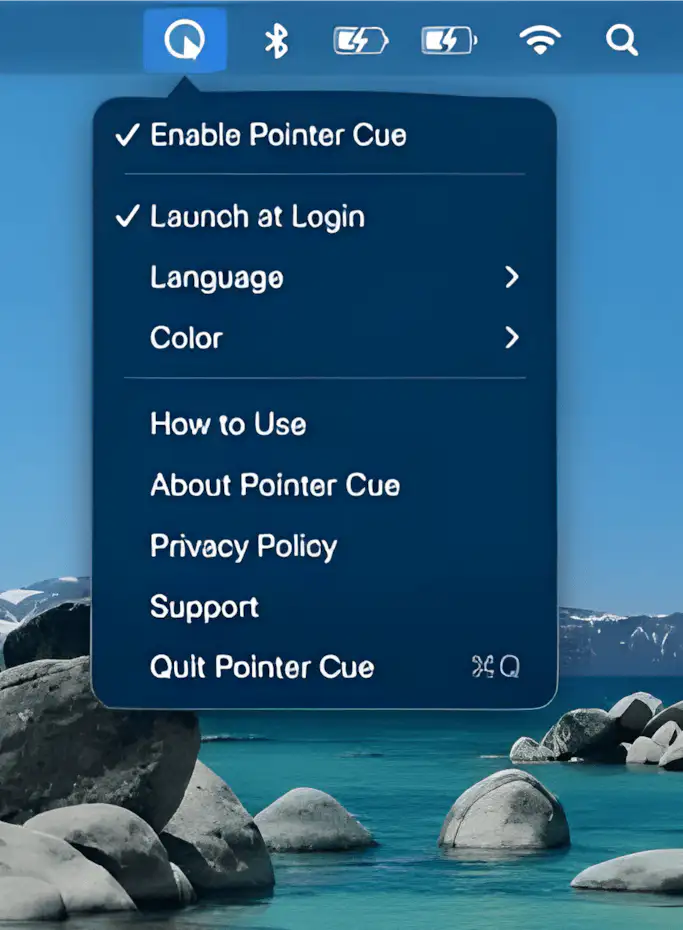
Pointer Cue helps audiences follow your on-screen actions during presentations, demos, and screen sharing. Highlight your cursor and important areas with customizable visual cues and temporary frames, all processed locally on your Mac.
Collection:
Meeting Apps | Screen Capturing Apps
Raybeam
Collection:
Screen Capturing Apps
ShotX
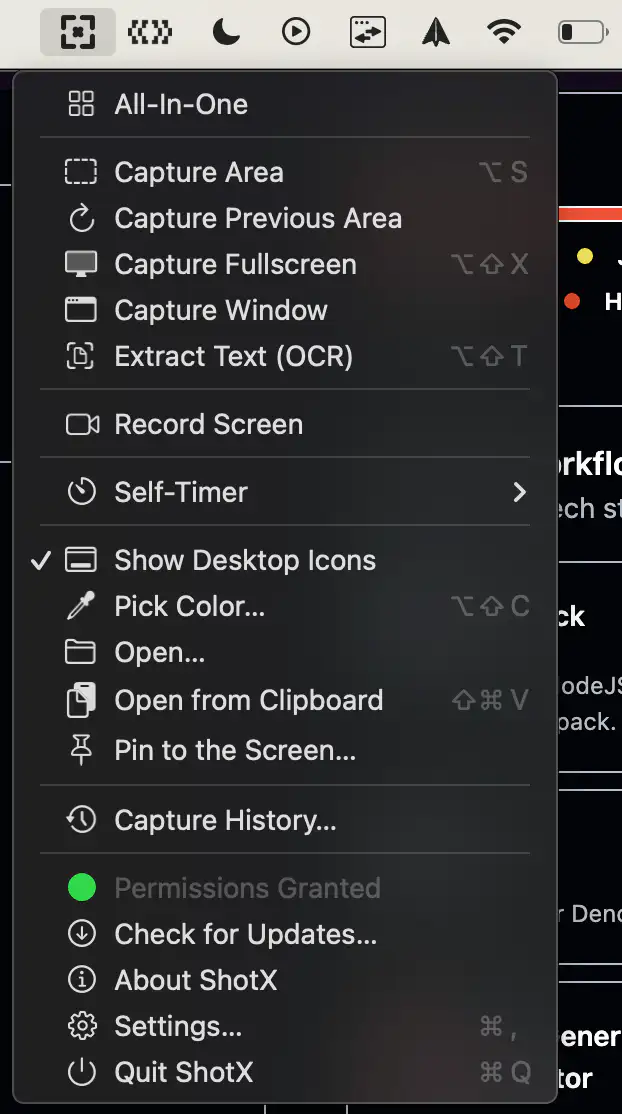
ShotX is a lightweight screen capture tool for macOS inspired by CleanShot X. It offers screenshots, screen recording, annotations, GIF export, and capture history in a fast, privacy-friendly experience that runs entirely offline.
Collection:
Screen Capturing Apps
Framéd
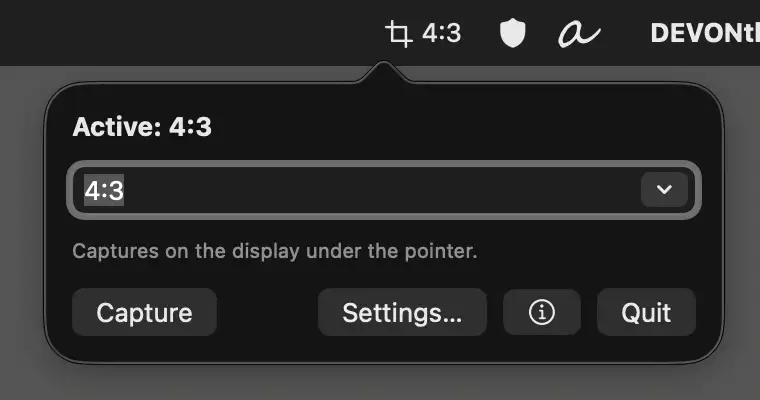
This menu bar app keeps screenshots consistent. Set a fixed ratio or resolution once, then capture perfectly sized images for documentation, social posts, or landing pages in seconds.
Collection:
Screen Capturing Apps
Macshot
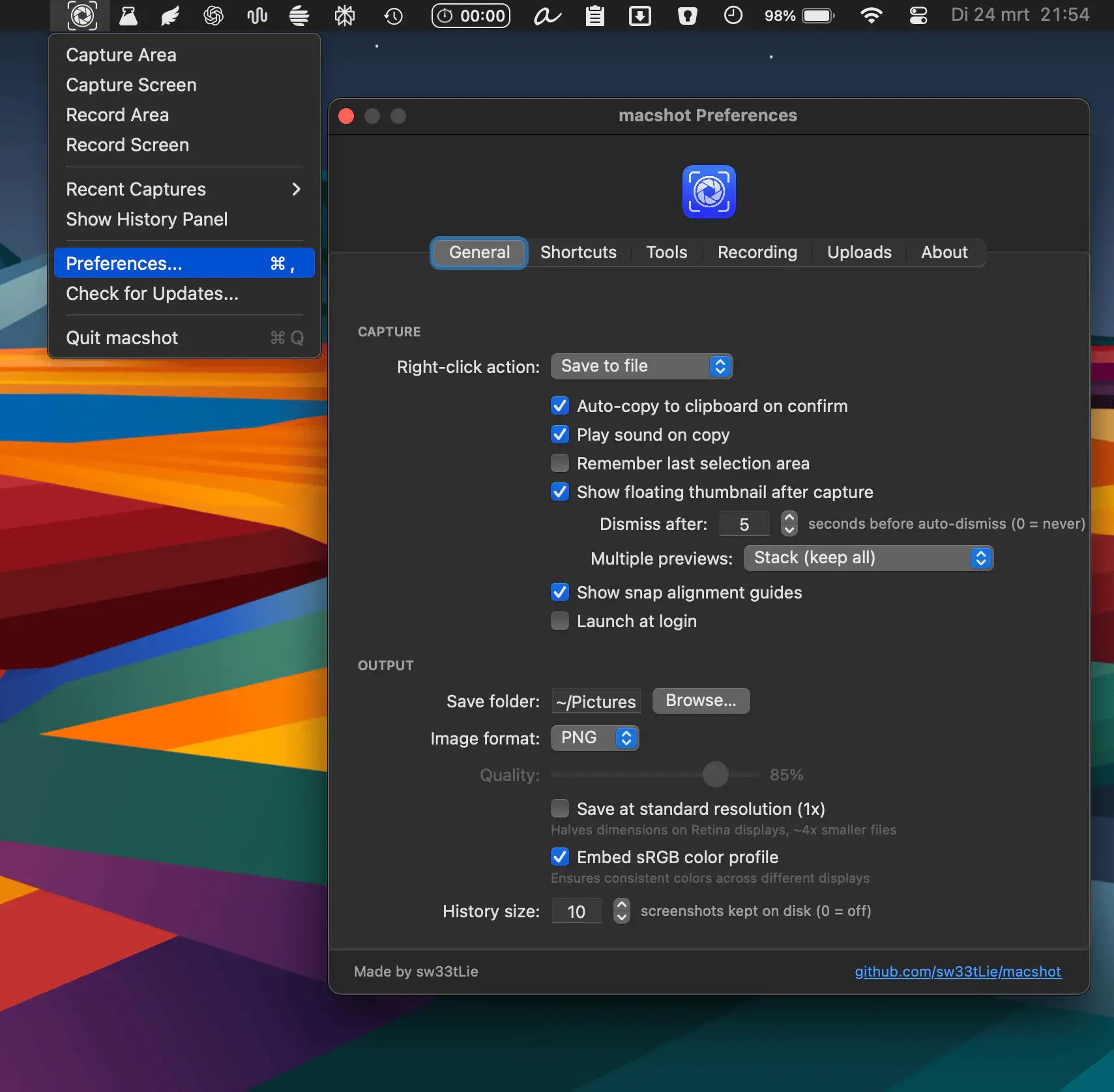
Macshot keeps screenshots fast and frictionless, combining capture, annotation, auto-redaction, scrolling shots, OCR, and quick sharing in one smooth, lightweight native experience without subscriptions or bloated overhead.
Collection:
Screen Capturing Apps
Tidyshot
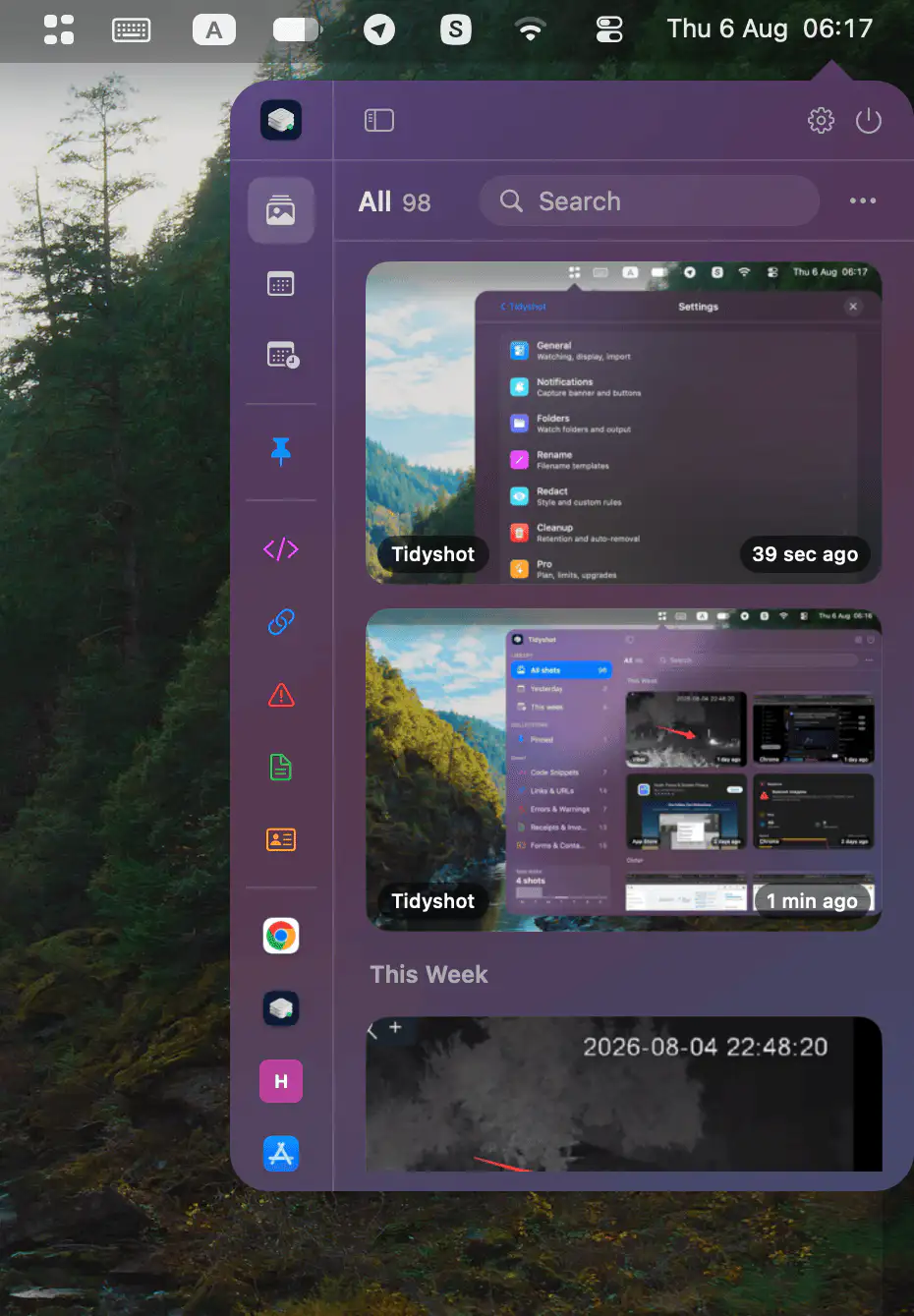
Tidyshot organizes screenshots with on-device OCR, smart naming, app-based sorting, searchable text, sensitive data redaction, duplicate cleanup, and quick actions for a faster workflow.
Collection:
Screen Capturing Apps
SimplShot
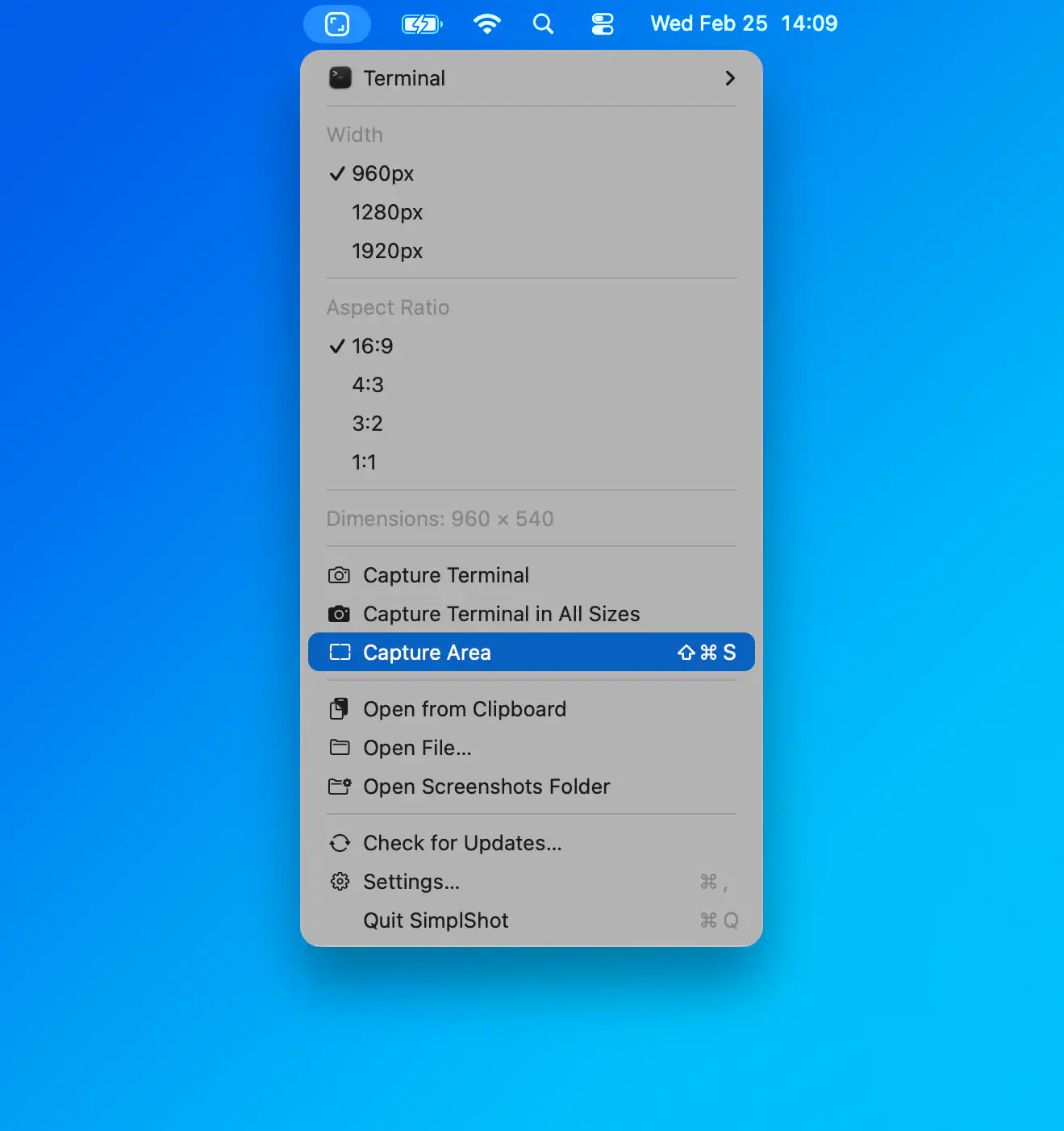
SimplShot makes screenshots feel less like admin and more like momentum. Capture once, then instantly export every format you need, from social squares to custom pixel-perfect sizes, without repeating the same tedious steps. It is fast, focused and refreshingly simple.
Collection:
Screen Capturing Apps
Simple Screenshot
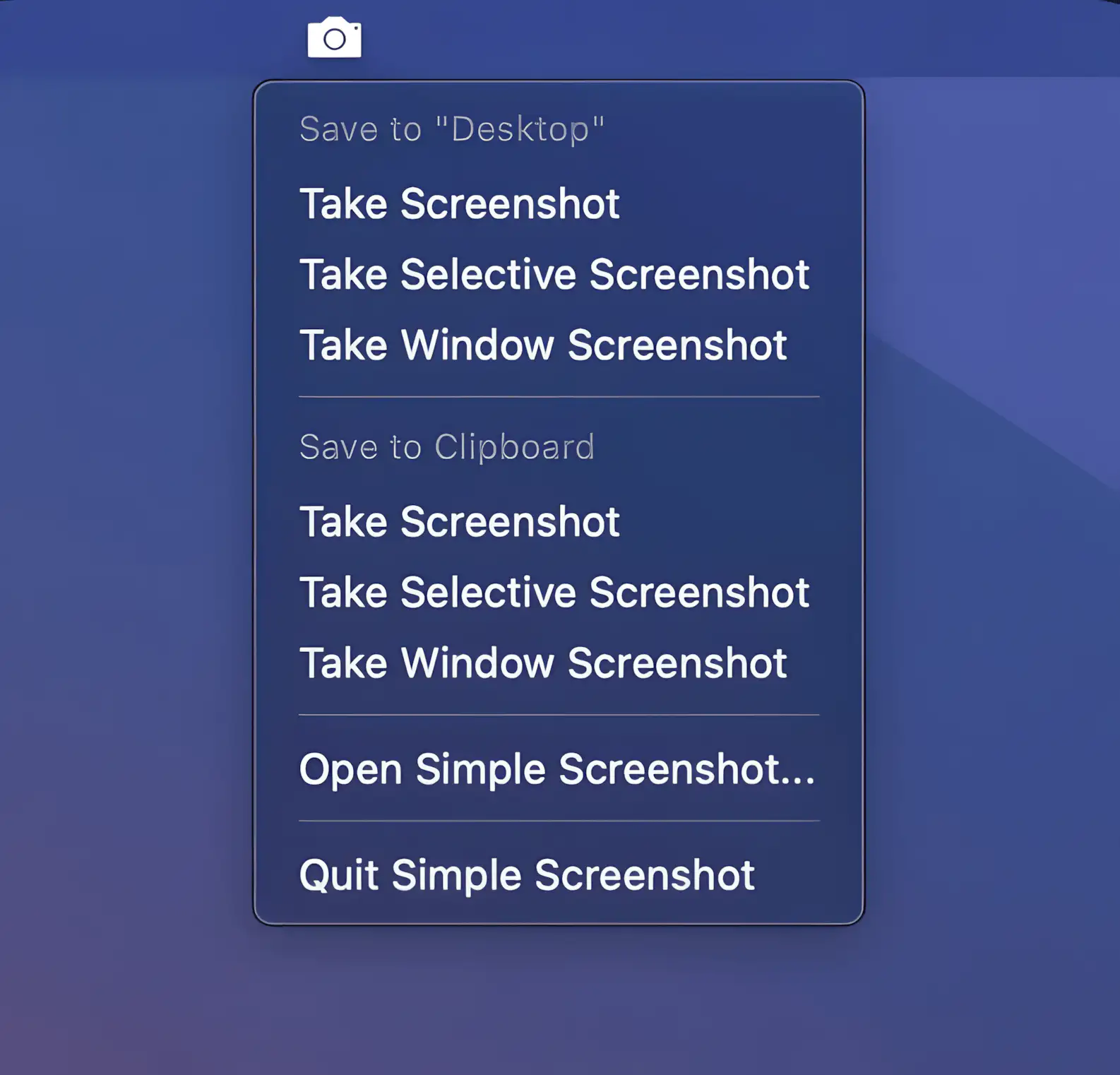
A simple screenshot tool that lives in your Mac’s menu bar. Capture screens, windows, or selections, then save them automatically to your chosen folder or the clipboard.