Collection:
Screen Capturing Apps
Ooml
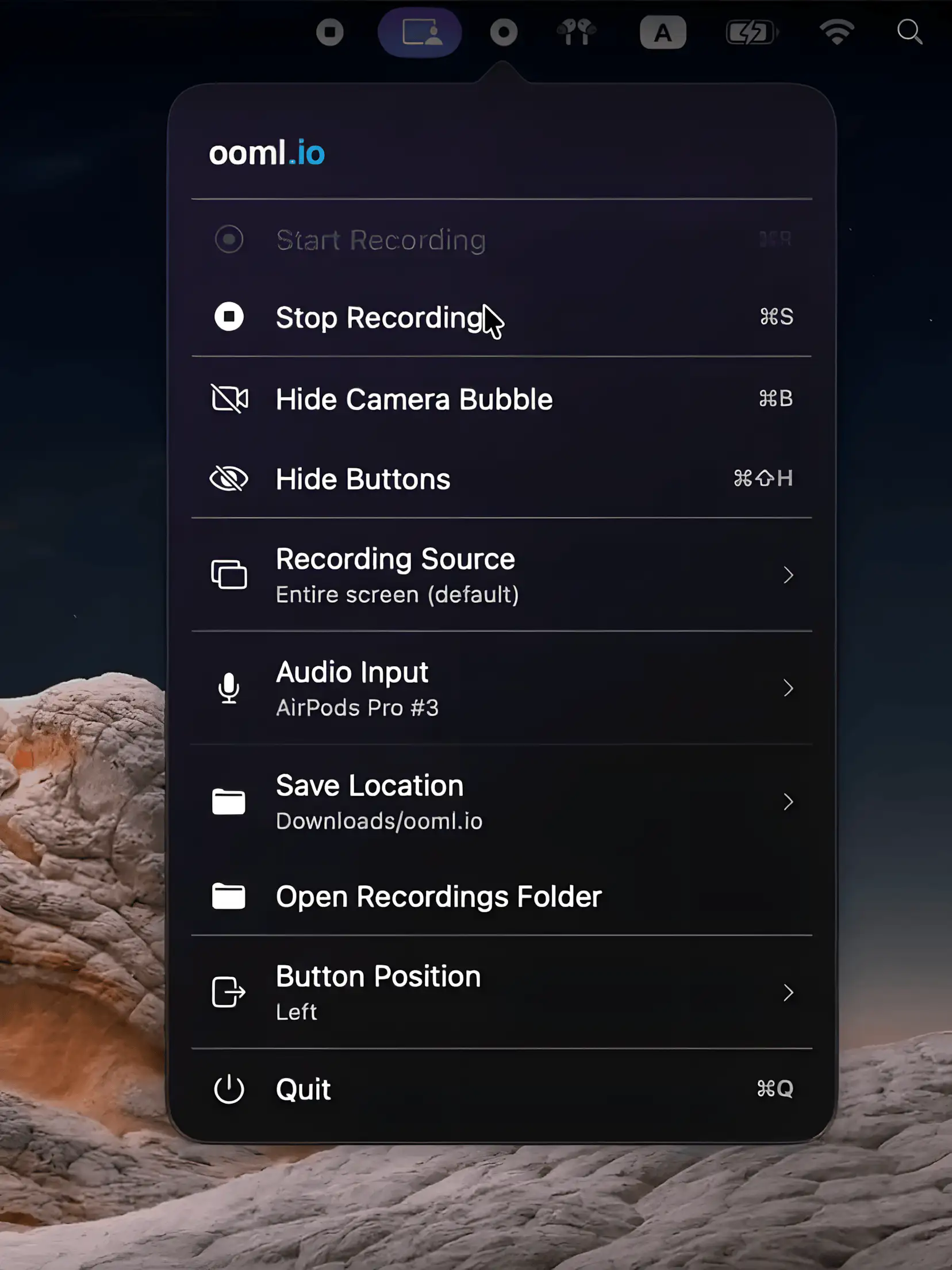
A lightweight macOS menu bar app for recording screen and face video messages offline, running quietly in the background while keeping everything local, private, and refreshingly simple.

Capture, record and share what’s on your screen instantly. Take screenshots, record video or audio, annotate visuals, recognize text, generate shareable links, or automatically organize and optimize your captures directly from your menu bar.
Capture, record and share what’s on your screen instantly. Take screenshots, record video or audio, annotate visuals, recognize text, generate shareable links, or automatically organize and optimize your captures directly from your menu bar.
A lightweight macOS menu bar app for recording screen and face video messages offline, running quietly in the background while keeping everything local, private, and refreshingly simple.
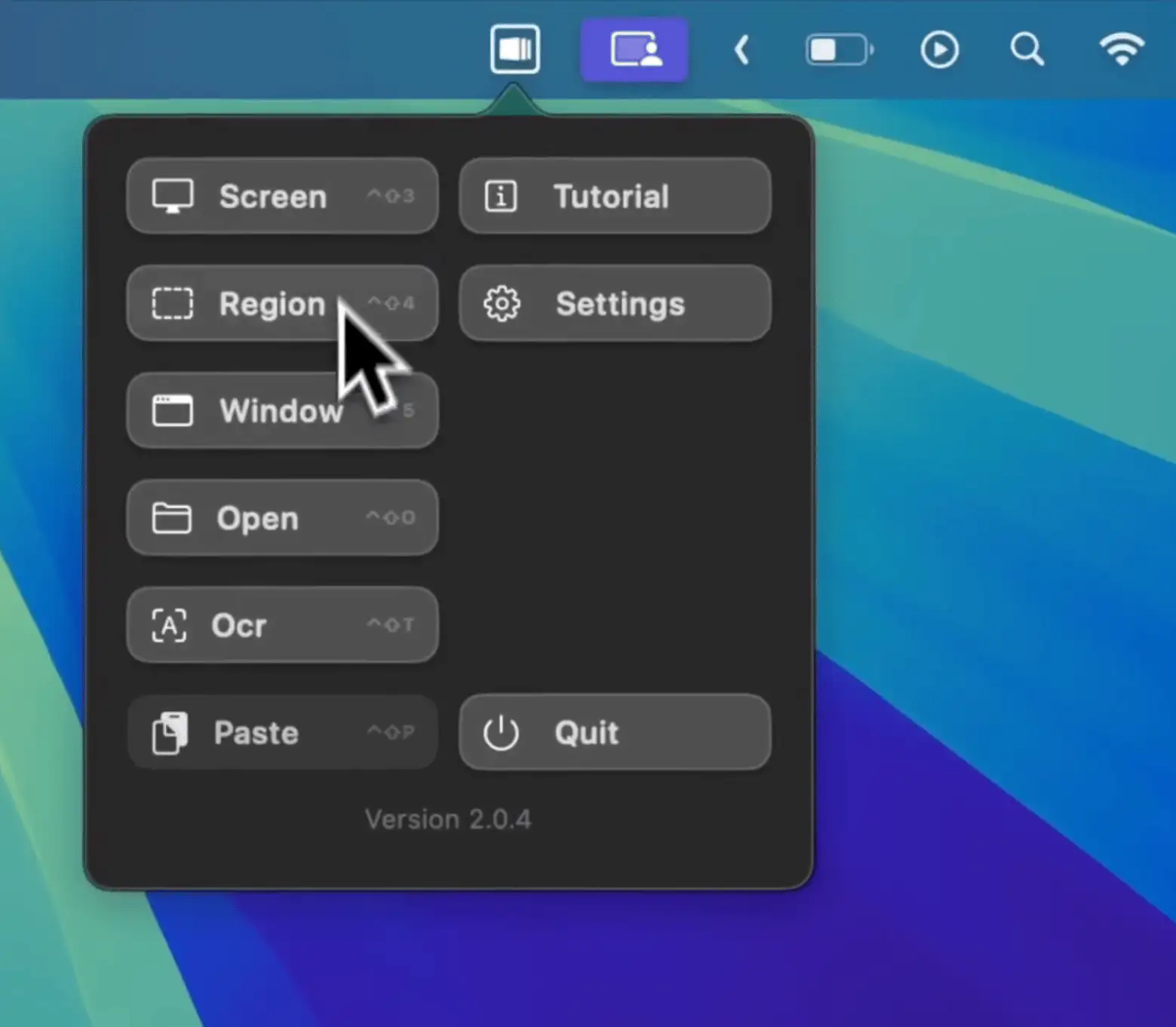
Capcha is a macOS menu bar app for capturing, enhancing, and animating screenshots, helping you turn everyday captures into polished visuals quickly, ready for sharing or presentation.

Deskeen transforms screenshots and screen recordings into effortless storytelling, combining elegance with power. From quick captures to advanced annotation, text recognition, and color picking, it redefines screen capture as seamless, meaningful communication.
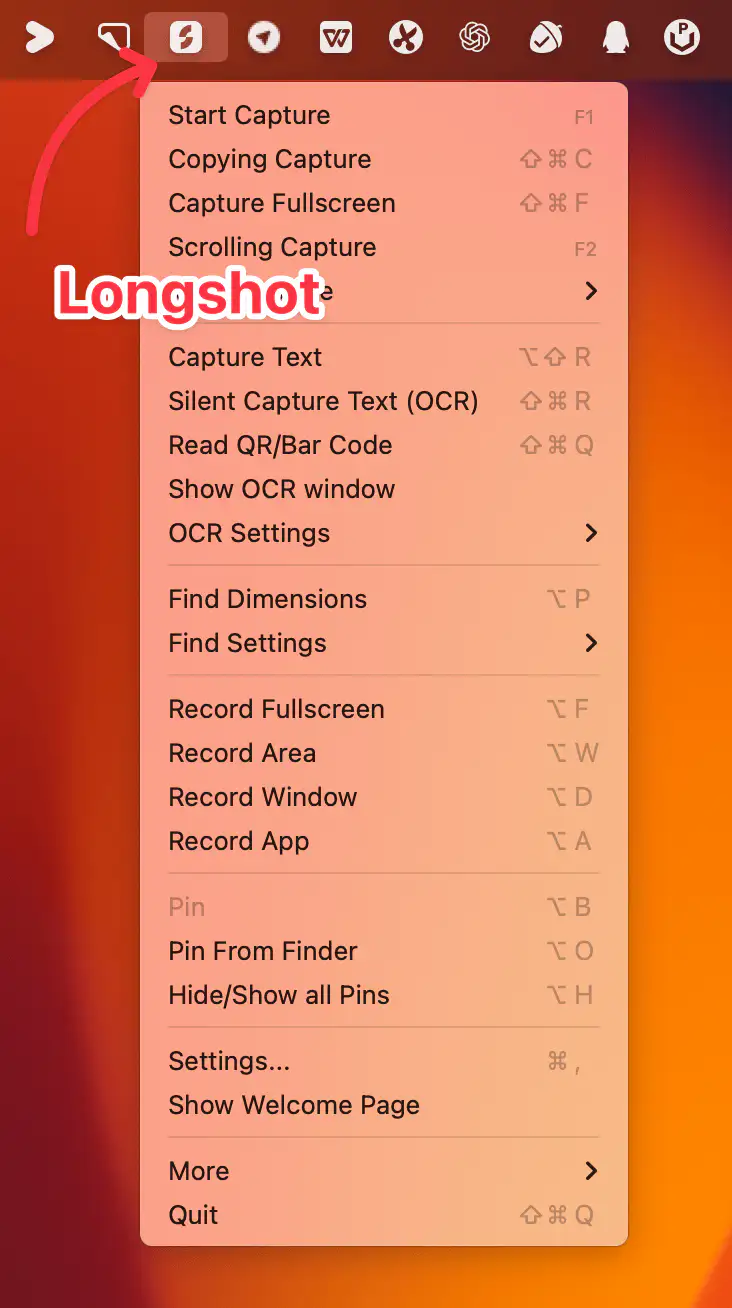
Longshot is a versatile Mac menu bar app for capturing, annotating, pinning, measuring, scrolling screenshots, OCR, and recording — making it easy to work, share, and organize visual information effortlessly.
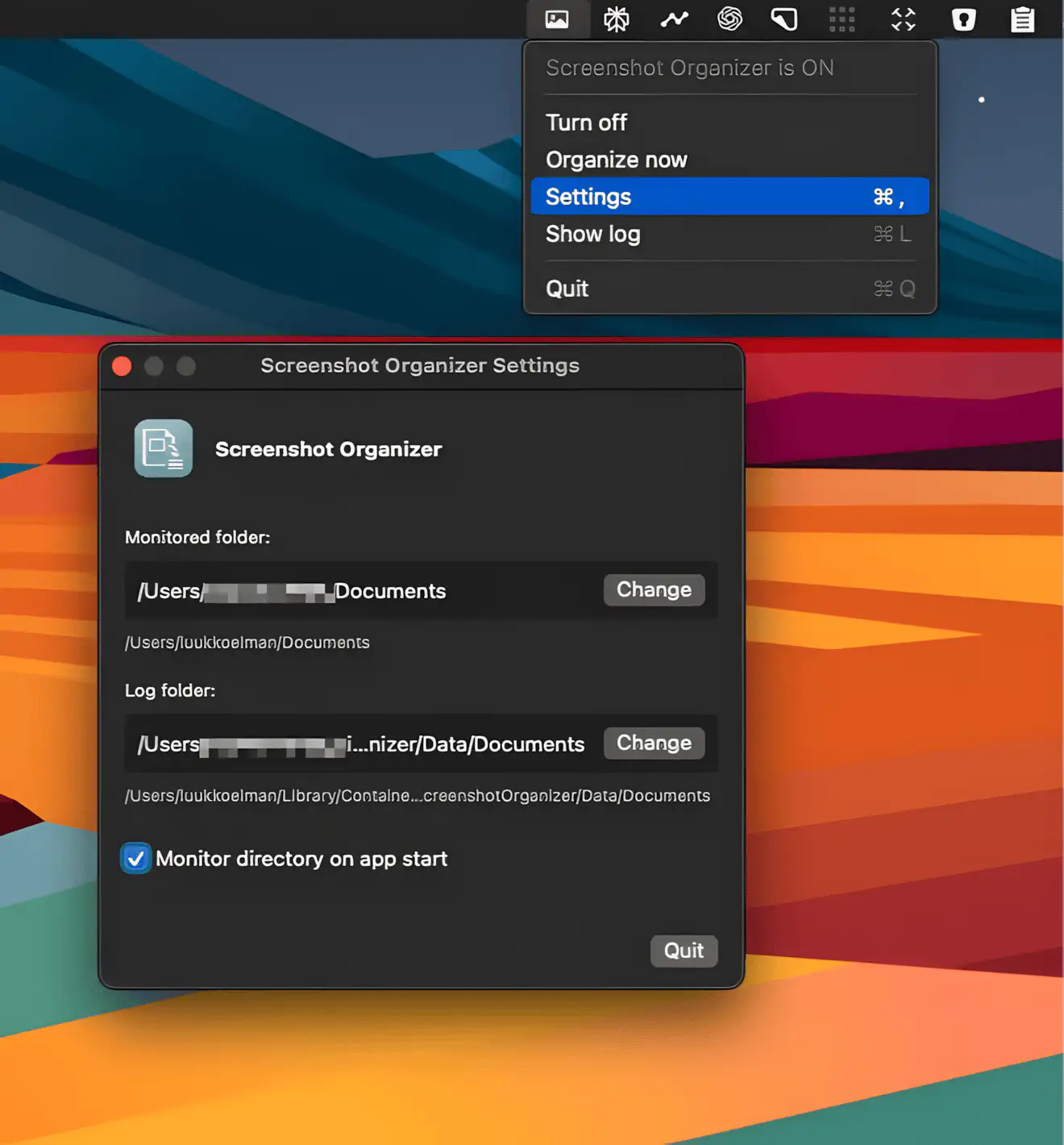
Screenshot Organizer is a menubar app that quietly keeps your screenshots and recordings neatly sorted into date-based folders, so your desktop stays clean and organized.
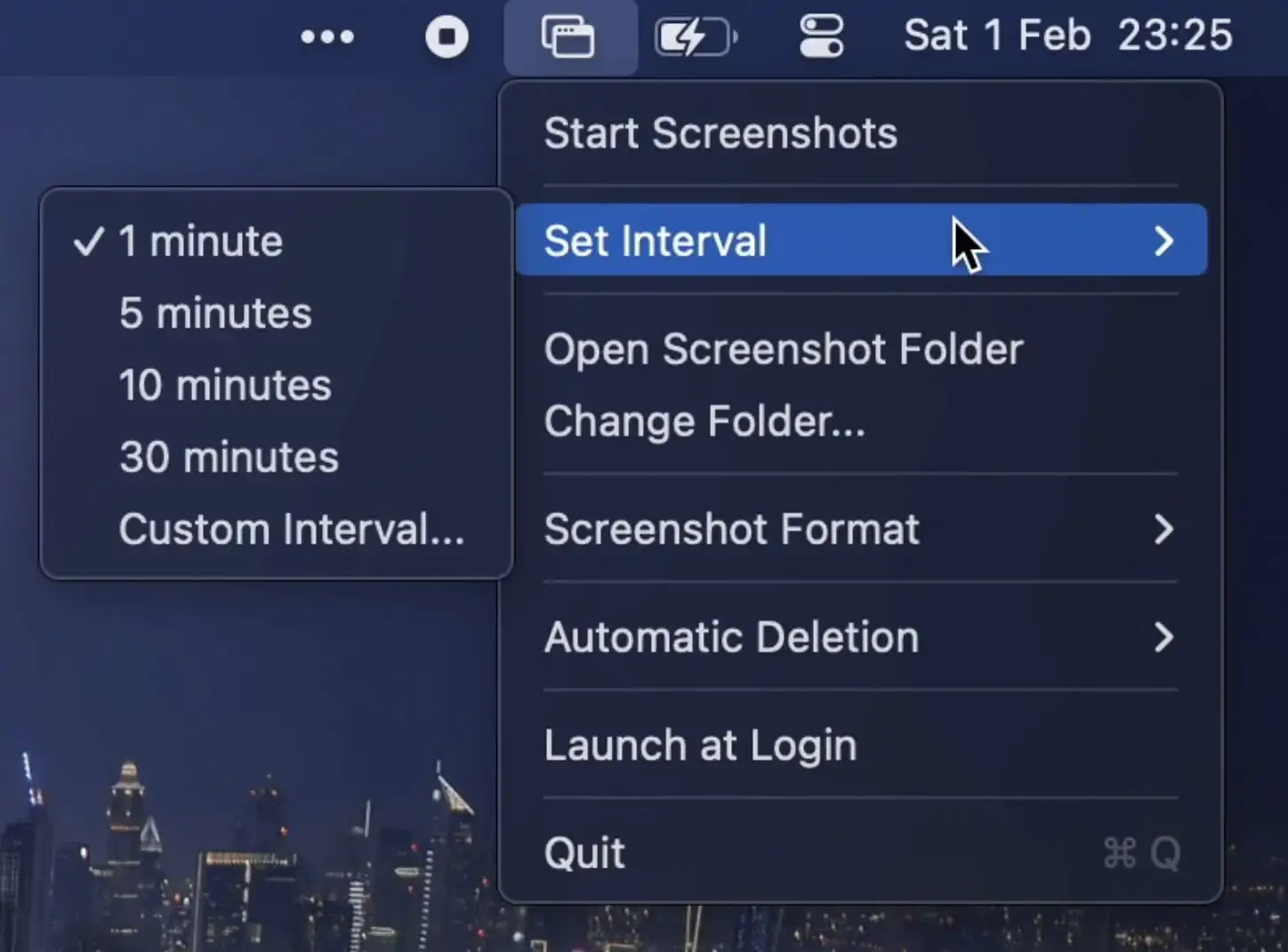
This menu bar app automatically captures screenshots at set intervals. It supports multiple displays, custom formats, and auto-deletion.

ScreenSnapAI is a fast, minimalist macOS app that uses AI to automatically organize and intelligently name your screenshots. It also lets you instantly chat about anything you capture, turning static images into useful context.