

Collection:
Window Managers
Take control of every window on your screen. Snap, resize, tile, blur, pin, group, rename Spaces, restore layouts, automate hot corners, switch between windows and tabs, and design precise multi display setups that match your workflow instead of fighting it.
Collection:
Window Managers
Screen Box
Collection:
Window Managers
Spaceman
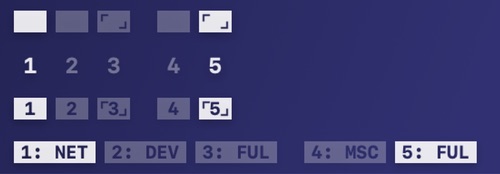
This menu bar app allows you to easily visualise your Spaces. You can see which space you are currenly on (relative to your other spaces).
Collection:
Window Managers
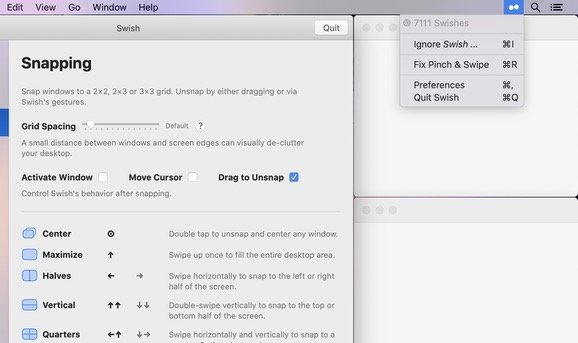
Swish
Collection:
Window Managers
Spaces Renamer
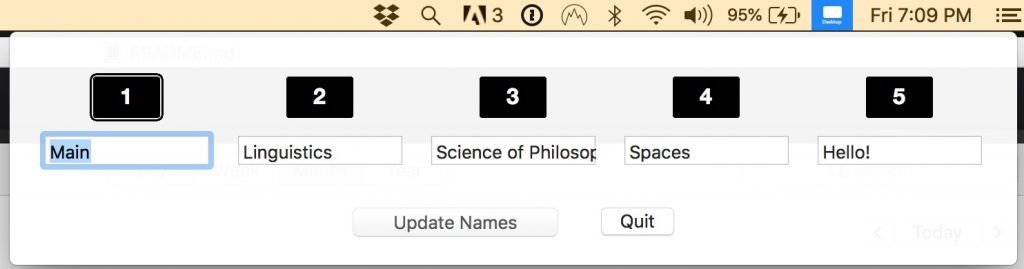
Spaces Renamer allows you to rename your spaces. The menu bar app supports multiple monitors, and highlights the current space in each monitor with an outline.
Collection:
Window Managers
windOCD
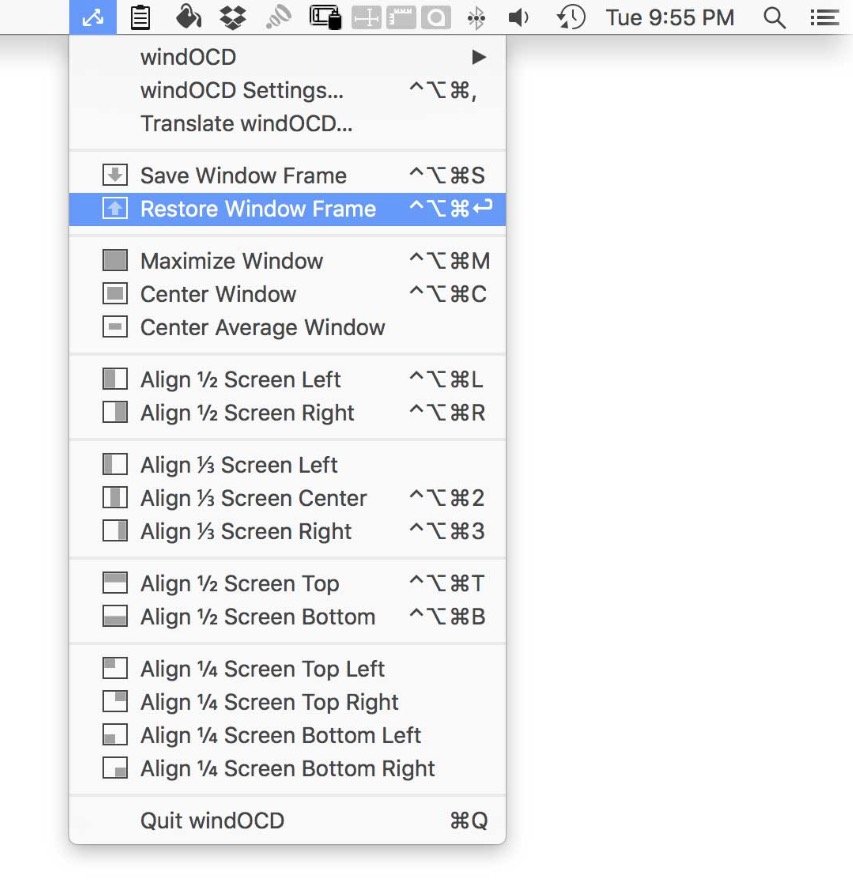
Align, arrange and move any window to your needs. WindOCD is a menu bar application that doesn’t show up in your dock.
Collection:
Window Managers
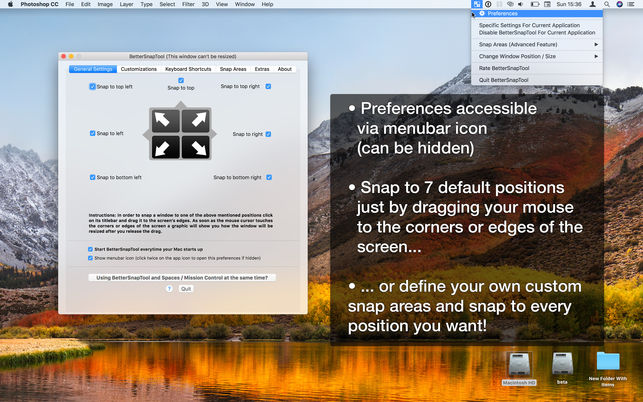
BetterSnapTool
Collection:
Window Managers
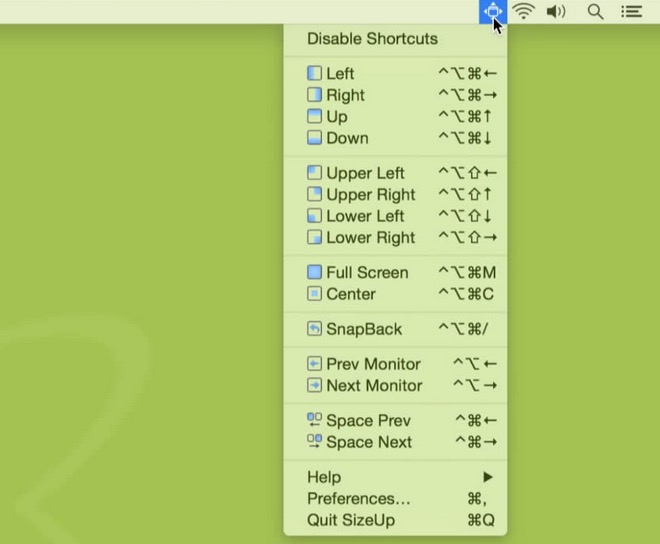
SizeUp
Collection:
Window Managers
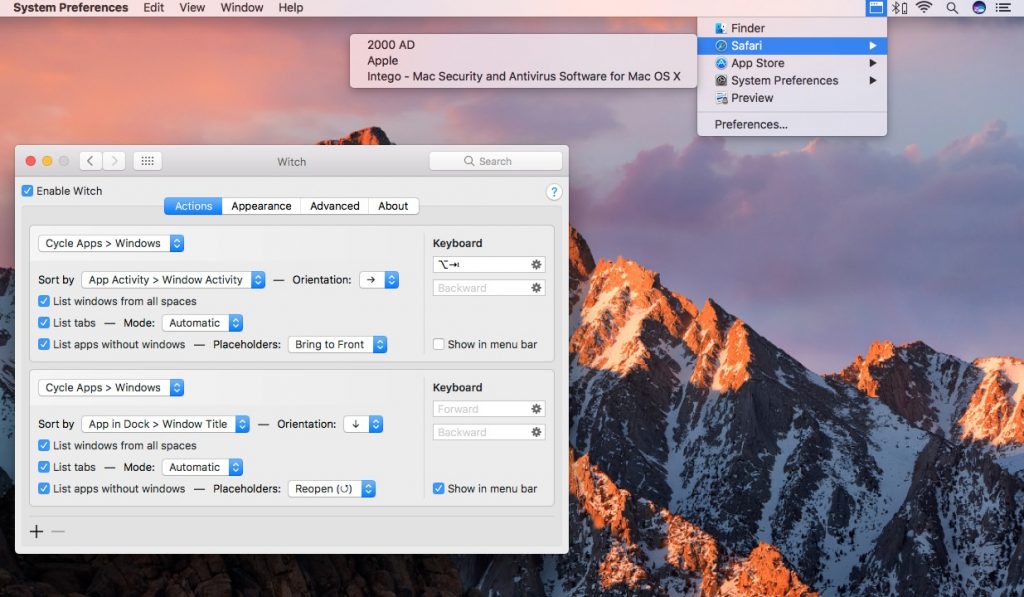
Witch
Collection:
Window Managers
