Take control of every window on your screen. Snap, resize, tile, blur, pin, group, rename Spaces, restore layouts, automate hot corners, switch between windows and tabs, and design precise multi display setups that match your workflow instead of fighting it.
Show me the free apps only
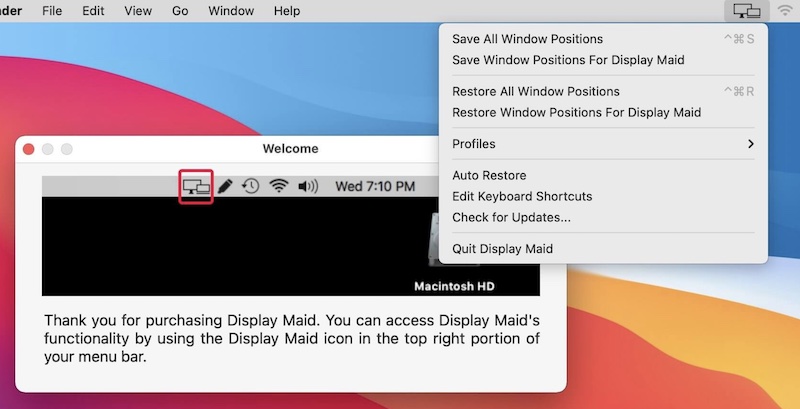
With this menu bar app you can save and restore window locations. So, when you reconnect your laptop to the external display arrangement, everything will be just as it was before. You can also create your display configuration or user created profiles.
Visit
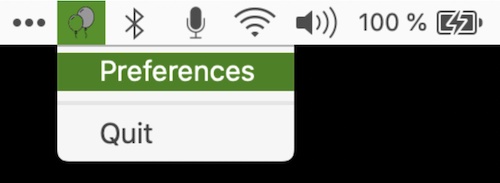
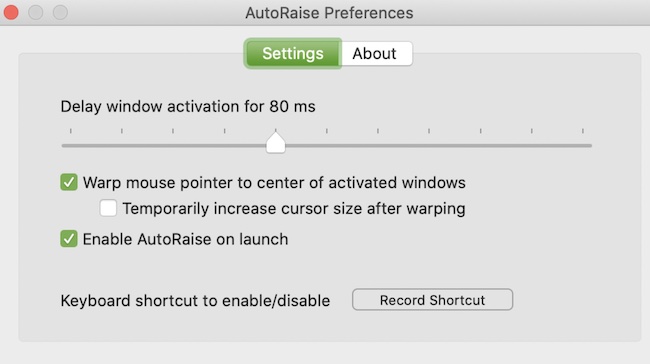
Automatically bring windows to the foreground when your cursor hovers over them for streamlined and efficient workflows without clicking for seamless integration with ease saving you time and effort every day.
Visit
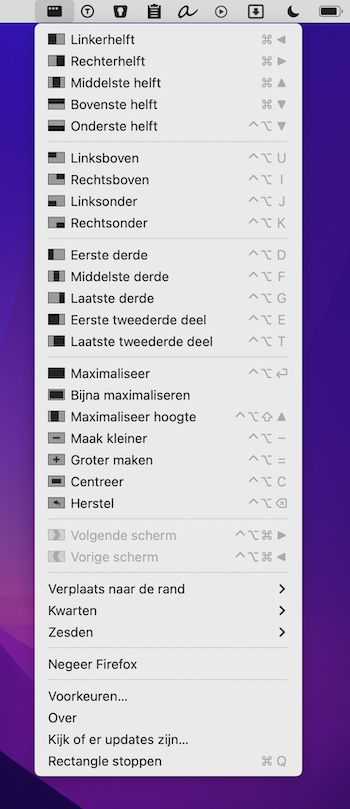
Move and resize windows in macOS using keyboard shortcuts or snap areas. The free version of Rectangle already feels like a pro-user application.
Visit Watch
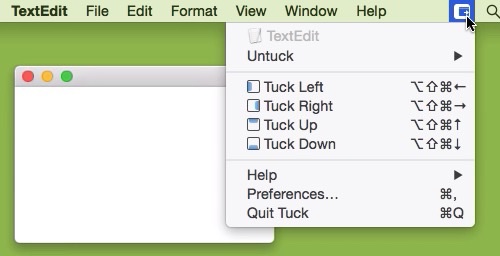
Tuck allows you to quickly and simply clear multi-window clutter by hiding windows under your screen edges.
Visit Watch
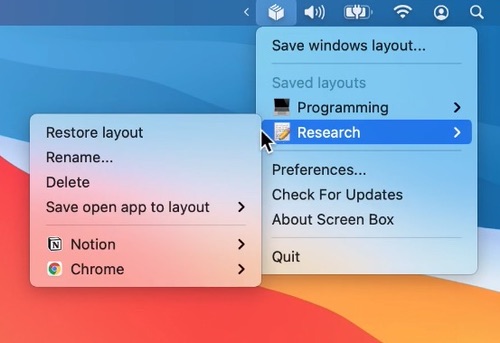
Need to pause your work? Screen Box remembers the apps on your screen. So after a fresh start, instead of having to open and position them all over again, you can return to your previous layout with just one click.
Visit Watch
End of content
End of content